


Learn Russian
Play on PC with BlueStacks – the Android Gaming Platform, trusted by 500M+ gamers.

Page Modified on: Dec 6, 2020
Run Learn Russian Free on PC or Mac
Let BlueStacks turn your PC, Mac, or laptop into the perfect home for Learn Russian Free, a fun Education app from MetaLanguage.
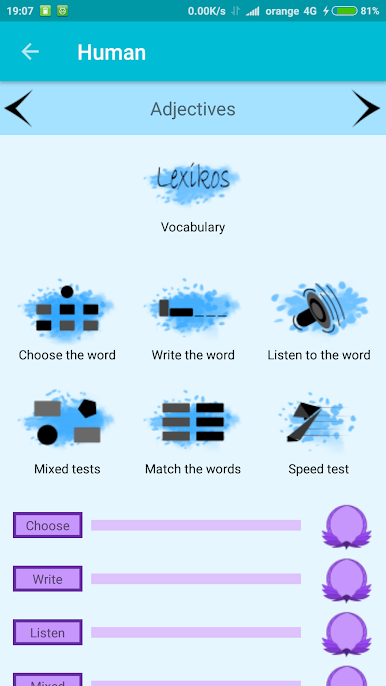
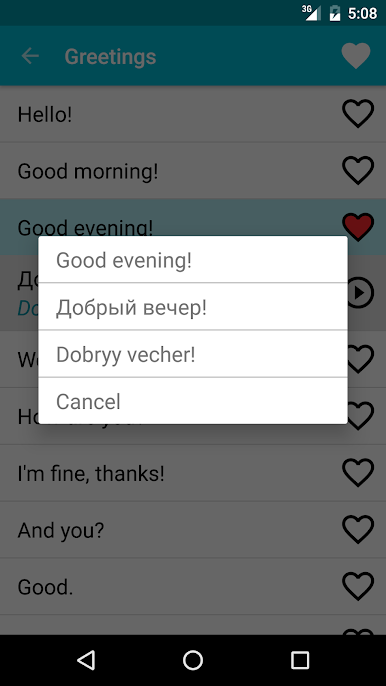
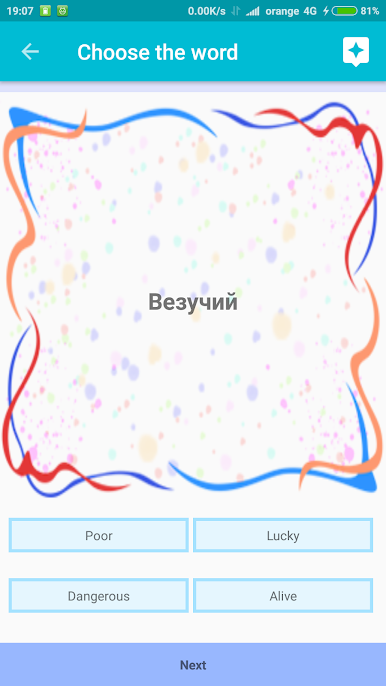
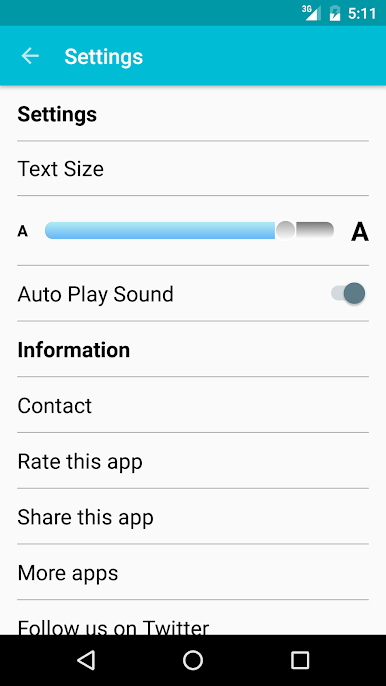
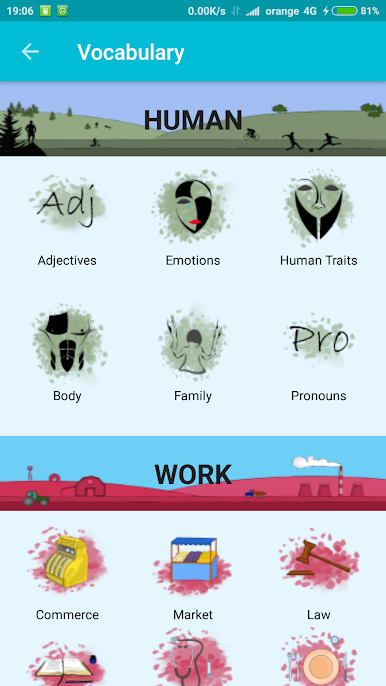
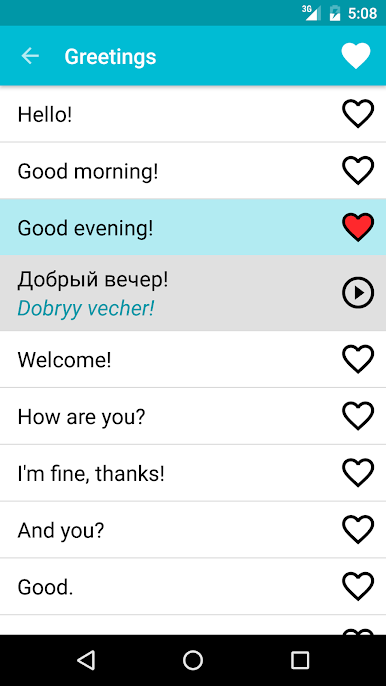
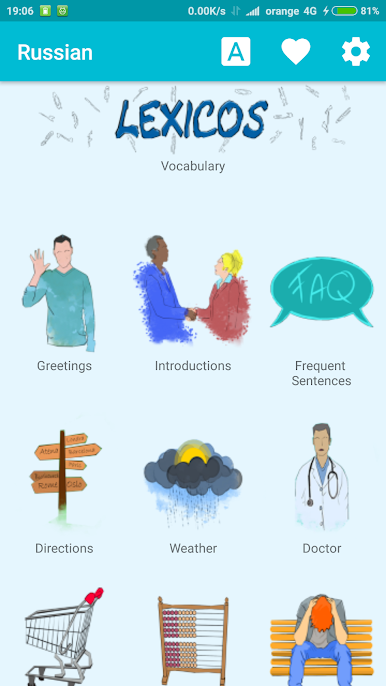
Learn Russian Free is a pretty straightforward way to pick up some Russian vocabulary and phrases, whether someone’s just starting out or already knows a bit. The whole thing feels really laid back — there’s no sign up stress or tricky menus. It just opens up with a list of useful words and phrases, and all the translations sound natural since they’re done by actual native speakers, which is a relief. There are different sections for different situations, so if someone’s planning a trip or just wants to study things like food, directions, greetings, it’s easy to find what to practice.
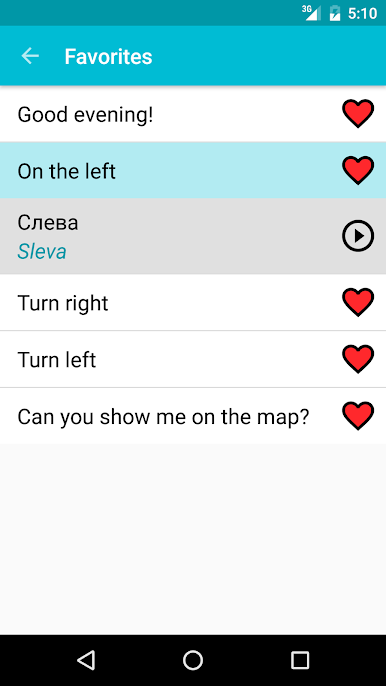
Another handy part is that favorites list — anything that looks useful can be saved, so it’s faster to review later. There isn’t a constant push to be online, either, since it works without WiFi or data. Using it on PC with BlueStacks makes the text a lot easier to read, and clicking around with a mouse is smooth, especially for longer study sessions. There aren’t a ton of bells and whistles but, honestly, sometimes it’s nice when an app just focuses on helping learn at one’s own pace, and doesn’t make things complicated. It’s mostly all about learning new words, practicing pronunciation, and keeping things simple.
Ready to experience Learn Russian Free on a bigger screen, in all its glory? Download BlueStacks now.
Play Learn Russian on PC. It’s easy to get started.
-
Download and install BlueStacks on your PC
-
Complete Google sign-in to access the Play Store, or do it later
-
Look for Learn Russian in the search bar at the top right corner
-
Click to install Learn Russian from the search results
-
Complete Google sign-in (if you skipped step 2) to install Learn Russian
-
Click the Learn Russian icon on the home screen to start playing

