

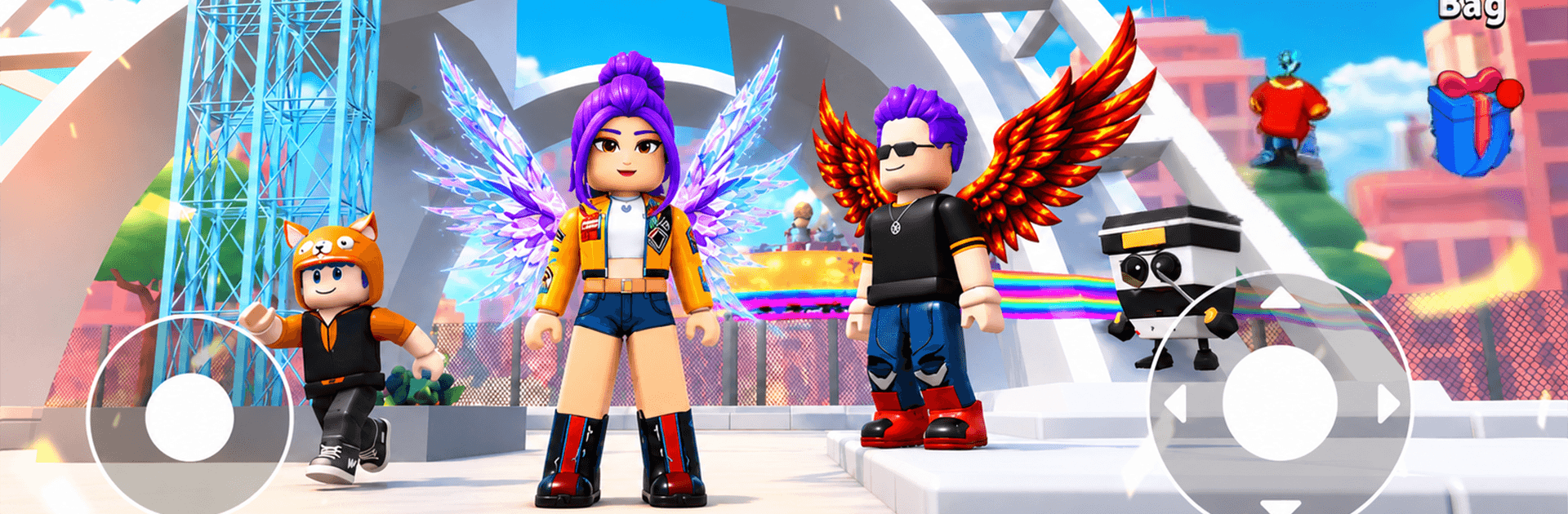
Climb & Jump: Obby 3D Tower
Play on PC with BlueStacks – the Android Gaming Platform, trusted by 500M+ gamers.

Page Modified on: Oct 7, 2026
Play Climb & Jump: Obby 3D Tower on PC or Mac
Climb & Jump: Obby 3D Tower by Metagame.Ltd has plenty to keep you busy. BlueStacks lets you play it on PC or Mac with more screen space, better control, and fewer mobile limits.
About the Game
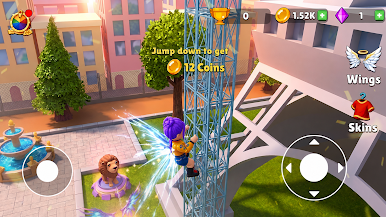
Climb & Jump: Obby 3D Tower is an Adventure game all about scaling wild obstacle towers with tight jumps, quick climbs, and a steady dose of parkour chaos. It’s a fast, playful challenge where every floor introduces a new twist—think moving platforms, sneaky traps, and moments that make you say, “Okay, one more try.” Prefer a keyboard? It also feels great on BlueStacks if you like that setup.
Game Features
- Fluid Parkour Controls: Run narrow beams, time precision jumps, and latch onto ladders with snappy handling that rewards rhythm.
- Towers With Personality: Tackle stacked stages filled with moving platforms, bounce pads, rotating hazards, and cinematic views as you rise.
- Wings That Change the Game: Equip wings to glide through tough sections, correct midair mistakes, and trim precious seconds off your run.
- Collectible Pets With Perks: Hatch and level up cute companions that boost things like speed, jump height, or your loot haul.
- Upgrades That Matter: Spend your earnings on power-ups—faster sprints, stronger jumps, and better stamina to push higher than before.
- Race, Retry, Improve: Quick restarts keep momentum high, making it easy to learn routes, refine timing, and chase cleaner runs.
- Satisfying Slides Down: Tag the summit, then coast back to the base on smooth slides that feel like a reward for making it.
- Play Sessions That Fit: Jump in for a quick climb or settle in for long grinds—pick a tower, set a goal, and go for it.
Ready to top the leaderboard? We bet you do. Let precise controls and sharp visuals optimized on BlueStacks lead you to victory.
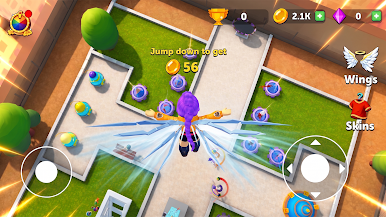

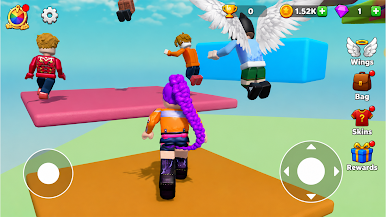
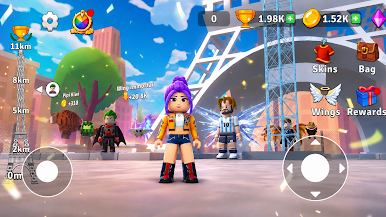
Play Climb & Jump: Obby 3D Tower on PC. It’s easy to get started.
-
Download and install BlueStacks on your PC
-
Complete Google sign-in to access the Play Store, or do it later
-
Look for Climb & Jump: Obby 3D Tower in the search bar at the top right corner
-
Click to install Climb & Jump: Obby 3D Tower from the search results
-
Complete Google sign-in (if you skipped step 2) to install Climb & Jump: Obby 3D Tower
-
Click the Climb & Jump: Obby 3D Tower icon on the home screen to start playing

