

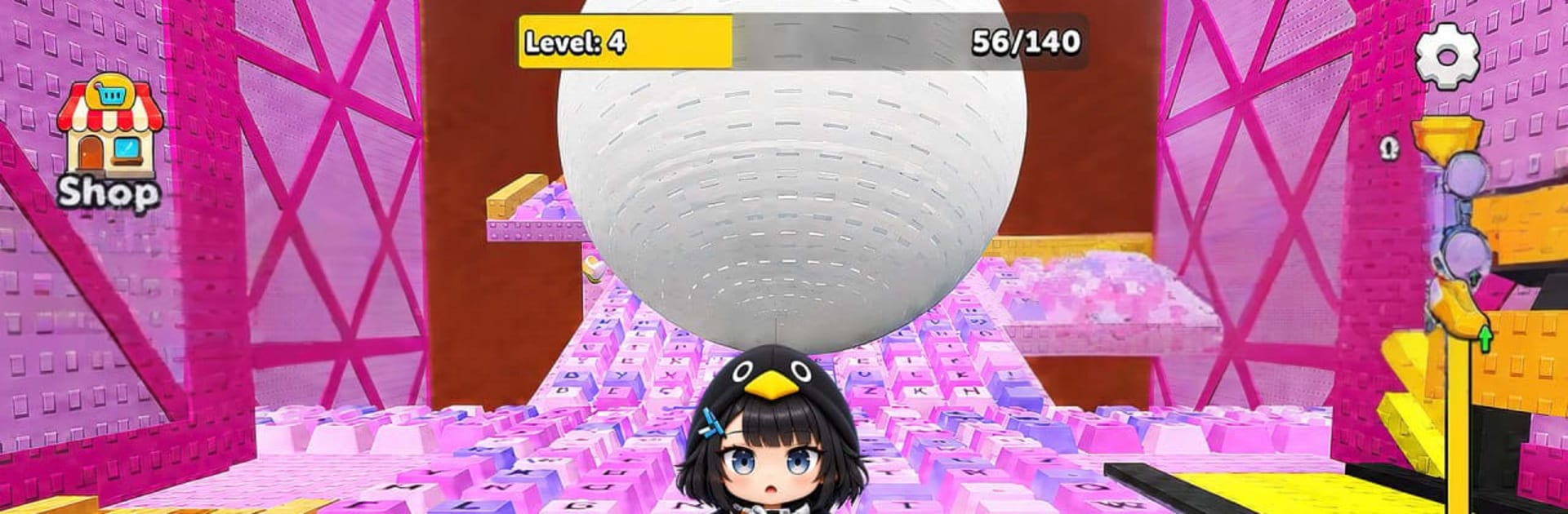
Keyboard Escape: +1 Speed ASMR
Play on PC with BlueStacks – the Android Gaming Platform, trusted by 500M+ gamers.

Page Modified on: Sep 16, 2026
Play Gugu Gaga: Keyboard Escape on PC or Mac
Play Gugu Gaga: Keyboard Escape by Goldoint on PC or Mac with BlueStacks. Use a bigger screen, mouse and keyboard controls, and smoother performance while you play.
About the Game
Gugu Gaga: Keyboard Escape throws you into a high-stakes chase where every jump, sidestep, and split-second decision matters. This Simulation leans into pure reflex play: outrun a roaring wall of water while weaving through tricky courses that keep changing pace. It plays great on its own, and it feels extra snappy with keyboard controls on PC via BlueStacks.
Game Features
- Wave-at-your-back pressure: A colossal surge is always closing in, so you’re never just running—you’re surviving under constant time pressure.
- Simple, responsive controls: Pick-up-and-play inputs keep you focused on clean jumps, tight landings, and clutch saves when things get messy.
- Obby-style obstacle courses: Navigate moving platforms, swinging hazards, sneaky traps, and awkward gaps that love to punish hesitation.
- Endless, escalating run: The farther you go, the faster it gets, with denser obstacles that demand sharper timing and cooler nerves.
- Precision over panic: Learn patterns, read platforms on the fly, and thread impossible-looking lines with confidence as your skills click.
- Score-chasing fun: Push past your best distance, refine routes, and shave off mistakes to prove you can outrun the wave a little longer.
- Fast restarts, no fuss: Miss a jump? You’re back in instantly, ready to fix what went wrong and try a smarter route.
- Lightweight and smooth play: Quick loads and steady performance keep the action flowing, even when the course gets wild.
- BlueStacks-friendly setup: Prefer a keyboard? It feels natural here, letting you fine-tune movement and keep your rhythm steady.
BlueStacks gives you more room to focus on the game and less time adjusting around mobile limitations.
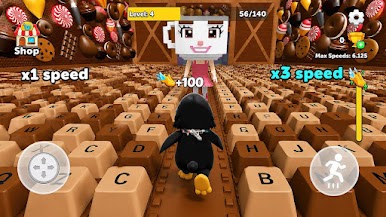
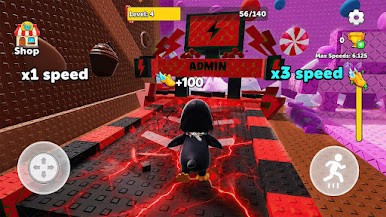
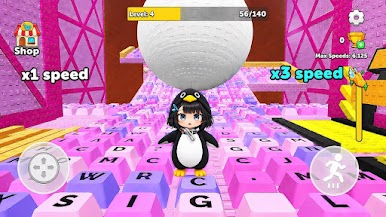
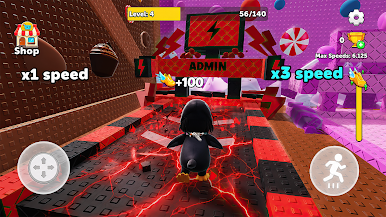
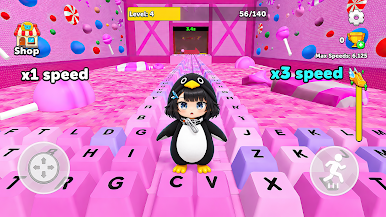
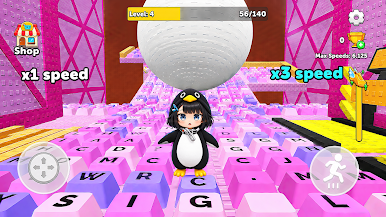
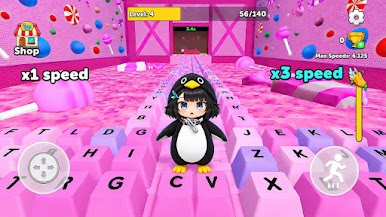
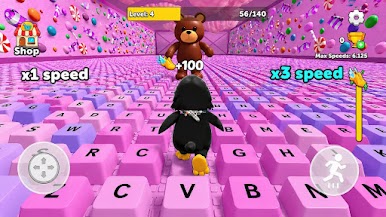
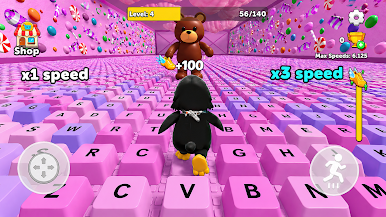
Play Keyboard Escape: +1 Speed ASMR on PC. It’s easy to get started.
-
Download and install BlueStacks on your PC
-
Complete Google sign-in to access the Play Store, or do it later
-
Look for Keyboard Escape: +1 Speed ASMR in the search bar at the top right corner
-
Click to install Keyboard Escape: +1 Speed ASMR from the search results
-
Complete Google sign-in (if you skipped step 2) to install Keyboard Escape: +1 Speed ASMR
-
Click the Keyboard Escape: +1 Speed ASMR icon on the home screen to start playing

