


Prison Escape: 3D Obby Parkour
Play on PC with BlueStacks – the Android Gaming Platform, trusted by 500M+ gamers.

Page Modified on: Mar 2, 2026
Play Prison Escape: 3D Obby Parkour on PC
🎮 How to Play:
- Swipe to run, jump, and slide through each course
- Avoid traps and obstacles with perfect timing
- Finish levels to unlock new challenges and fresh ways to play
🔥 Features:
- Smooth controls & realistic parkour mechanics
- Bright, colorful 3D graphics with immersive designs
- Hundreds of creative levels and maps to explore
- Unique game modes: Color Block, Obby Lava, Prison Escape, and Hide n Seek
- Earn rewards as you progress and customize your escape with cool unlocks
🚀 Ready to laugh, rage, and win your way out? Download Prison Escape 3D Obby Parkour now and prove you’re the real Jump Master! 💪
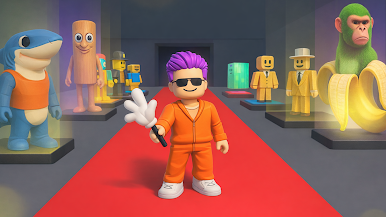

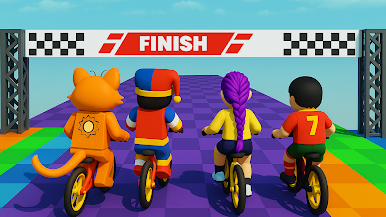
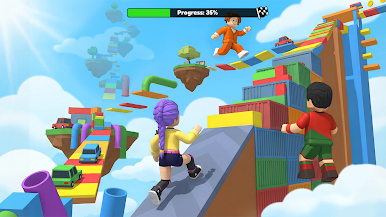
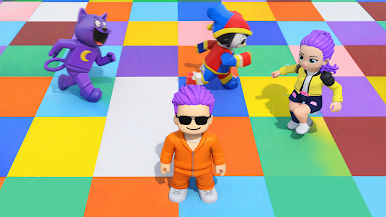
Play Prison Escape: 3D Obby Parkour on PC. It’s easy to get started.
-
Download and install BlueStacks on your PC
-
Complete Google sign-in to access the Play Store, or do it later
-
Look for Prison Escape: 3D Obby Parkour in the search bar at the top right corner
-
Click to install Prison Escape: 3D Obby Parkour from the search results
-
Complete Google sign-in (if you skipped step 2) to install Prison Escape: 3D Obby Parkour
-
Click the Prison Escape: 3D Obby Parkour icon on the home screen to start playing

