


Soccer Crush
Play on PC with BlueStacks – the Android Gaming Platform, trusted by 500M+ gamers.

Page Modified on: Mar 9, 2026
Play Soccer Crush on PC
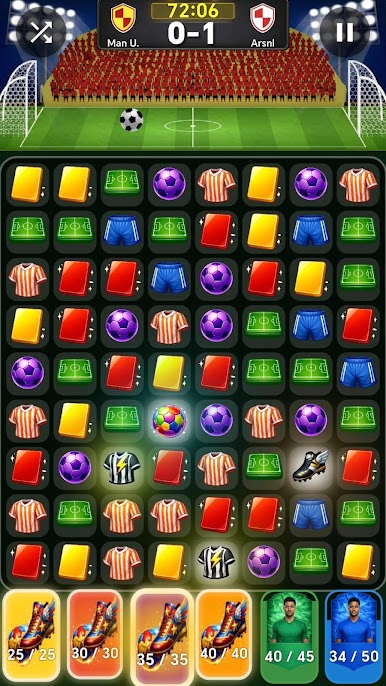
Get ready for a unique experience that combines football excitement with match-based puzzle gameplay.
Make matches to control the action on the pitch and lead your team to victory.
🟡 Create scoring chances
🔴 Stop your opponent’s attacks
🟢 Use special combinations for powerful plays
Every match you make represents an action on the field.
Plan your strategy, make the right moves, and dominate the match.
🔥 Features
⚽ Football-themed match puzzle gameplay
🧩 Fun and strategic mechanics
🎯 Match simulation shaped by your moves
💥 Special combinations and powerful bonuses
🏆 Every match is a new challenge
Make the right matches, control the game, and lead your team to victory!
This is not an official app. This is a fan-made football game.
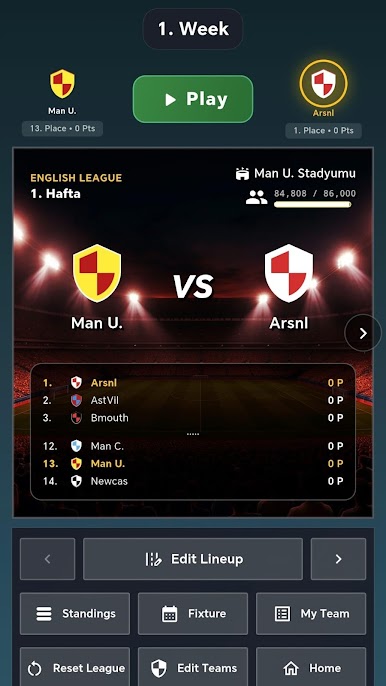
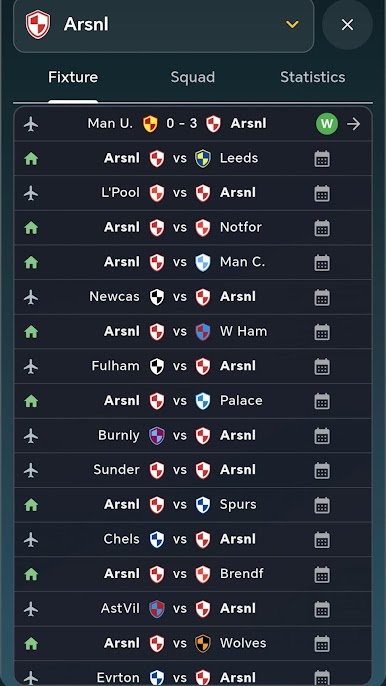
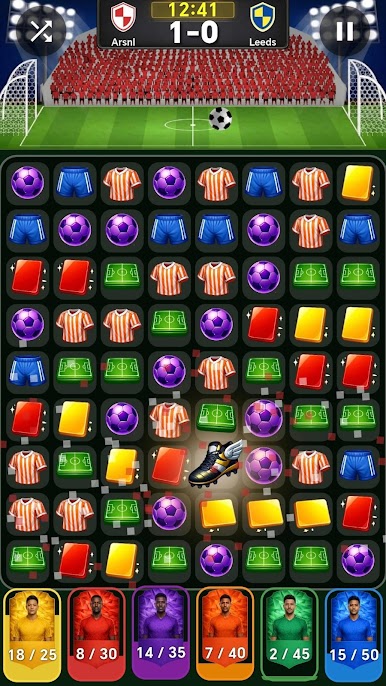
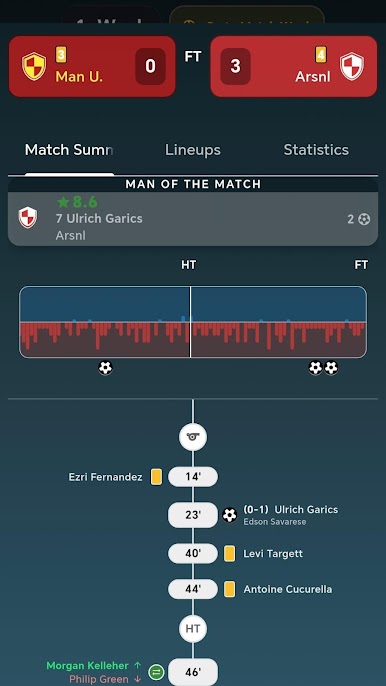
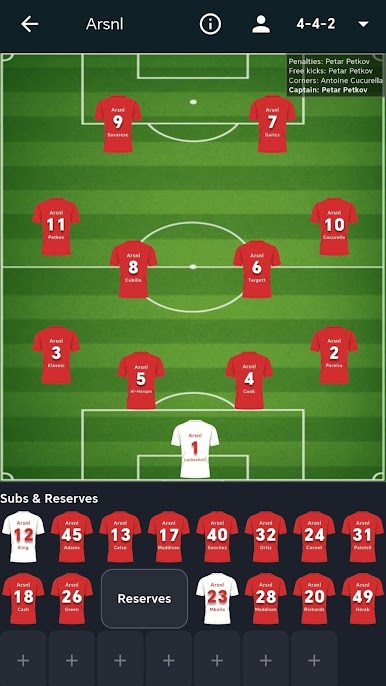
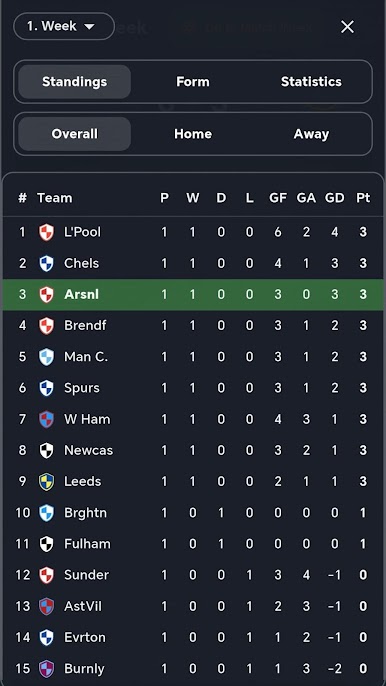
Play Soccer Crush on PC. It’s easy to get started.
-
Download and install BlueStacks on your PC
-
Complete Google sign-in to access the Play Store, or do it later
-
Look for Soccer Crush in the search bar at the top right corner
-
Click to install Soccer Crush from the search results
-
Complete Google sign-in (if you skipped step 2) to install Soccer Crush
-
Click the Soccer Crush icon on the home screen to start playing

