


Merge Teahouse:Journey
Play on PC with BlueStacks – the Android Gaming Platform, trusted by 500M+ gamers.

Page Modified on: Mar 5, 2026
Main Merge Teahouse:Journey on PC
A Teahouse Full of StoriesWelcome to a world where tea culture meets creative merge gameplay. In this teahouse, every merge, every cup of tea, and every story come together to create a relaxing yet exciting adventure.
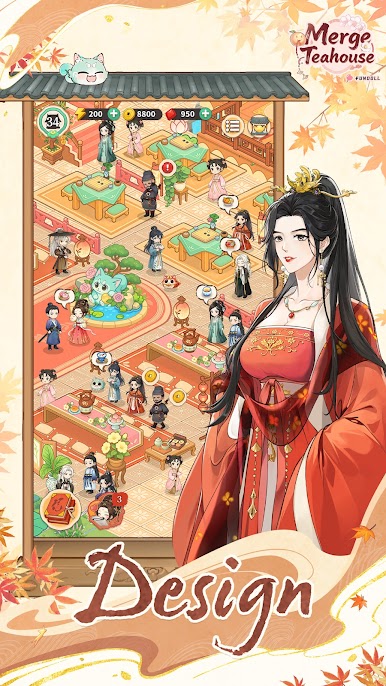
Relax in an Elegant AtmosphereStep into a beautifully designed teahouse inspired by Chinese tradition. Enjoy classical décor, soothing tea aromas, and engaging merge tasks that bring both calm and fun.
Merge and DiscoverCombine ingredients and items to unlock new teas, tools, and decorations. Each merge helps you progress in the story, revealing secrets of the teahouse and tea culture.
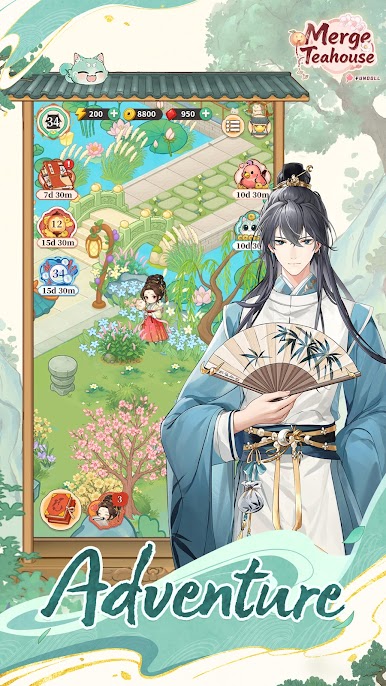
Follow the Journey of TeaExperience the full process of tea—from planting and harvesting to brewing. Complete merge tasks to unlock new varieties, each carrying its own story and cultural background.
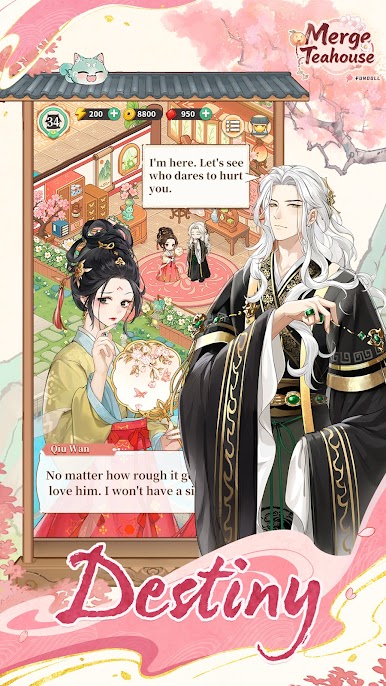
Unfold Engaging StoriesMeet different characters, uncover hidden tales, and learn the legacy of a tea family. With every chapter, the teahouse grows richer in culture and charm.
Challenges and RewardsTake on special merge challenges to free the tea spirits and revive traditional rituals. Each success brings valuable rewards and new opportunities to expand your teahouse.
Play with Friends or Relax AloneWhether you enjoy lighthearted play or sharing progress with friends, the teahouse is a space for both. Compete, collaborate, or simply enjoy a quiet moment surrounded by tea.
Events and Cultural ActivitiesJoin seasonal events to experience tea ceremonies and cultural showcases. Each event adds variety to the gameplay while letting you discover the beauty of tea traditions.
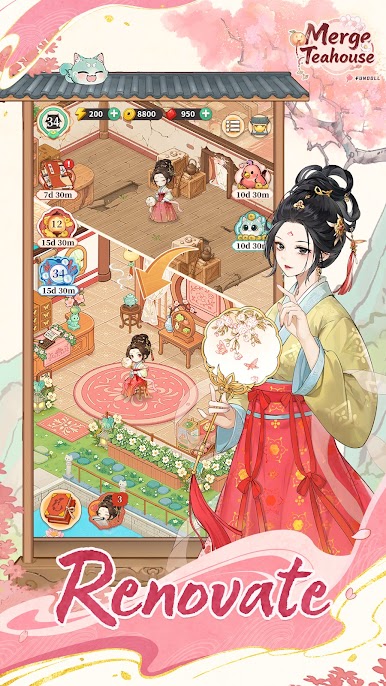
Build Your Own Tea LegacyDecorate your teahouse, collect unique teas and tea ware, and create a place that reflects your own style. As your teahouse grows, so does your legacy in this enchanting world.



Play Merge Teahouse:Journey on PC. It’s easy to get started.
-
Download and install BlueStacks on your PC
-
Complete Google sign-in to access the Play Store, or do it later
-
Look for Merge Teahouse:Journey in the search bar at the top right corner
-
Click to install Merge Teahouse:Journey from the search results
-
Complete Google sign-in (if you skipped step 2) to install Merge Teahouse:Journey
-
Click the Merge Teahouse:Journey icon on the home screen to start playing

