

Deadly Battlefield
Play on PC with BlueStacks – the Android Gaming Platform, trusted by 500M+ gamers.

Page Modified on: Mar 23, 2026
Play Deadly Battlefield on PC or Mac
Explore a whole new adventure with Deadly Battlefield, a Adventure game created by Jordan Now TV. Experience great gameplay with BlueStacks, the most popular gaming platform to play Android games on your PC or Mac.
About the Game
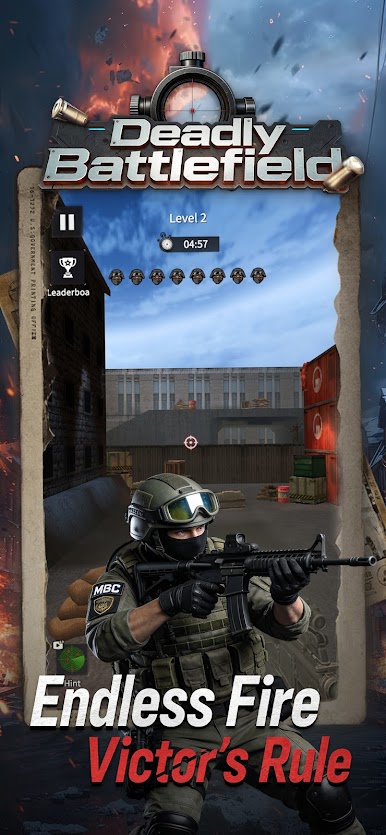
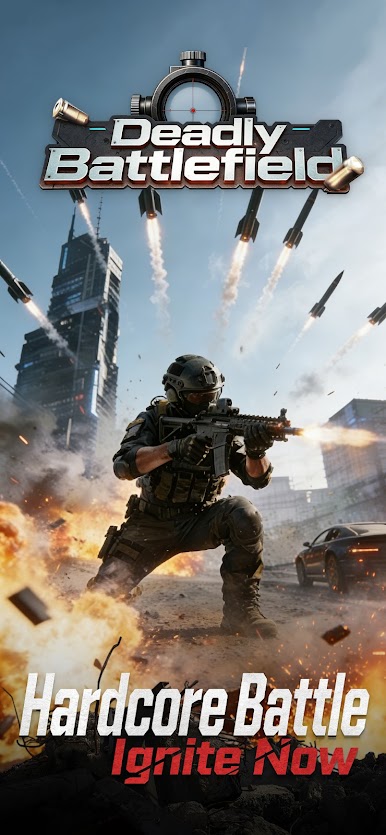
Deadly Battlefield is all about tense, tactical gunfights where every decision—and every bullet—matters. It’s an Adventure game from Jordan Now TV that puts you in fast, focused encounters: switch weapons on the fly, clear out enemies, and stay alive under pressure. Prefer aiming with a mouse? It plays smoothly on PC through BlueStacks, too.
Game Features
- Tight Tactical Combat: Fights are quick and punishing. Miss your chance, and the enemy won’t.
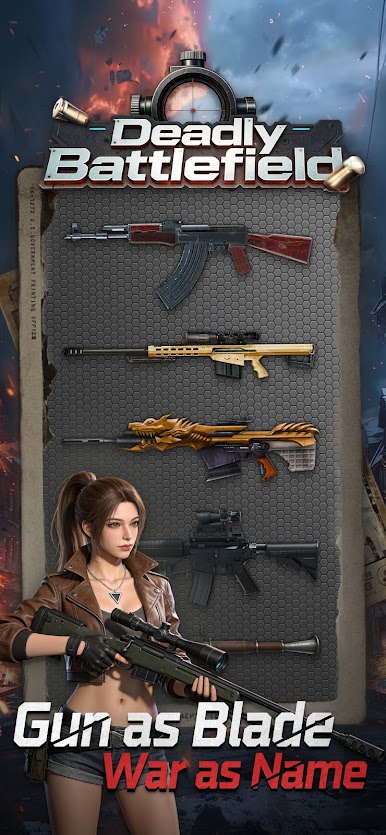
- Two-Gun Flexibility: Swap between an assault rifle for mid-range control and a sniper rifle for long, careful picks without digging through menus.
- Grenades and Rockets: Use explosives to flush enemies out of cover or finish clustered targets in one hit.
- Snipe Voldemort Mode: Hunt down hidden soldiers before the clock runs out. It’s part puzzle, part precision test—spot, aim, eliminate.
- Time Pressure That Counts: In timed missions, every second is a decision. Scan faster, shoot smarter, and don’t waste shots.
- High Stakes Health: If your health hits zero, that run’s over. Use cover, pace your reloads, and choose your moments.
- Clear Victory Condition: Wipe out all hostiles to win. No busywork—just clean objectives and crisp firefights.
- Realistic Feel: Recoil, timing, and shot placement matter. The better your aim, the faster you control the field.
- PC-Friendly Option: Want steadier aim and custom keybinds? Fire it up on BlueStacks and play with desktop controls.
Slay your opponents with your epic moves. Play it your way on BlueStacks and dominate the battlefield.
Play Deadly Battlefield on PC. It’s easy to get started.
-
Download and install BlueStacks on your PC
-
Complete Google sign-in to access the Play Store, or do it later
-
Look for Deadly Battlefield in the search bar at the top right corner
-
Click to install Deadly Battlefield from the search results
-
Complete Google sign-in (if you skipped step 2) to install Deadly Battlefield
-
Click the Deadly Battlefield icon on the home screen to start playing

