


Idle Ball Escape: Smash Rings
Play on PC with BlueStacks – the Android Gaming Platform, trusted by 500M+ gamers.

Page Modified on: Jul 31, 2026
Play Idle Ball Escape on PC or Mac
Join millions to experience Idle Ball Escape, an exciting Arcade game from TeaGames!. With BlueStacks App Player, you are always a step ahead of your opponent, ready to outplay them with faster gameplay and better control with the mouse and keyboard on your PC or Mac.
Idle Ball Escape is a laid back arcade puzzler where the player guides a tiny ball through stacked rings and odd little contraptions, aiming to break free at the end. Each stage tweaks the rules in a simple way, so one level might let the ball bounce through open gaps while another adds moving gates, sticky pads, or color rings that only behave a certain way. It ends up being a rhythm thing more than raw precision, watch the timing, bump the ball at the right moment, slide through, and it all feels clean when it clicks.
The presentation leans soothing rather than loud. Soft pops, gentle swishes, and that neat ASMR-style sound when the ball threads a ring make it easy to zone out for a few minutes, then a few more. The challenge ramps up, but it does not feel mean, restarts are quick and the levels are short, so the loop stays relaxed. On PC through BlueStacks, the bigger screen helps with seeing the ring layouts clearly, and mouse control feels steady for those small nudges. It suits short sessions between other tasks, though it is very easy to keep saying just one more run. If a calm puzzle with light physics and tiny satisfying sounds sounds good, this one lands.
Make your gaming sessions memorable with precise controls that give you an edge in close combats and visuals that pop up, bringing every character to life.
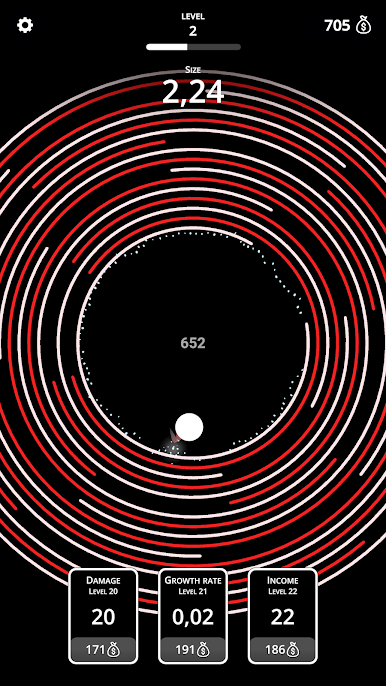
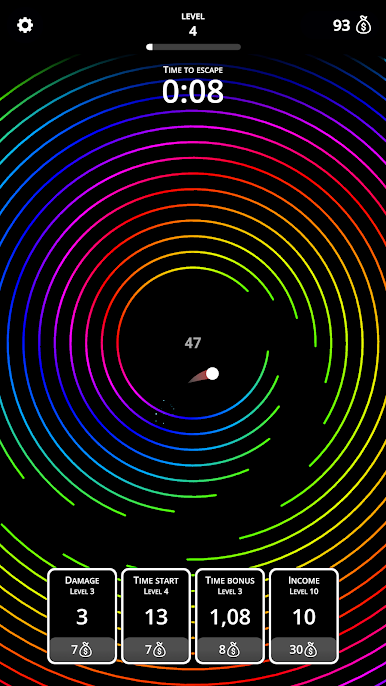
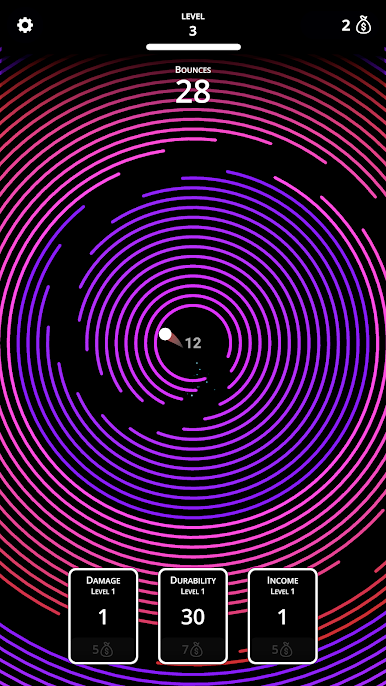
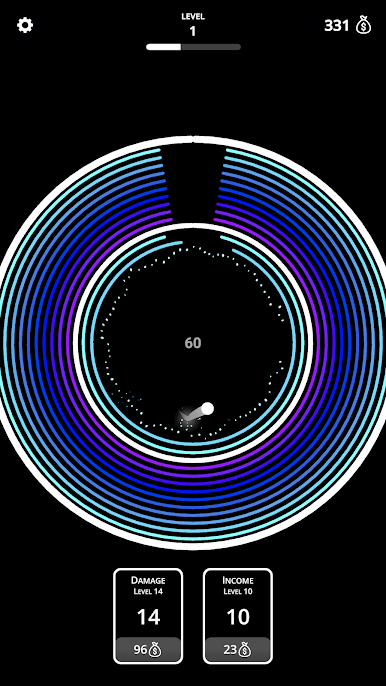
Play Idle Ball Escape: Smash Rings on PC. It’s easy to get started.
-
Download and install BlueStacks on your PC
-
Complete Google sign-in to access the Play Store, or do it later
-
Look for Idle Ball Escape: Smash Rings in the search bar at the top right corner
-
Click to install Idle Ball Escape: Smash Rings from the search results
-
Complete Google sign-in (if you skipped step 2) to install Idle Ball Escape: Smash Rings
-
Click the Idle Ball Escape: Smash Rings icon on the home screen to start playing

