


Microsoft Bing Search
Play on PC with BlueStacks – the Android Gaming Platform, trusted by 500M+ gamers.

Page Modified on: Sep 22, 2026
Main Microsoft Bing Search on PC
Introducing Copilot Search in Bing
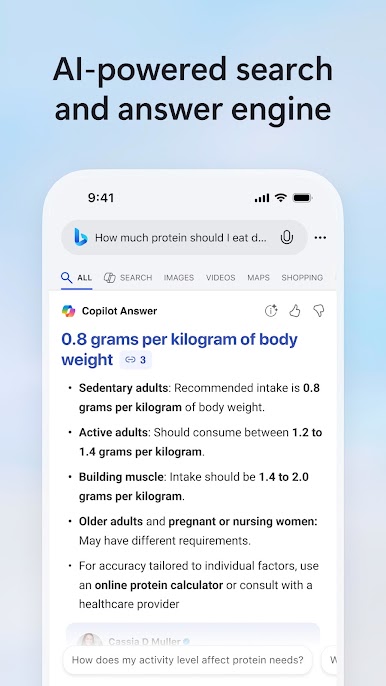
Copilot Search in Bing brings AI to search where clear answers and key information are quickly curated at the top of your search results. Kickstart your next discovery with a new search to unlock the possibilities of where your curiosity can take you.
Unlock answers faster
Copilot Search in Bing brings intelligence to search so you can spend less time searching and more time discovering. Depending on your query, you’ll get an easy-to-scan layout of information, a summary of the most critical points, or a clear answer. No more hunting across the web.
Explore deeper
Need to dive deeper? The next answer or new angle is waiting for you with helpful web links and clickable follow-up topics. It brings the best of traditional and generative search together to help you find what you need – and discover more.
Discover confidently
Perfect for when you want to go heads-down to write a paper, learn something new, explore a passion project, or simply let your curiosity wonder. Choose from a variety of suggested queries to start your journey or simply start a new search to harness the power of AI to get curated results.
Try Copilot Search in Bing today!
All the highlights
New homepage: Stay updated on topics you're following, and get quick access to Microsoft features
Copilot Search in Bing: Seamlessly find a topic to explore within your everyday search flow
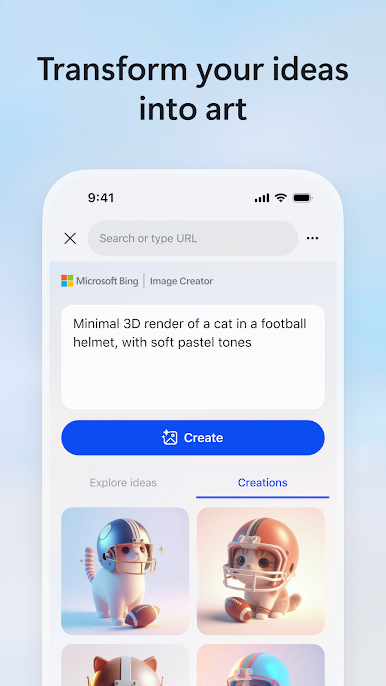
Image Creator: Create images from words with AI
Visual search: Search right from your camera or by uploading a picture
Voice search: Tap the mic icon and use your voice to search
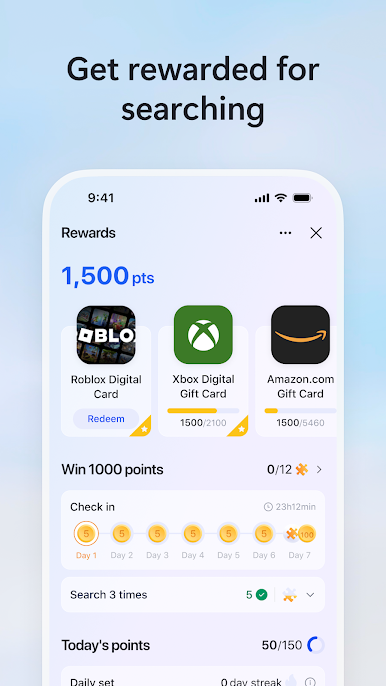
Microsoft Rewards: Earn more rewards is easy, simple, and fun. Just search with the Microsoft Bing app and you’ll earn faster than ever
Weather: See the forecast for today and the week ahead
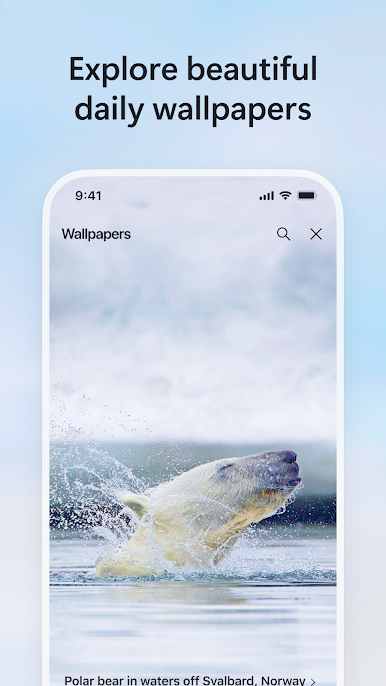
Wallpaper: Pick from a collection of beautiful images featured on the Bing homepage
Functions mentioned above not available in all markets, actual features and display contents may vary.
Play Microsoft Bing Search on PC. It’s easy to get started.
-
Download and install BlueStacks on your PC
-
Complete Google sign-in to access the Play Store, or do it later
-
Look for Microsoft Bing Search in the search bar at the top right corner
-
Click to install Microsoft Bing Search from the search results
-
Complete Google sign-in (if you skipped step 2) to install Microsoft Bing Search
-
Click the Microsoft Bing Search icon on the home screen to start playing

