


GPS Essentials
Play on PC with BlueStacks – the Android Gaming Platform, trusted by 500M+ gamers.

Page Modified on: Feb 23, 2025
Play GPS Essentials on PC
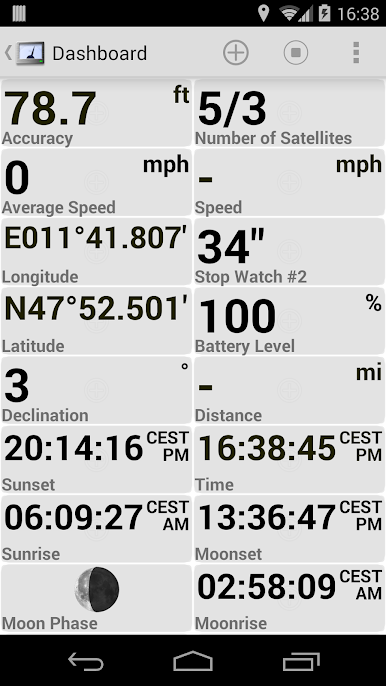
❧❧❧❧❧ Dashboard ❧❧❧❧❧
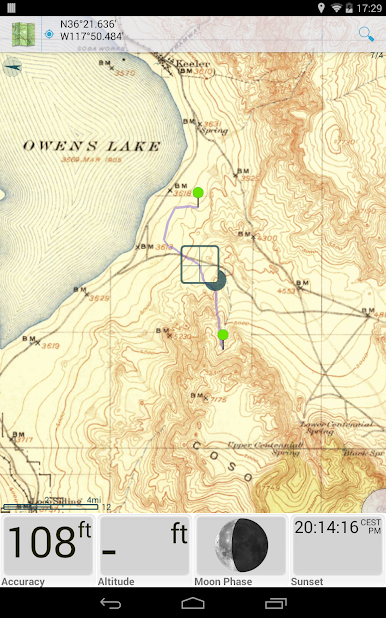
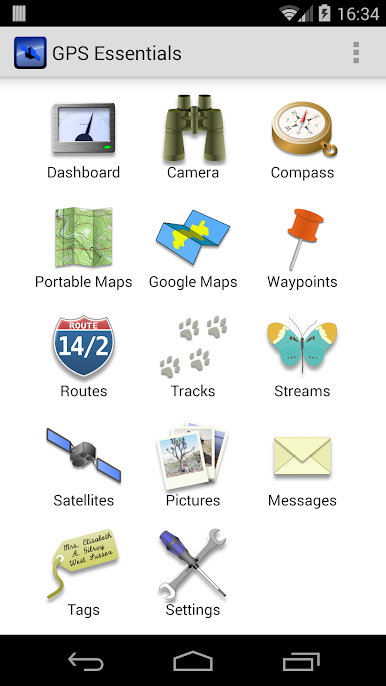
Shows navigation values such as: Accuracy, Altitude, Speed, Battery, Bearing, Climb, Course, Date, Declination, Distance, ETA, Latitude, Longitude, Max Speed, Min Speed, Actual Speed, True Speed, Sunrise, Sunset, Moonset, Moonrise, Moon Phase, Target, Time, TTG, Turn.
❧❧❧❧❧ Compass ❧❧❧❧❧
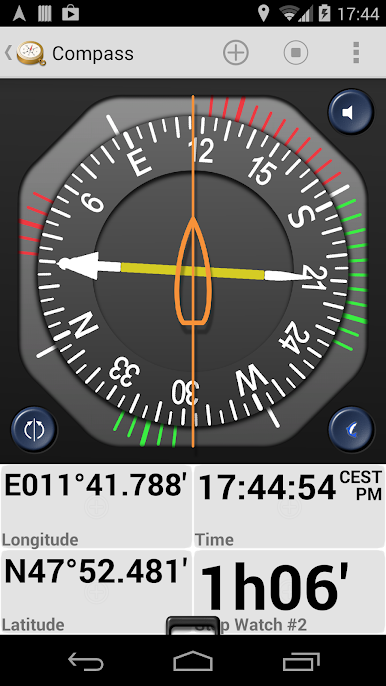
Show the orientation of the earth's magnetic field, shows an arbitrary tracking angle and the current target. Also a marine orienteering compass.
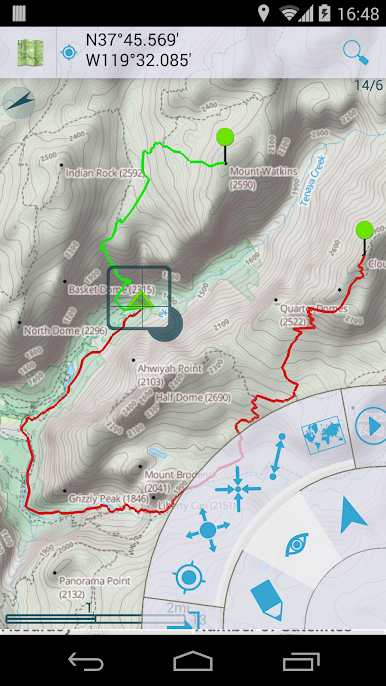
❧❧❧❧❧ Tracks ❧❧❧❧❧
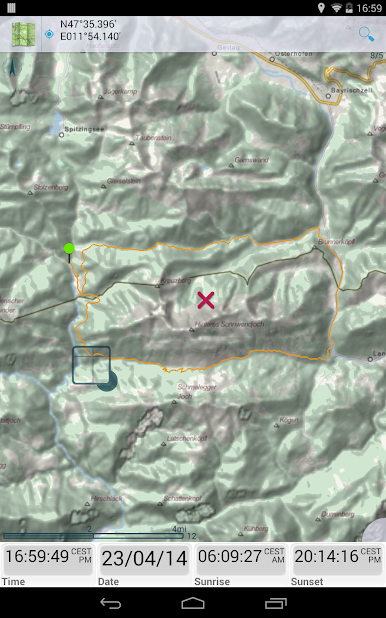
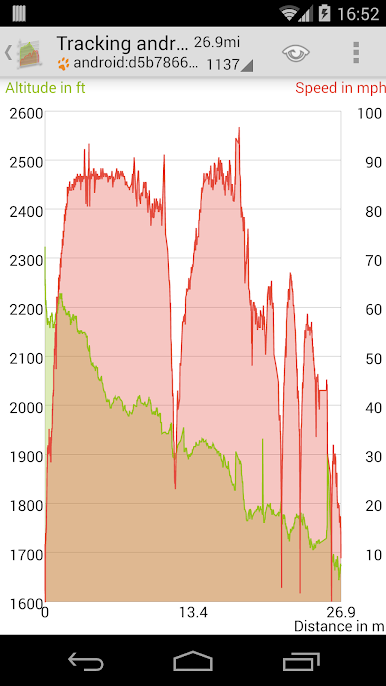
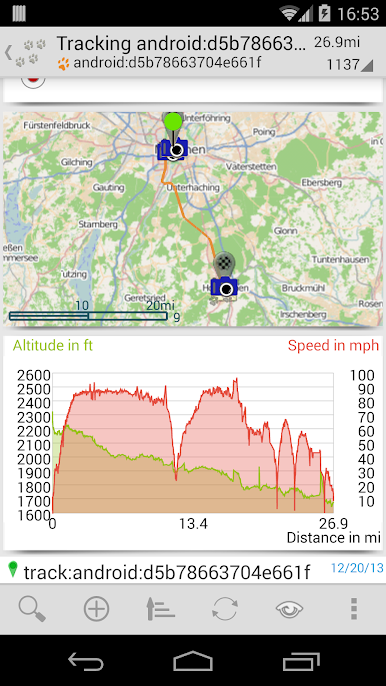
Record tracks and view them on map. Export KML files and import into Google Maps, Google Earth and others.
❧❧❧❧❧ Routes ❧❧❧❧❧
Manage routes and view them on map. Import KML files from Google Maps, Google Earth and others. Create turn-by-turn instructions between waypoints.
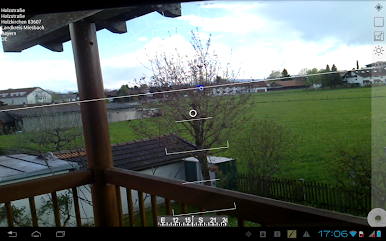
❧❧❧❧❧ Camera ❧❧❧❧❧
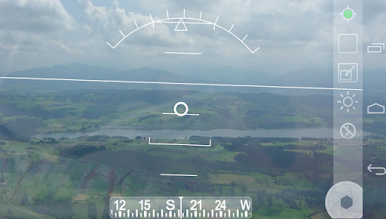
A camera HUD (heads-up display) view to show your waypoints, take pictures and share them.
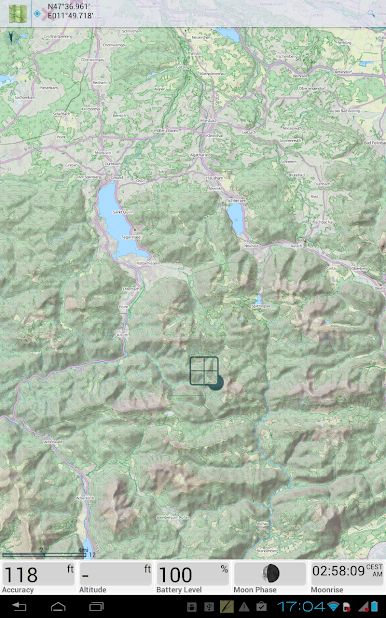
❧❧❧❧❧ Map ❧❧❧❧❧
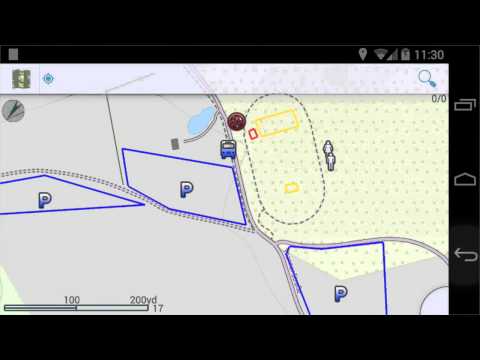
A map to show your waypoints. Convert mail addresses of your contacts to waypoint so that they can be used within the app.
Supports Google Maps, MapQuest, OpenStreetMap and others.
Supports Google Maps v2: Indoor Maps, Traffic, Buildings, Satellite and Terrain layers and map rotation.
❧❧❧❧❧ Waypoints ❧❧❧❧❧
A list of all your waypoints with export and import (KML, KMZ, GPX and LOC format).
❧❧❧❧❧ Satellites ❧❧❧❧❧
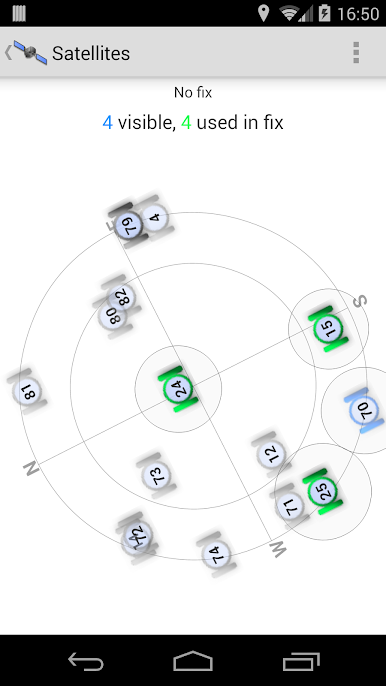
A sky view of the current positions that shows satellites in view.
❧❧❧❧❧ Features ❧❧❧❧❧
Supported position formats: UTM, MGRS, OSGB, Degree-Minute-Second, Degree-Minute-Fractions, Decimal, Mils. Supports over 230 datums.
Waypoints, routes and tracks can be exported as KML or GPX files and sent by email or uploaded to Google Docs or DropBox.
Please open the web page below for more info, send me emails for support. I CANNOT HELP IF YOU SIMPLY PLACE A COMMENT HERE.
Purchase the "GPS Essentials Donation Plugin" on Android Market if you want to support development.
The latest beta release is available on the Google Play Beta channel. Try out the latest features and help us improve GPS Essentials!
THIS APP WILL SHOW ADVERTISING. IF YOU DON'T LIKE THIS, PLEASE REFRAIN FROM INSTALLING/UPDATING.
GPS Essentials is not affiliated with any political party nor with any other organization mentioned in the ads, and it has no connection with any economic interests. If you don't like the ads, please contact AdMob.
WHAT ARE THE PERMISSIONS GOOD FOR?
✓ Coarse/Fine/Background location: To access network locations and GPS
✓ Full internet access: To read map tiles, send bug reports
✓ Modify/delete USB storage contents: To write waypoints, tracks and images onto the SD card
✓ Read phone state and identity: To tag pictures with the device ID (can be switched off in settings)
✓ Take pictures and videos: Camera HUD, take pictures
✓ Your accounts: Required to run Google Maps v2
Play GPS Essentials on PC. It’s easy to get started.
-
Download and install BlueStacks on your PC
-
Complete Google sign-in to access the Play Store, or do it later
-
Look for GPS Essentials in the search bar at the top right corner
-
Click to install GPS Essentials from the search results
-
Complete Google sign-in (if you skipped step 2) to install GPS Essentials
-
Click the GPS Essentials icon on the home screen to start playing

