


IELTS® Speaking Pro
Play on PC with BlueStacks – the Android Gaming Platform, trusted by 500M+ gamers.

Page Modified on: Aug 3, 2025
Run IELTS Speaking Free : Practice with 1000+ examples on PC or Mac
Let BlueStacks turn your PC, Mac, or laptop into the perfect home for IELTS Speaking Free : Practice with 1000+ examples, a fun Education app from Milinix : Innovation in Learning English.
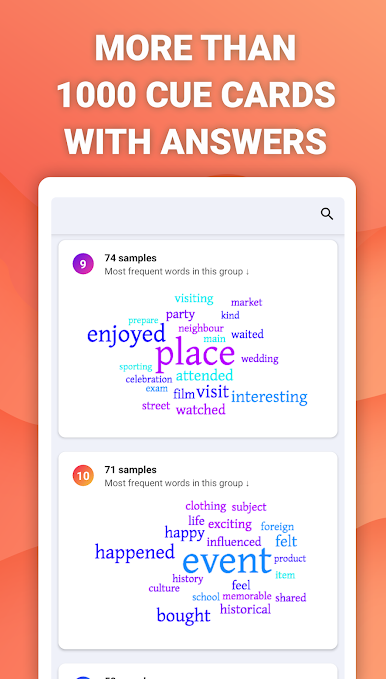
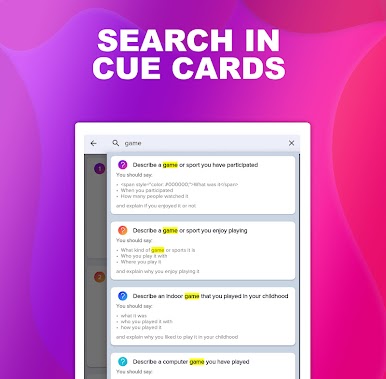
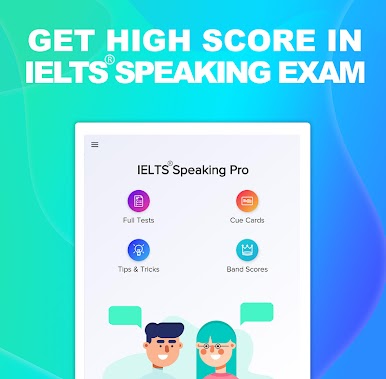
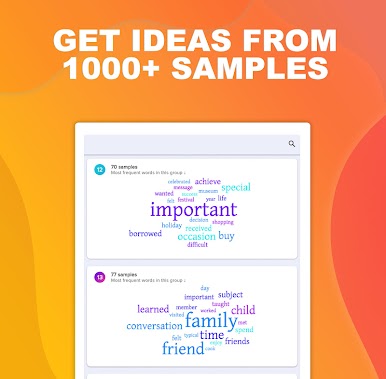
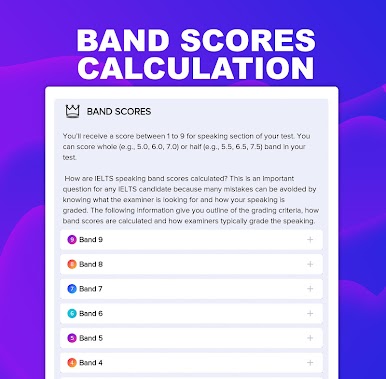
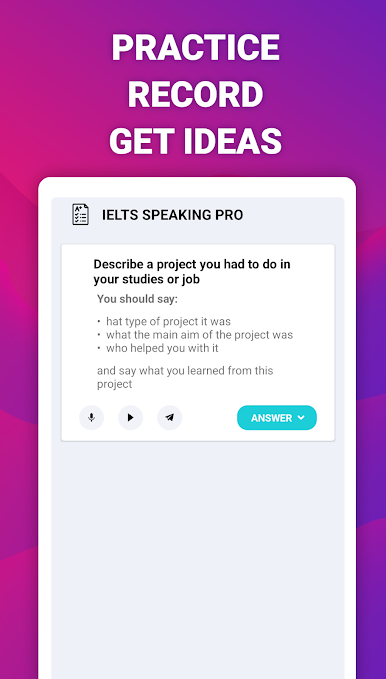
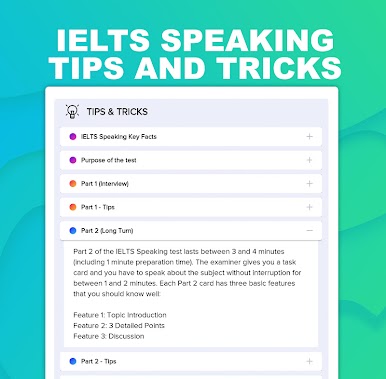
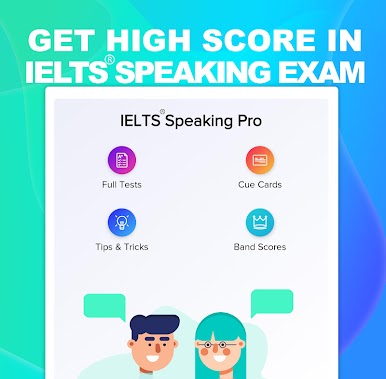
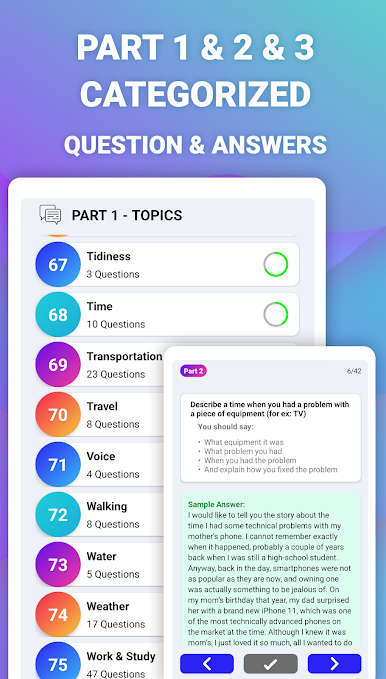
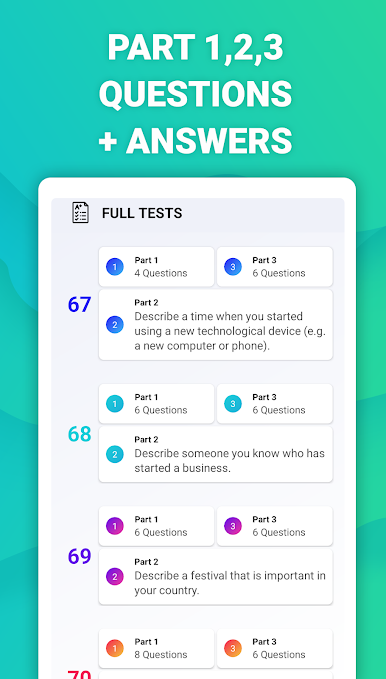
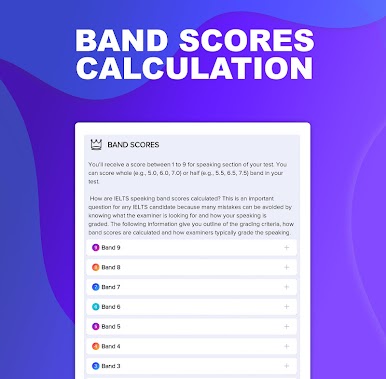
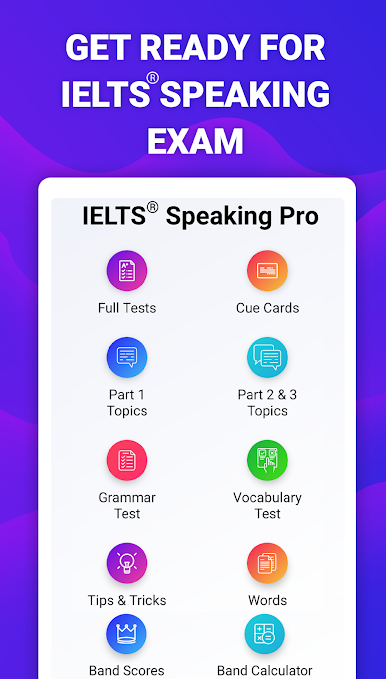
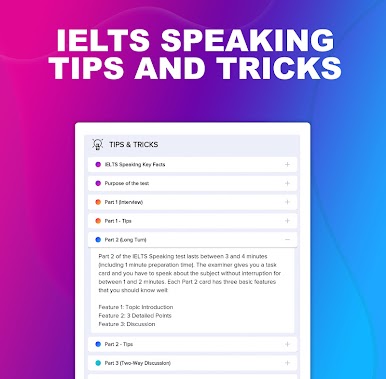
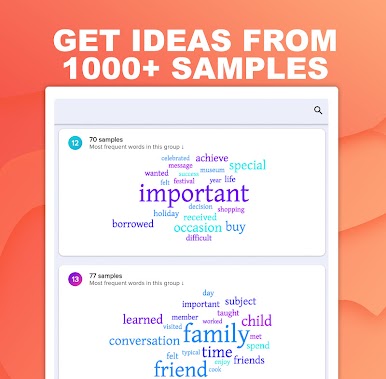
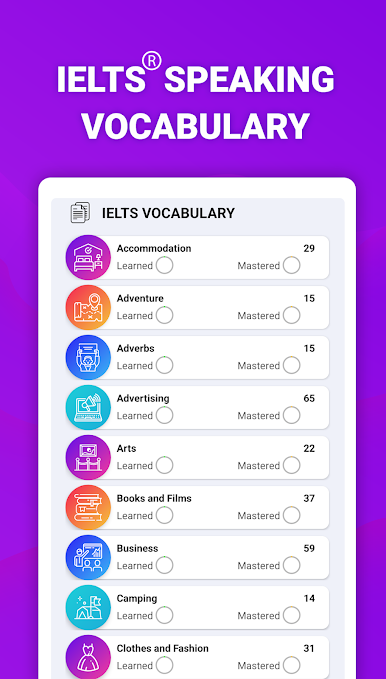
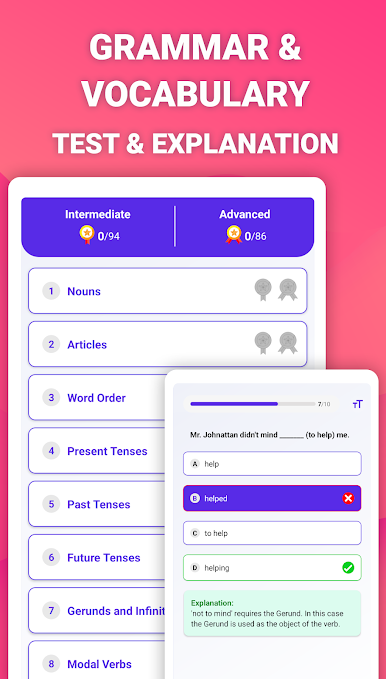
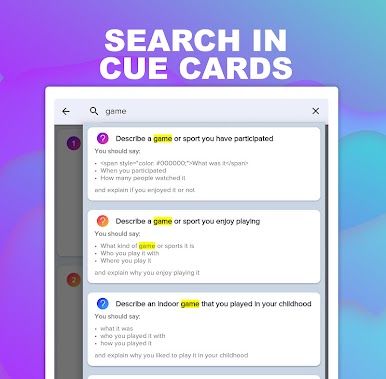
IELTS Speaking Free is one of those apps that makes test prep feel way less overwhelming. It’s packed with stuff—think over a thousand cue card questions you’d see in the real test, all organized by topic so you’re not just grabbing random questions. What really stands out is how the app lets users actually record their answers, and there’s the option to check out sample answers if the brain stalls on what to say. For people worried about scoring, there’s a band calculator built in, plus clear tips on what examiners look for and how points are added up. Users can run through full mock speaking tests, broken into parts 1, 2, and 3, just like the official IELTS format. Each part has its own set of practice materials and detailed explanations, so it doesn’t feel like you’re memorizing scripts, but more like you’re actually getting how the test works.
On PC with BlueStacks, everything gets bigger and easier to scroll through. Searching for cue cards or listening back to recordings isn’t cramped, and sharing answers or questions is smooth. The app works offline too, so test prep isn’t tied to WiFi. Altogether, it does a good job of taking the nerves out of speaking practice—especially when you start to see how answers are built or where mistakes happen early. For someone wanting to actually practice, not just read, and who wants a straightforward guide about the speaking test, this app feels pretty useful.
Switch to BlueStacks and make the most of your apps on your PC or Mac.


Play IELTS® Speaking Pro on PC. It’s easy to get started.
-
Download and install BlueStacks on your PC
-
Complete Google sign-in to access the Play Store, or do it later
-
Look for IELTS® Speaking Pro in the search bar at the top right corner
-
Click to install IELTS® Speaking Pro from the search results
-
Complete Google sign-in (if you skipped step 2) to install IELTS® Speaking Pro
-
Click the IELTS® Speaking Pro icon on the home screen to start playing

