


Mimic Voice: Party Challenge
Play on PC with BlueStacks – the Android Gaming Platform, trusted by 500M+ gamers.

Page Modified on: Oct 15, 2026
Play Mimic Voice: Party Challenge on PC or Mac
Explore a whole new adventure with Mimic Voice: Party Challenge, a Word game created by Vellocity Limited. Experience great gameplay with BlueStacks, the most popular gaming platform to play Android games on your PC or Mac.
About the Game
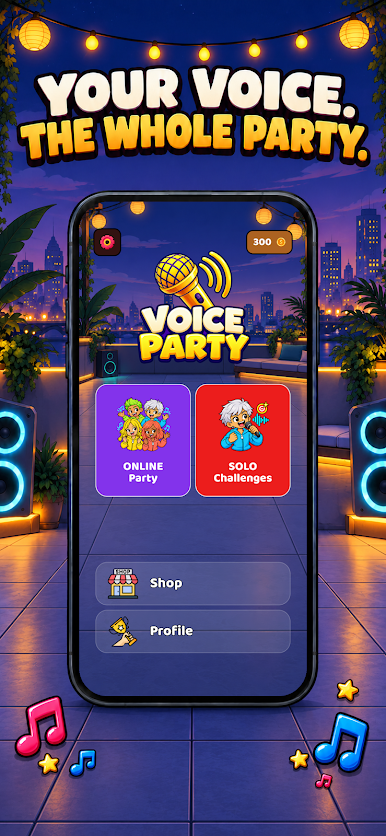
Mimic Voice: Party Challenge is a social party caper where bluffing, quick thinking, and ridiculous sound impressions collide. This Word game hands your group a secret word—except one sneaky player who’s faking it—and mixes in all-at-once voice rounds that are pure chaos in the best way. Prefer a bigger screen for the mayhem? It runs smoothly on BlueStacks, too.
Game Features
- Hidden Impostor Twist: One player is the Mimic and doesn’t know the secret word; everyone else drops a single, clever hint to help teammates while the Mimic scrambles to blend in.
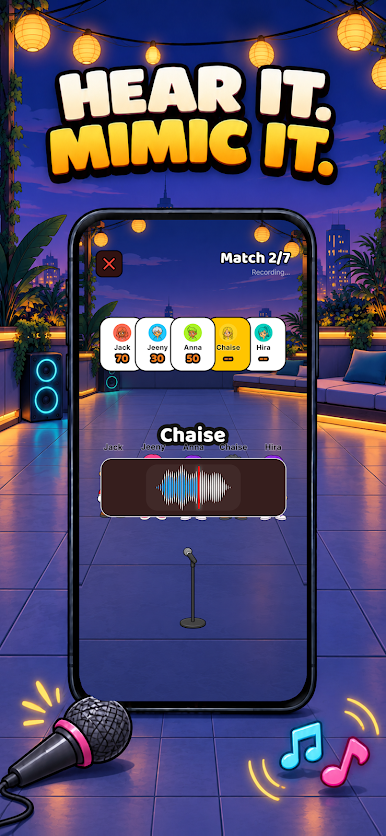
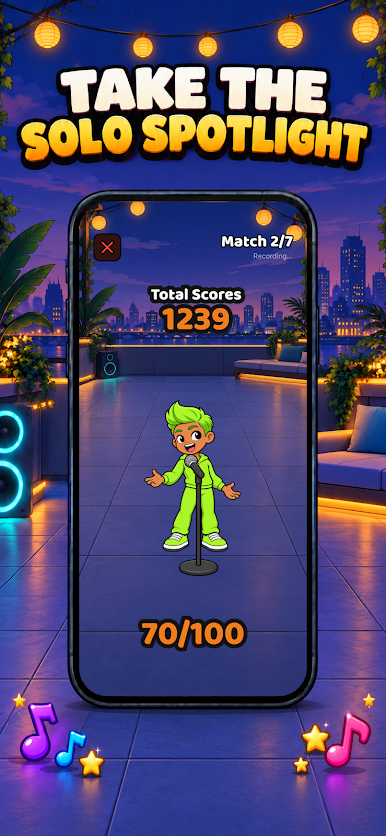
- Group Voice Showdown: Hear a sound prompt, then everyone imitates it at the same time—no turns, just instant hilarity; your takes get judged on pitch and rhythm, with surprise bonuses (and the occasional comic “whoops”) from the wheel.
- Talk, Suspect, Vote: After the clues and chaos, argue your case, read the room, and vote on who’s faking it—spot the Mimic or watch them sneak off with the win.
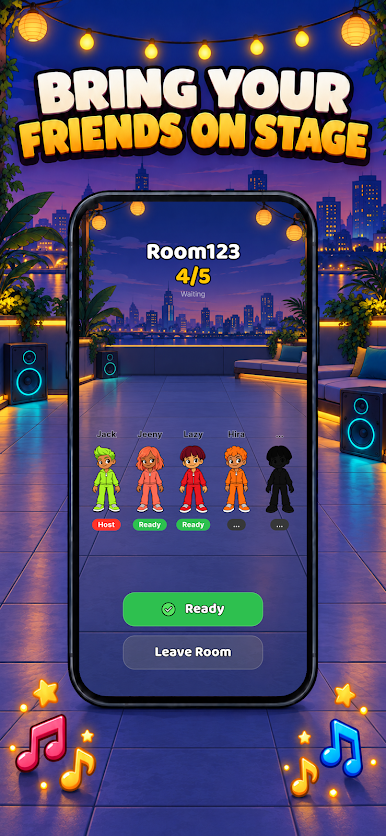
- Party-Friendly on One Device: Set up rounds for 4 to 20+ players using a single device, perfect for living rooms, dorms, and anywhere you can crowd around.
- Drag-To-Spin Wheel: A tactile, physics-driven 3D spinner lets you flick to decide who starts or trigger playful round perks.
- Categories for Every Crowd: Pick from heaps of themes—locations, food, animals, professions, sports, and more—so nobody feels left out.
- Make Your Own Packs: Build custom word lists around inside jokes or class topics; start with a free token, watch a quick ad for more, or go Premium for unlimited creation.
- Play Online or Offline: The free version uses an internet connection for certain features and ads, while Premium unlocks fully offline play wherever you meet up.
- Slick Look and Feel: Clean animations, satisfying sound effects, and crisp haptic feedback give every round that “just one more” vibe.
Ready to top the leaderboard? We bet you do. Let precise controls and sharp visuals optimized on BlueStacks lead you to victory.

Play Mimic Voice: Party Challenge on PC. It’s easy to get started.
-
Download and install BlueStacks on your PC
-
Complete Google sign-in to access the Play Store, or do it later
-
Look for Mimic Voice: Party Challenge in the search bar at the top right corner
-
Click to install Mimic Voice: Party Challenge from the search results
-
Complete Google sign-in (if you skipped step 2) to install Mimic Voice: Party Challenge
-
Click the Mimic Voice: Party Challenge icon on the home screen to start playing

