

MineBall
Play on PC with BlueStacks – the Android Gaming Platform, trusted by 500M+ gamers.

Page Modified on: Jul 16, 2026
Play MineBall on PC or Mac
Explore a whole new adventure with MineBall, a Arcade game created by MCP games. Experience great gameplay with BlueStacks, the most popular gaming platform to play Android games on your PC or Mac.
About the Game
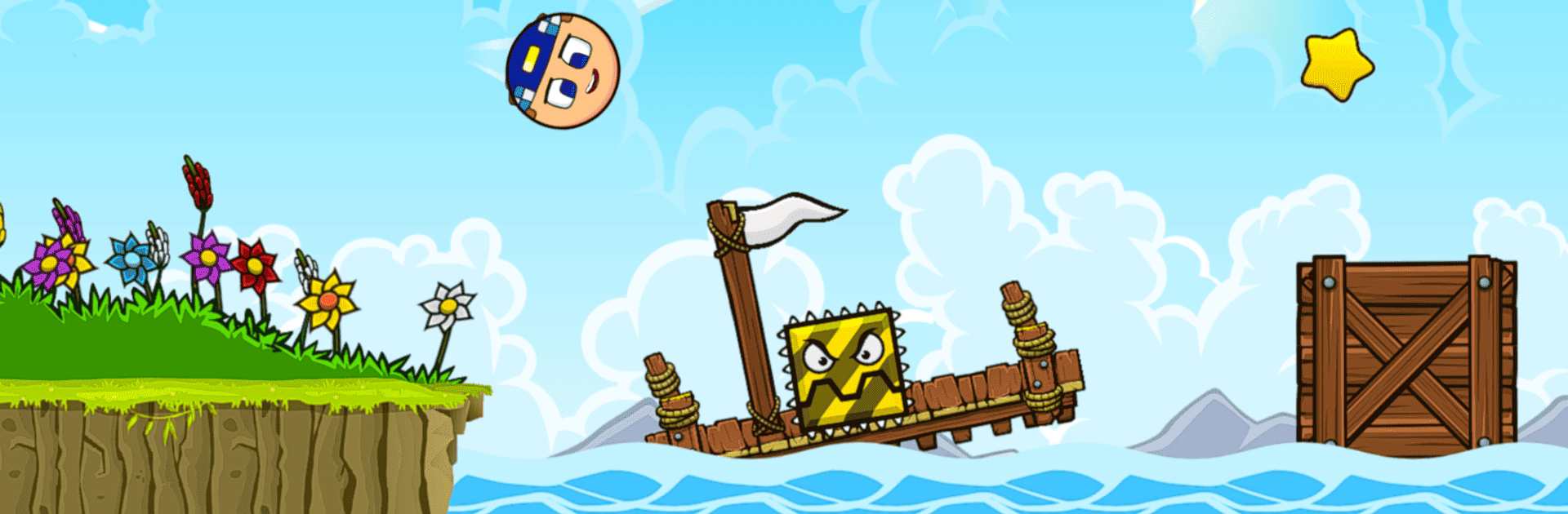
MineBall is a fast-moving Arcade platformer where timing, guts, and a bit of curiosity go a long way. You’re racing through lively 2D worlds to rescue your buddies, bouncing between quick reflex challenges and clever routes that reward sharp eyes. It’s snappy, colorful, and built for those “just one more level” runs—whether you’ve got five minutes or an hour to spare.
Game Features
- 100 Levels, Plenty of Variety: Work your way through a full set of handcrafted stages, each with fresh twists that keep you guessing.
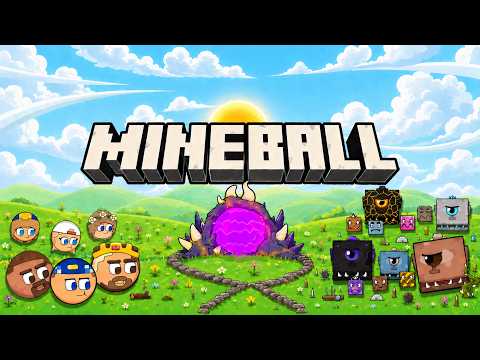
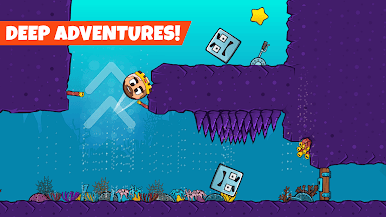
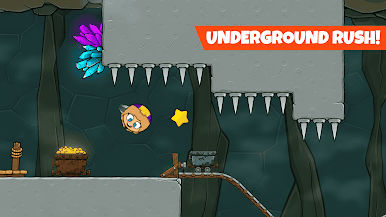
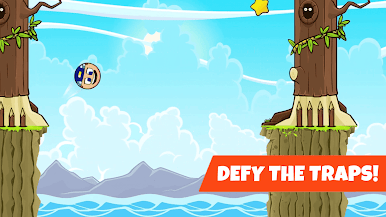
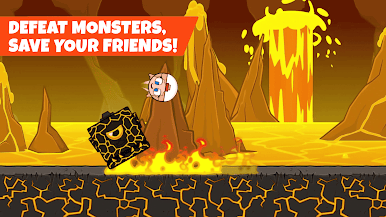
- Five Distinct Worlds: Travel from bright, welcoming zones to tricky, high-stakes areas, each with its own vibe and pacing.
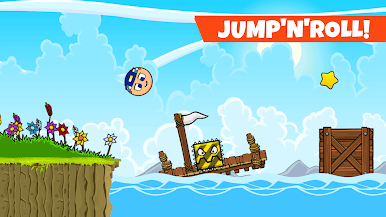
- Responsive, Physics-Driven Movement: Jump, roll, and slide with controls that feel tight and predictable—perfect for nailing tough sequences.
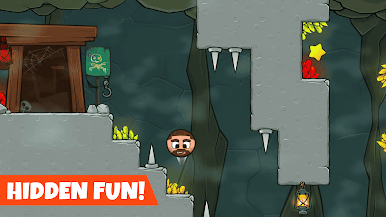
- Traps, Secrets, and Side Paths: Spot hidden routes, avoid sneaky hazards, and find smarter ways to the goal if you’re up for exploring.
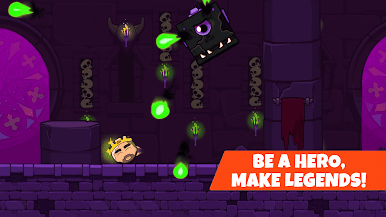
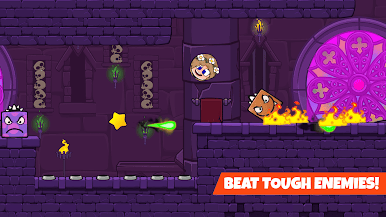
- Enemies and Boss Showdowns: Learn attack patterns, time your moves, and outsmart big bads blocking the way to your friends.
- Pick Up and Play: Simple controls make it easy to start; the challenge ramps up as you get comfortable.
- Colorful 2D Style: Bright visuals and clean animations make every jump and dodge pop.
- Smooth on BlueStacks: Prefer playing on PC? MineBall runs nicely on BlueStacks for crisp visuals and comfortable controls.
Get ready for a buttery smooth, high-performance gaming action only on BlueStacks.
Play MineBall on PC. It’s easy to get started.
-
Download and install BlueStacks on your PC
-
Complete Google sign-in to access the Play Store, or do it later
-
Look for MineBall in the search bar at the top right corner
-
Click to install MineBall from the search results
-
Complete Google sign-in (if you skipped step 2) to install MineBall
-
Click the MineBall icon on the home screen to start playing

