


Subsea Survival
Play on PC with BlueStacks – the Android Gaming Platform, trusted by 500M+ gamers.

Page Modified on: Aug 1, 2026
Main Subsea Survival on PC
[Special Features]
SEIZE ABYSSAL WEALTH
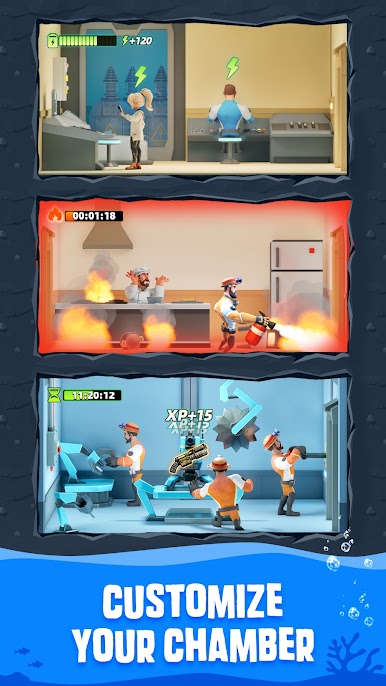
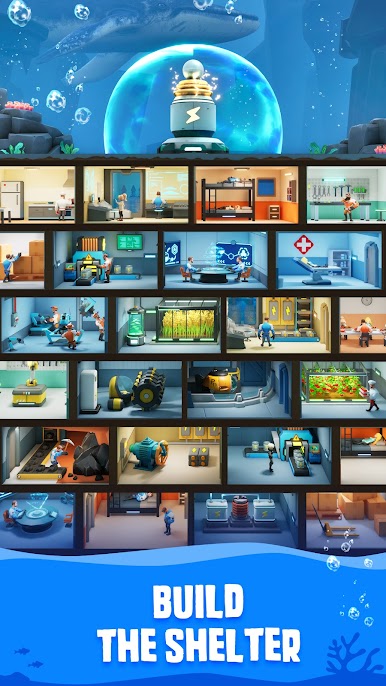
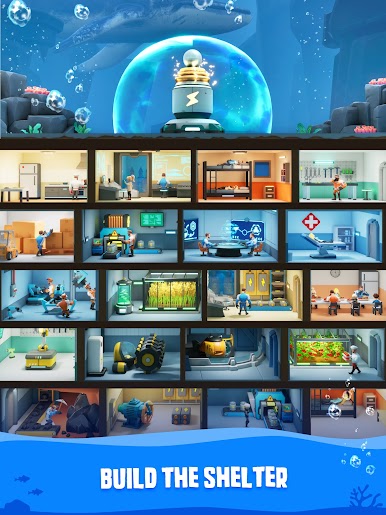
Scavenge rare minerals from hydrothermal vents, gather and utilize available materials for construction and research, enhancing sustainability of your underwater city.
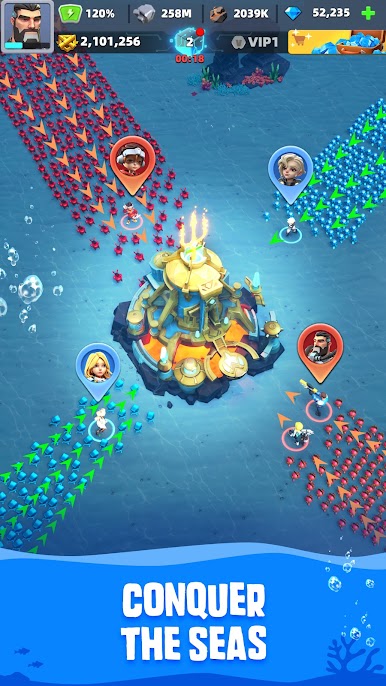
CONQUER THE DEEP OCEAN
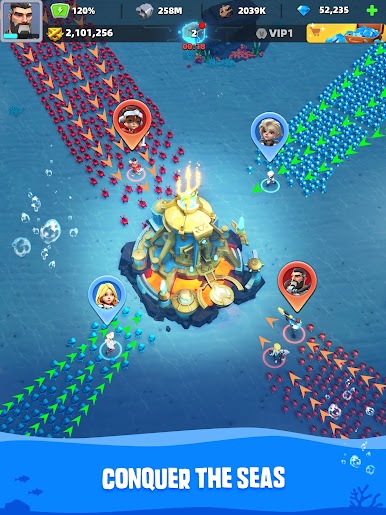
Dominate the ocean floor against millions of players worldwide. Expand your territory, control strategic trenches, and claim the title "Sovereign of the Deep" through ruthless strategy!
JOIN AN ALLIANCE
Unite or perish! Build alliances into unstoppable fleets. Coordinate deep-sea assaults and unleash collective fury on enemy bases!
RECRUIT HEROES
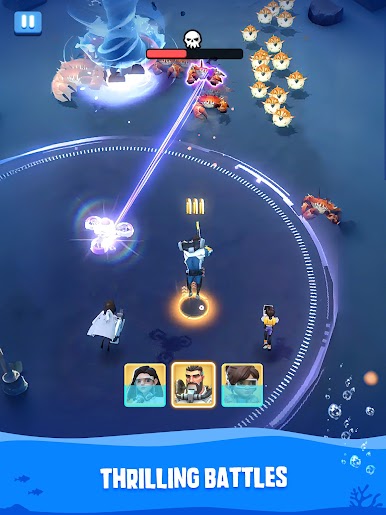
Recruit legendary Abyssal Champions of different talents and abilities. Their unique skills decide battles in the lightless void!
CRUSH RIVAL CAPTAINS
Outsmart enemy captains in tactical warfare. Loot abundant resources, rare relics and territory from fallen foes. Take your city to the top of rankings, only the most cunning will rise!
Subsea Survival is free to play. Optional in-game purchases accelerate progress but are never required to dominate the depths!
Ready to take command? Dive deeper into our ocean of content on the official Abyssal Command Facebook Page:
https://www.facebook.com/profile.php?id=61564631895940


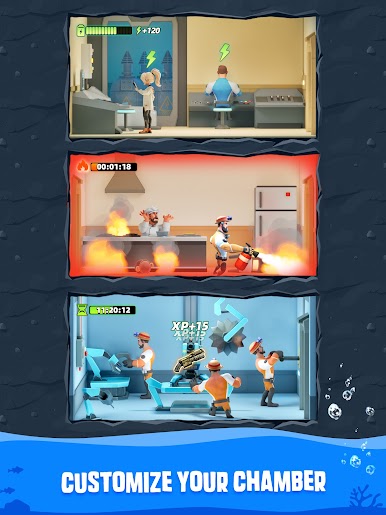
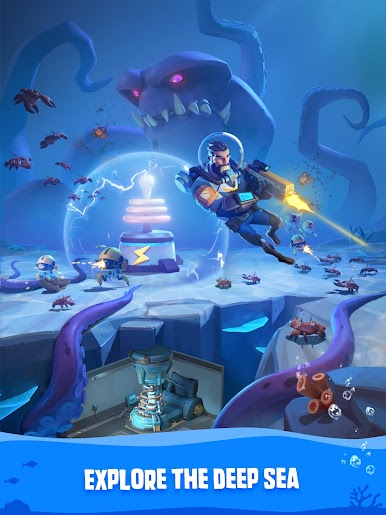
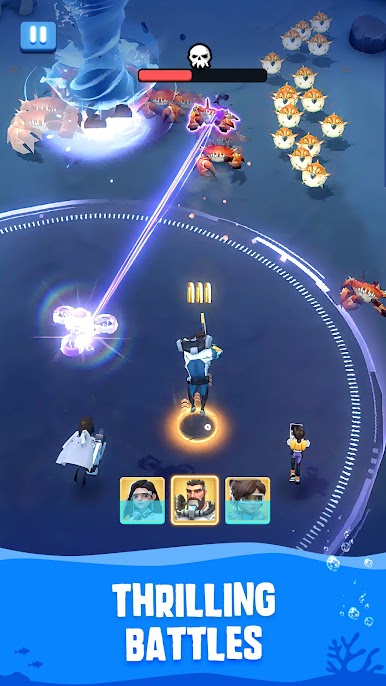
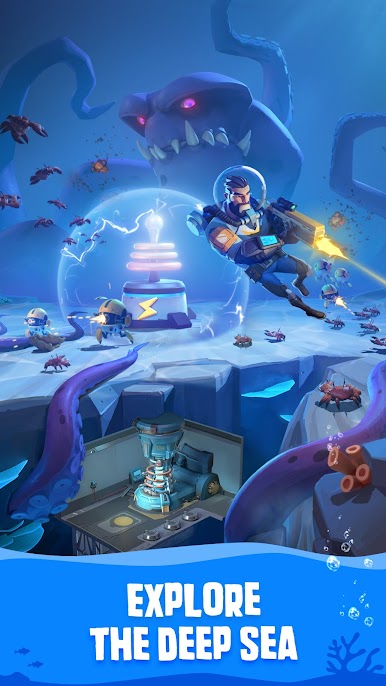
Play Subsea Survival on PC. It’s easy to get started.
-
Download and install BlueStacks on your PC
-
Complete Google sign-in to access the Play Store, or do it later
-
Look for Subsea Survival in the search bar at the top right corner
-
Click to install Subsea Survival from the search results
-
Complete Google sign-in (if you skipped step 2) to install Subsea Survival
-
Click the Subsea Survival icon on the home screen to start playing

