


Mini Soccer: Football Cup 2026
Play on PC with BlueStacks – the Android Gaming Platform, trusted by 500M+ gamers.

Page Modified on: Jul 27, 2026
Play Mini Soccer: Football Cup 2026 on PC or Mac
Play Mini Soccer: Football Cup 2026 by TSACom on PC or Mac with BlueStacks. Use a bigger screen, mouse and keyboard controls, and smoother performance while you play.
About the Game
Mini Soccer: Football Cup 2026 is a fast, pick-up-and-play Casual take on the beautiful game. It’s all about quick rounds, clean strikes, and those pressure-packed penalty moments. Got a spare minute? Line up a shot, bend it past the keeper, and chase that next highlight.
Game Features
- Quick-Fire Matches: Bite-size rounds that get straight to the action, perfect for short breaks or a few rapid wins in a row.
- Penalty Pressure: Step up to the spot and keep your cool while the keeper tries to read you. Clutch kicks feel extra satisfying.
- Simple Tap Controls: Aim, power up, and curve the ball with intuitive taps—easy to learn, surprisingly deep when you’re going for precision.
- Real Skill Growth: Fine-tune timing and placement, then watch your consistency improve as you string together better and better finishes.
- Big-Tournament Vibes: Mini-games that capture the buzz of knockout stages and the roar of the crowd when it counts.
- Goal-Hunting Fun: Go for screamers, top-corner curlers, and clean finishes that look and feel great.
- Reflex Challenge: Fast-paced play that tests reaction time and decision-making on every possession.
- Trend-Ready Modes: A mix of short, viral-style challenges gathered in one place for quick, playful sessions.
- Built for Breaks: No long grind—just pure, feel-good soccer you can jump into anytime.
- Play Your Way: Want a larger view? You can also run it on BlueStacks to keep the action going on a bigger screen.
Start playing Mini Soccer: Football Cup 2026 on BlueStacks and get a smoother, more comfortable PC or Mac setup.
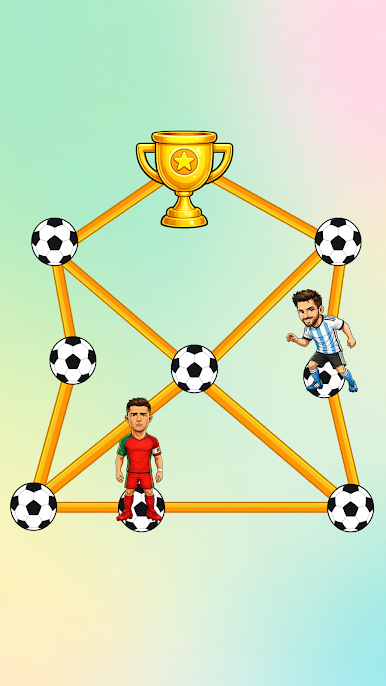

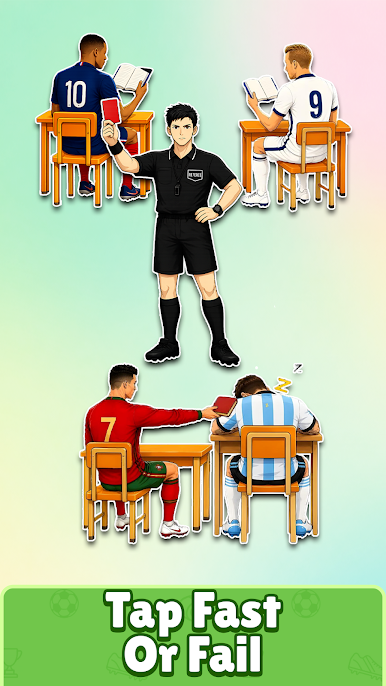

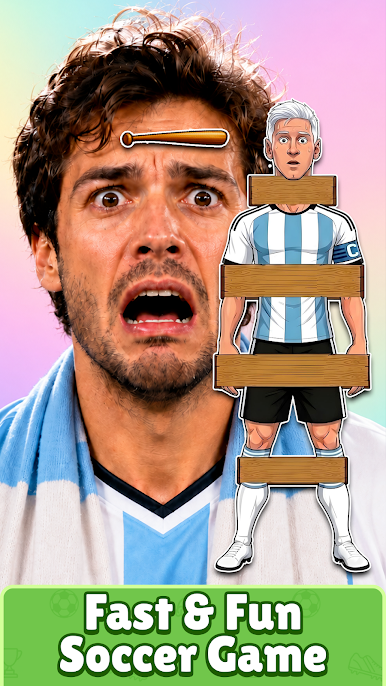

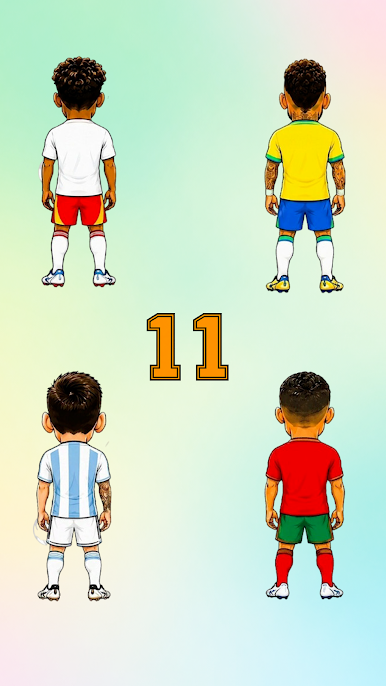

Play Mini Soccer: Football Cup 2026 on PC. It’s easy to get started.
-
Download and install BlueStacks on your PC
-
Complete Google sign-in to access the Play Store, or do it later
-
Look for Mini Soccer: Football Cup 2026 in the search bar at the top right corner
-
Click to install Mini Soccer: Football Cup 2026 from the search results
-
Complete Google sign-in (if you skipped step 2) to install Mini Soccer: Football Cup 2026
-
Click the Mini Soccer: Football Cup 2026 icon on the home screen to start playing

