


Carrom Pool: Disc Game
Play on PC with BlueStacks – the Android Gaming Platform, trusted by 500M+ gamers.

Page Modified on: Jan 19, 2026
Main Carrom Pool: Disc Game on PC
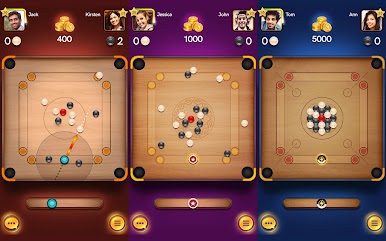
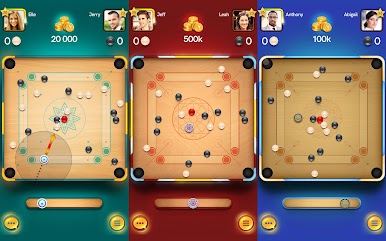
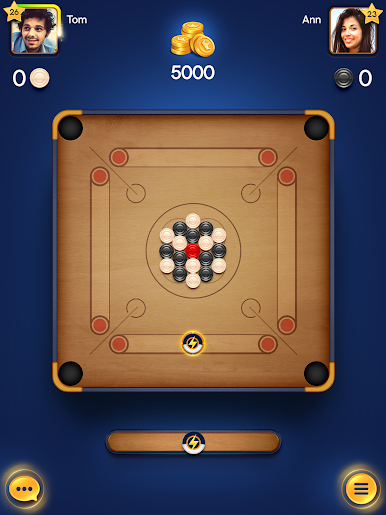
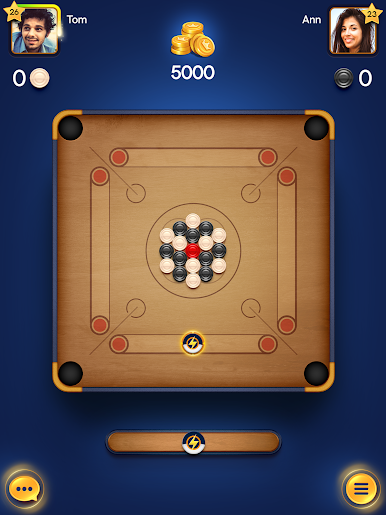
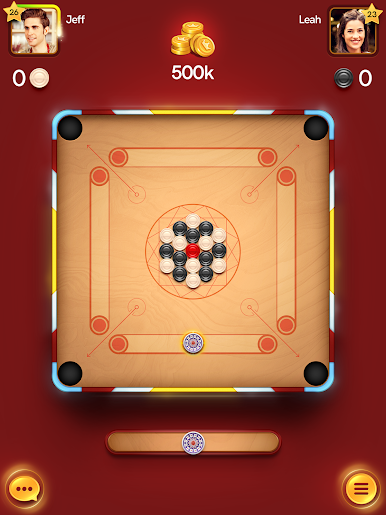
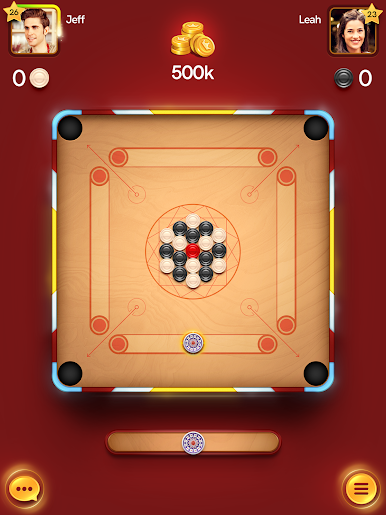
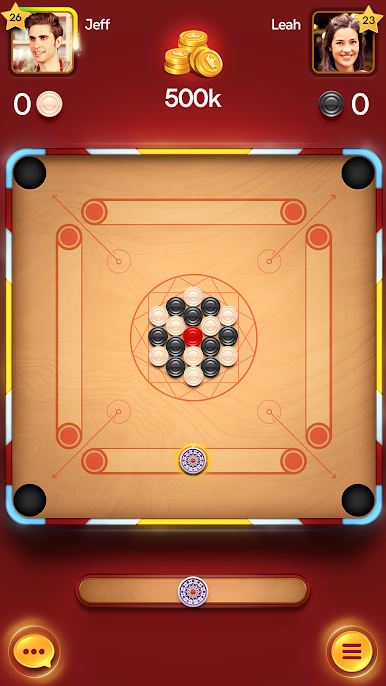
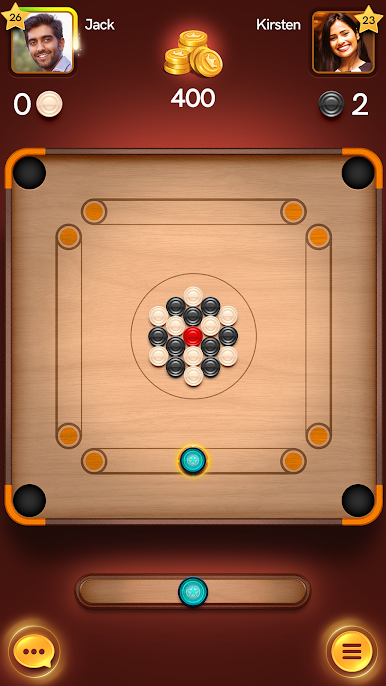
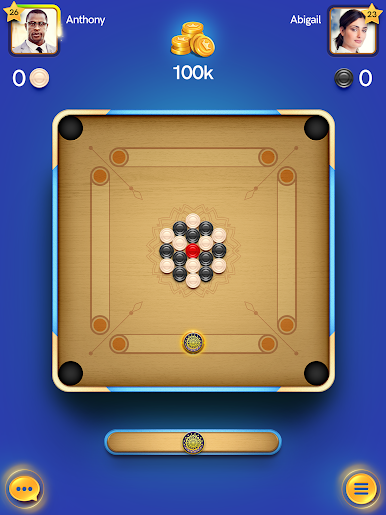
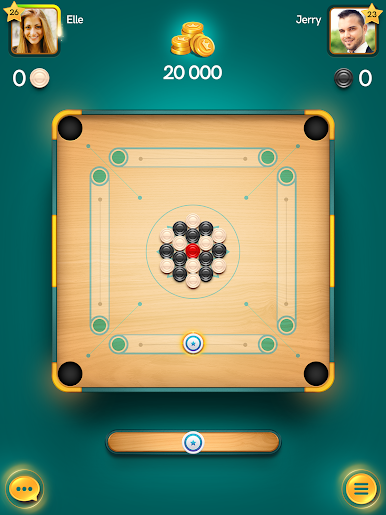
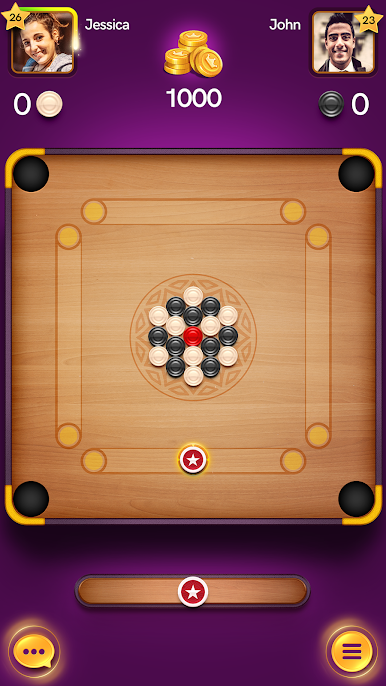
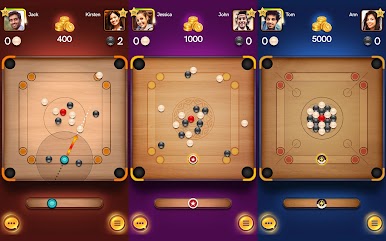
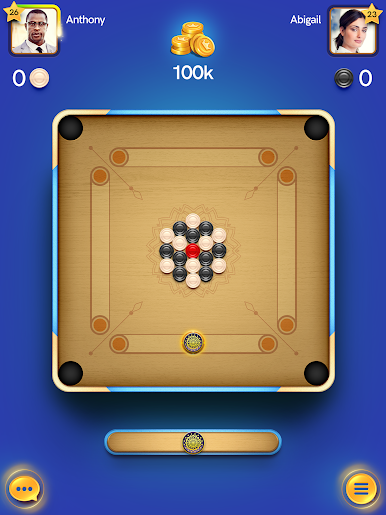
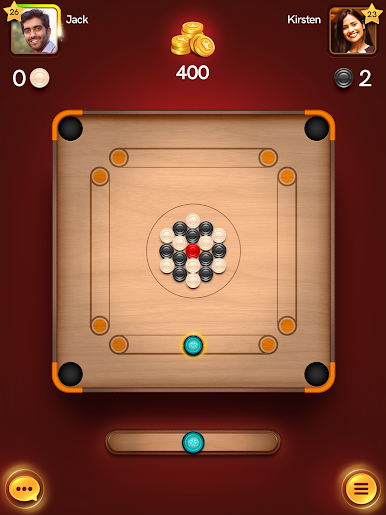
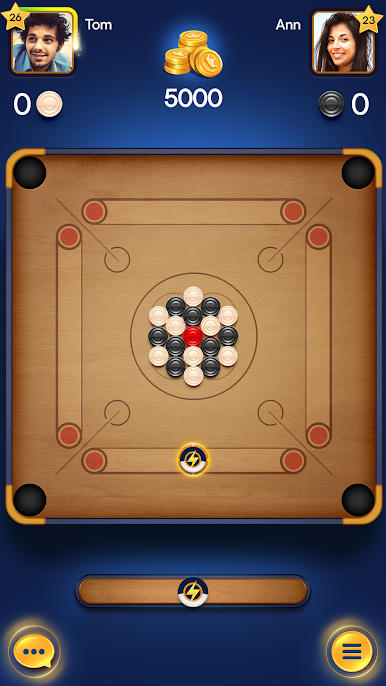
With simple gameplay, smooth controls, and great physics, travel around the world, and play against worthy opponents. Are you up for the challenge?
Customize your pieces with a huge variety of unlockable items! Show off your style to players from all over the world!
Features:
► Play a brand new 2v2 game mode. Play classic 4 player carrom matches with your family and friends
► Enjoy voice and video chat while playing a match. This feature is accessible to Carrom Pass owners only
► Try your luck at opening the lucky box. Get a free attempt on a daily basis and see how many free rewards you can unlock.
► Weekly new time-limited events that will keep you hooked. Play more to win more.
► Spin the wheel and unlock premium strikers, pucks, and much more
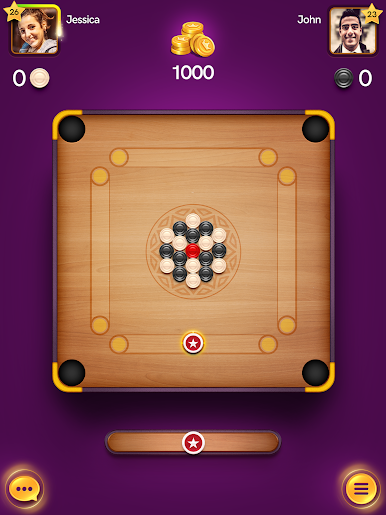
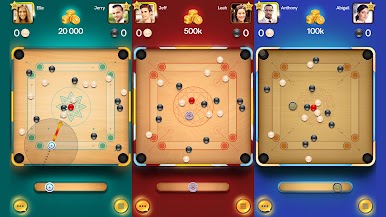
►Play multiplayer matches in 3 game modes: Carrom, Free Style and Disc Pool .
►Play with your friends .
►Compete with top players.
►Try your luck at free daily golden shot and win big prizes.
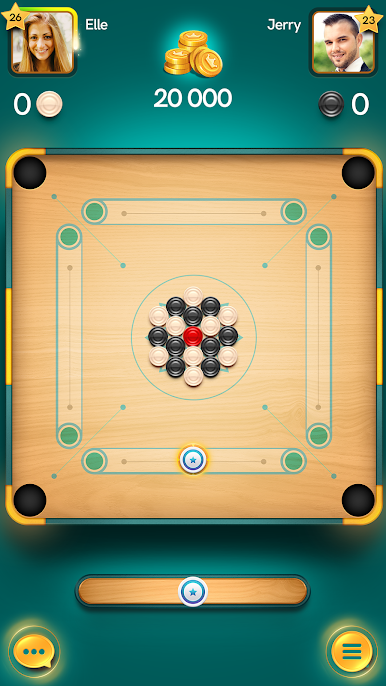
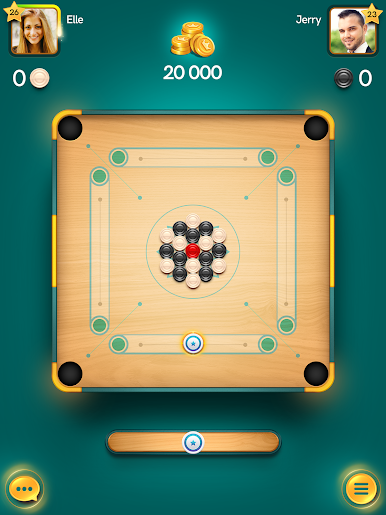
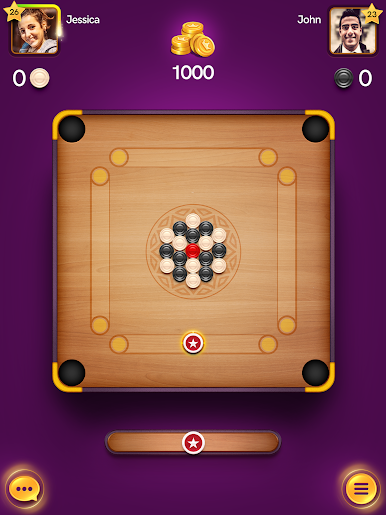
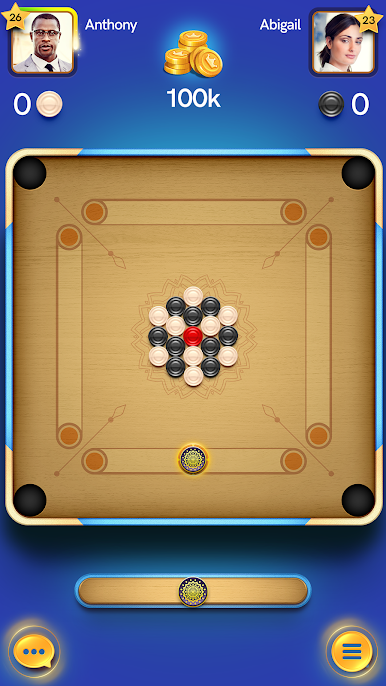
►Play around the world in glorious arenas .
► Smooth controls and realistic physics.
►Unlock a wide range of strikers and pucks.
►Win free victory chests with exciting rewards.
►Upgrade your strikers and unleash frenzy.
►Supports offline play .
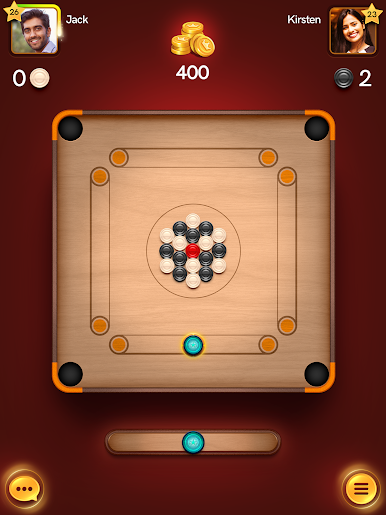
Challenge your friends in one-on-one matches and show what you are worth!

Play Carrom Pool: Disc Game on PC. It’s easy to get started.
-
Download and install BlueStacks on your PC
-
Complete Google sign-in to access the Play Store, or do it later
-
Look for Carrom Pool: Disc Game in the search bar at the top right corner
-
Click to install Carrom Pool: Disc Game from the search results
-
Complete Google sign-in (if you skipped step 2) to install Carrom Pool: Disc Game
-
Click the Carrom Pool: Disc Game icon on the home screen to start playing

