


Farm Rush: Harvest Tycoon
Play on PC with BlueStacks – the Android Gaming Platform, trusted by 500M+ gamers.

Page Modified on: Dec 3, 2025
Play Farm Rush: Harvest Tycoon on PC
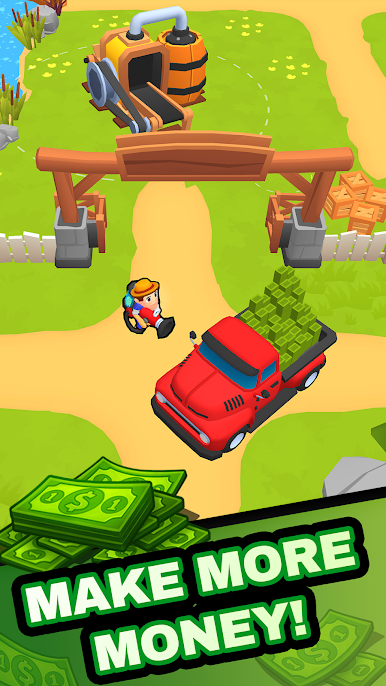
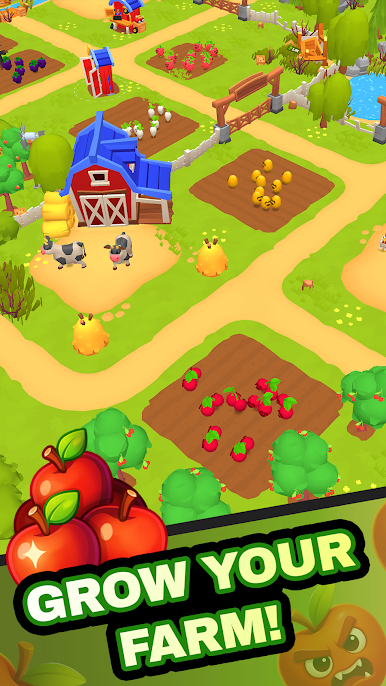
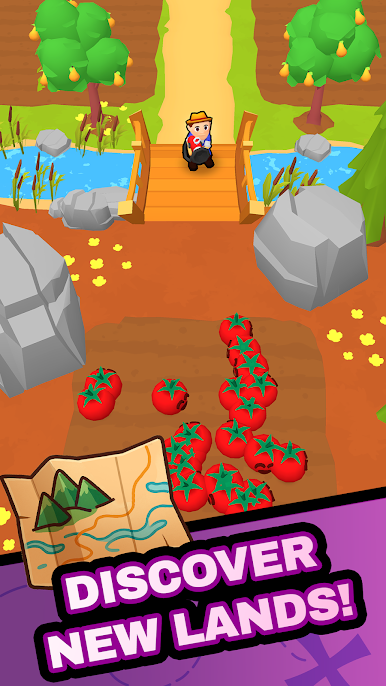
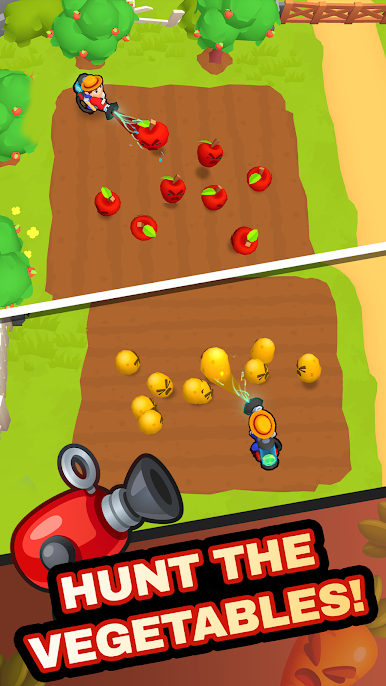
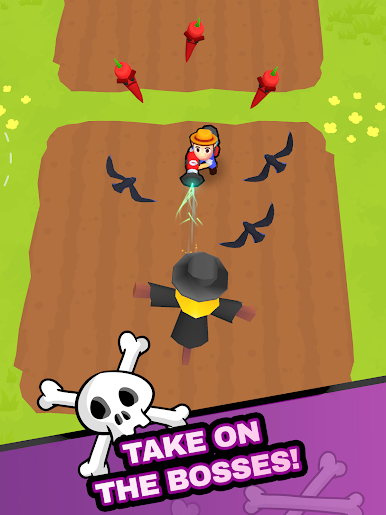
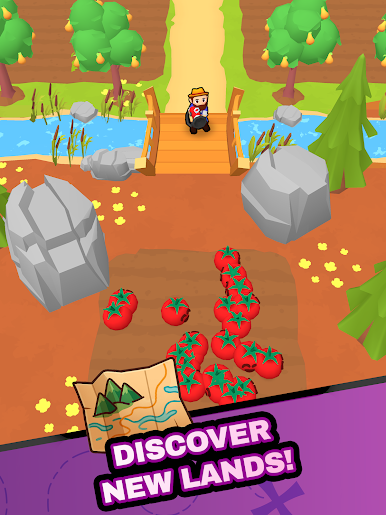
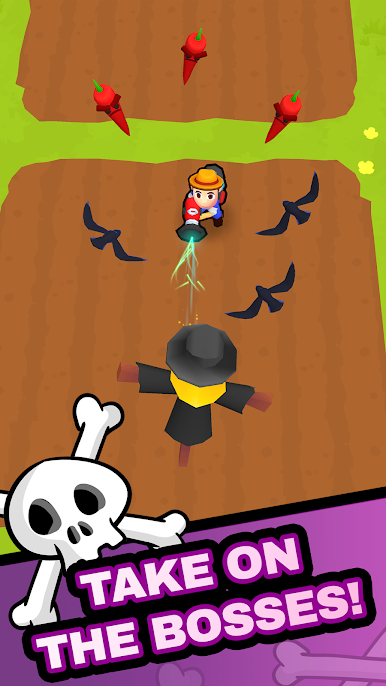
This isn’t your usual slow-paced farm simulator — in Farm Rush, you’re always moving! Run through your farm land, catch runaway produce, harvest ripe plants, and gather goods from chickens, cows, and more. Sell your items, upgrade your tools, and unlock new areas as your farm life grows.
💥 Game Features:
🥬 Catch fruits and vegetables as they move across your land
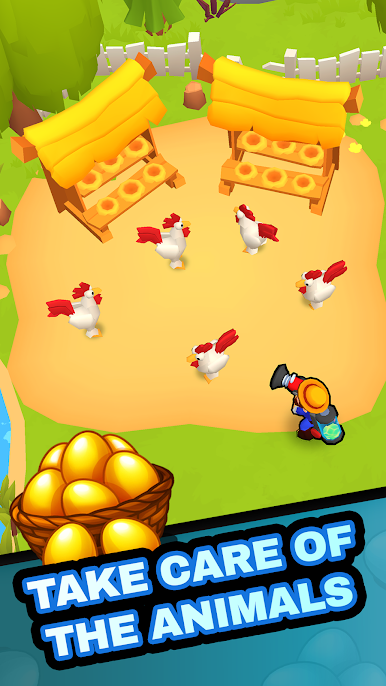
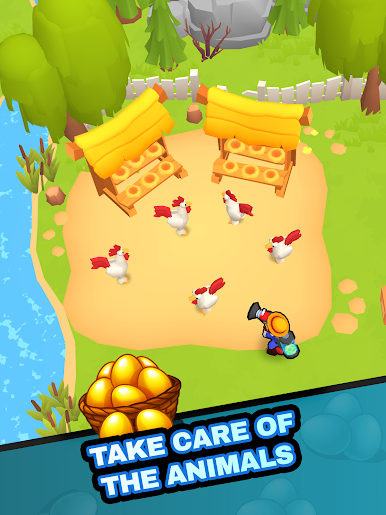
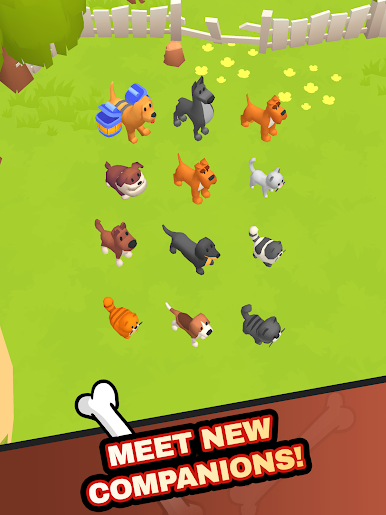
🐓 Harvest animal goods like eggs and milk from your poultry farm and livestock
🌽 Grow crops, manage produce, and collect rewards
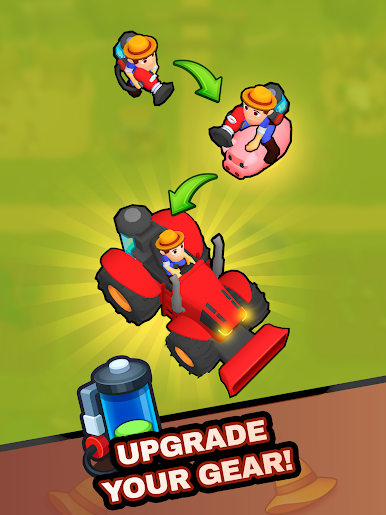
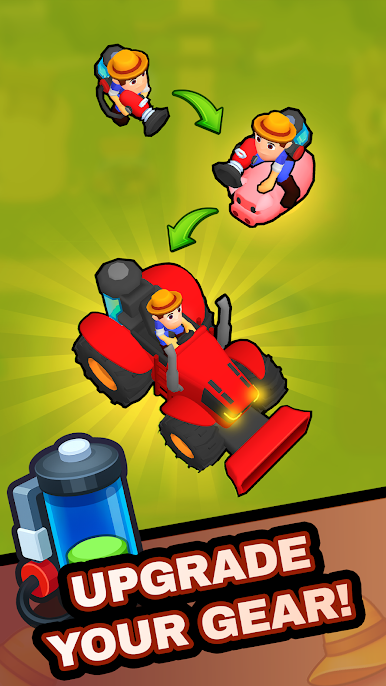
🧑🌾 Upgrade your farmer to work faster and more efficiently
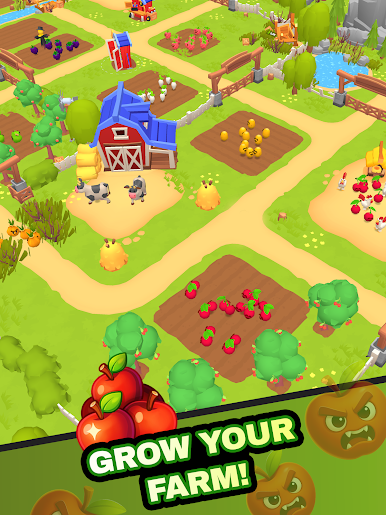
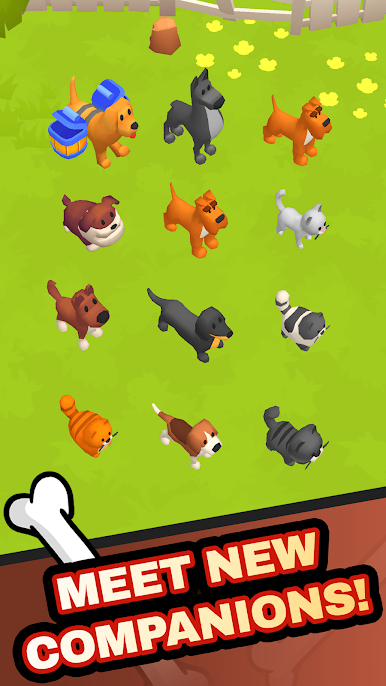
🚜 Expand your farmland and unlock new zones, animals, and crops
🛠️ Progress through the game like a true farming tycoon
🔁 Idle rewards system – keep earning while you’re offline
🎮 Easy-to-learn, satisfying gameplay for all ages
Build your dream farm life from scratch and turn it into a bustling simulator empire full of life, animals, and non-stop farming action. Whether you're into tycoon games, farmer simulators, or simply love the charm of a little farm, Farm Rush has something for you.
The fields are ready, the animals are waiting, and your farm land is calling.
Download Farm Rush now and start your journey as the fastest farmer in town!
This game includes optional in-game purchases (includes random items).
Terms: https://www.miniclip.com/plain/terms-and-conditions
Privacy: https://www.miniclip.com/plain/privacy-policy
Contact us: support@miniclip.com
Play Farm Rush: Harvest Tycoon on PC. It’s easy to get started.
-
Download and install BlueStacks on your PC
-
Complete Google sign-in to access the Play Store, or do it later
-
Look for Farm Rush: Harvest Tycoon in the search bar at the top right corner
-
Click to install Farm Rush: Harvest Tycoon from the search results
-
Complete Google sign-in (if you skipped step 2) to install Farm Rush: Harvest Tycoon
-
Click the Farm Rush: Harvest Tycoon icon on the home screen to start playing

