


Impossible Dungeon
Play on PC with BlueStacks – the Android Gaming Platform, trusted by 500M+ gamers.

Page Modified on: Nov 27, 2025
Play Impossible Dungeon on PC or Mac
Step into the World of Impossible Dungeon, a thrilling Role Playing game from the house of MINMAXIA. Play this Android game on BlueStacks App Player and experience immersive gaming on PC or Mac.
About the Game
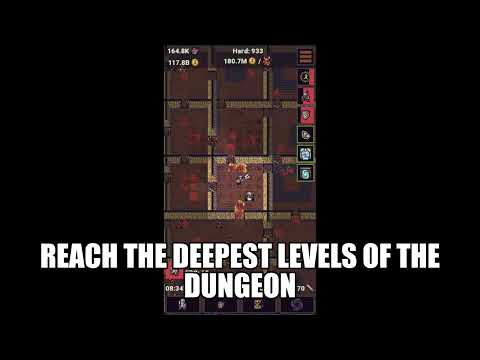
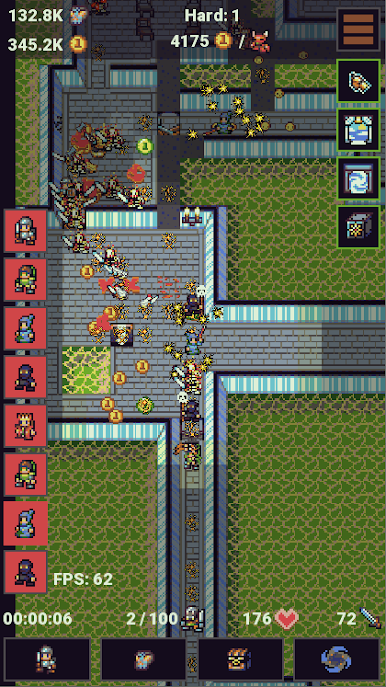
Ready for a real challenge? Impossible Dungeon from MINMAXIA isn’t your typical walk in the park—it’s a Role Playing game that’s all about pushing your party as far as they’ll go into a dungeon that definitely lives up to its name. You’ll gather a quirky crew of heroes, fine-tune their skills, and test your wits (and a bit of luck) at every new level. Whether you’re someone who checks in often or just likes watching your team rack up progress on its own, this idle RPG always throws a little surprise your way.
Game Features
-
Party Building
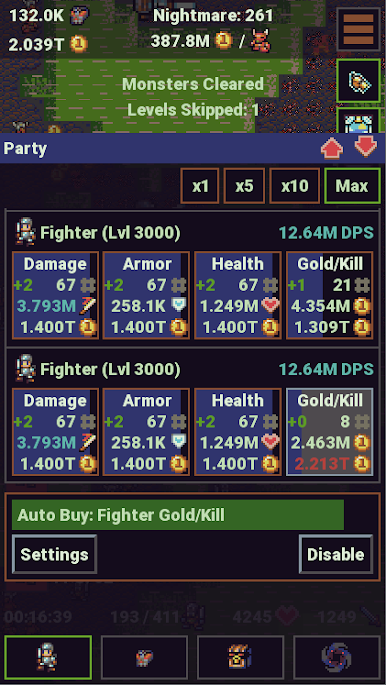
Create and customize your own team of adventurers. Mix and match classes to find combos that pack a punch and help you survive a little longer in each run. -
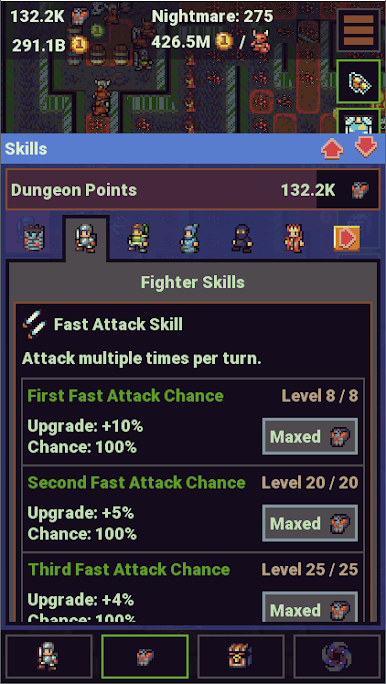
Unlockable Skills & Upgrades
As your group battles deeper into the dungeon, you’ll earn tons of new abilities and upgrades. Tinker with skill trees and gear to fit your play style—whether you’re all about strategy or just like crushing monsters. -
Multiple Character Classes
Choose between a range of classes, each with its own quirks and specialties. Wanna try something new every play session? Just swap things up! -
Tournament System
Test yourself by joining in-game tournaments. You’ll face off against other players’ teams to see who crafted the meanest squad. There’s glory (and rewards) waiting if you climb the ranks. -
Selectable Difficulty Modes
Pick your own level of agony—er, challenge. Bump up the difficulty whenever you’re itching for another shot at beating the odds. -
No Annoying Ads
Forget about random banner or popup ads halting your progress. Here, ads are only through reward videos you actually choose to watch for in-game bonuses. -
Smooth Idle Progression
Sit back and relax while your party braves the dungeon. Pop in whenever, collect your loot, tweak your line-up, and keep climbing. It feels good seeing progress whether you’re glued to the screen or multitasking.
Want to see that pixel mayhem on a bigger screen? You can always play Impossible Dungeon on BlueStacks for some comfy, click-happy dungeon crawling.
Slay your opponents with your epic moves. Play it your way on BlueStacks and dominate the battlefield.
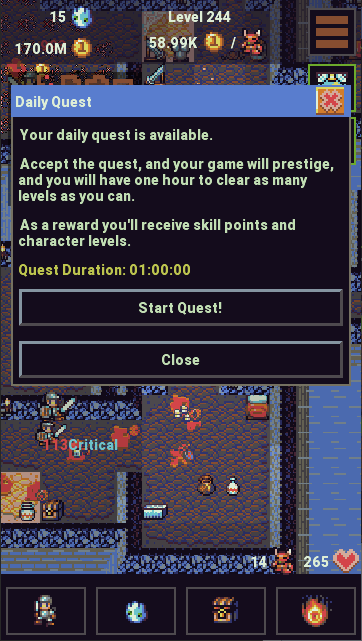
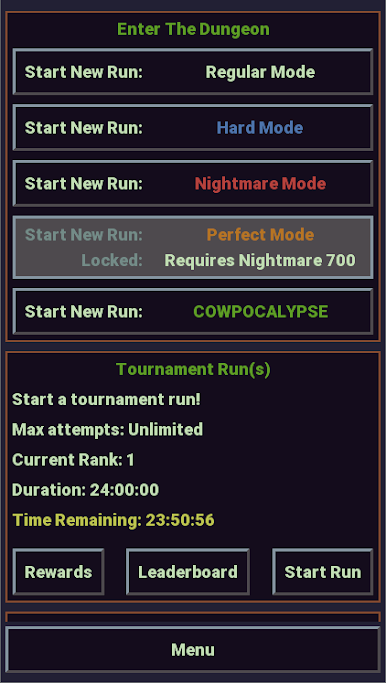
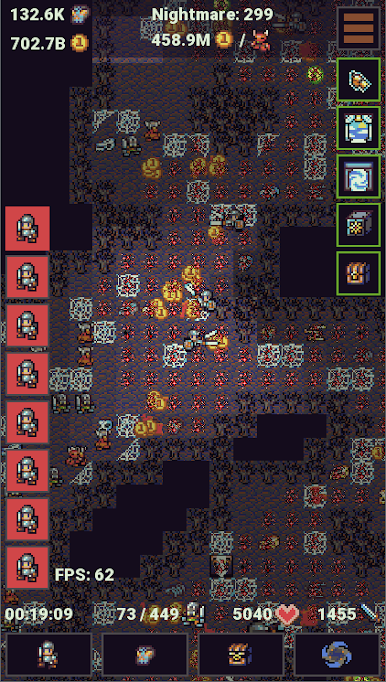
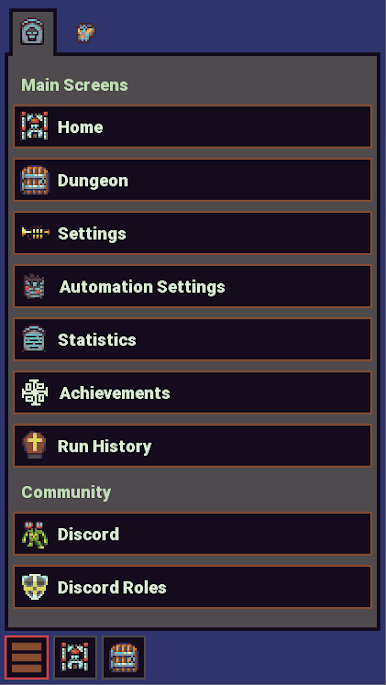
Play Impossible Dungeon on PC. It’s easy to get started.
-
Download and install BlueStacks on your PC
-
Complete Google sign-in to access the Play Store, or do it later
-
Look for Impossible Dungeon in the search bar at the top right corner
-
Click to install Impossible Dungeon from the search results
-
Complete Google sign-in (if you skipped step 2) to install Impossible Dungeon
-
Click the Impossible Dungeon icon on the home screen to start playing

