


Goods Triple-3D Match Game
Play on PC with BlueStacks – the Android Gaming Platform, trusted by 500M+ gamers.

Page Modified on: Dec 18, 2025
Main Goods Triple-3D Match Game on PC
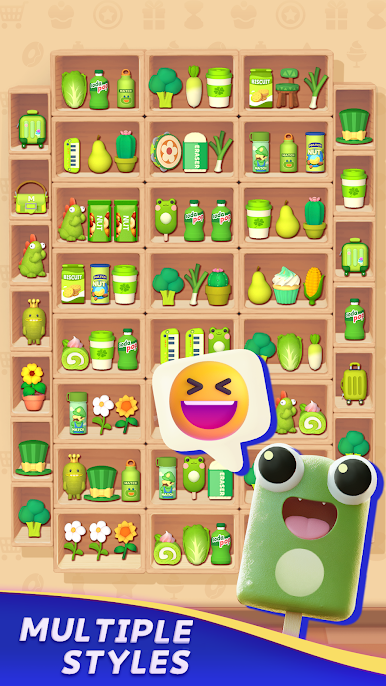
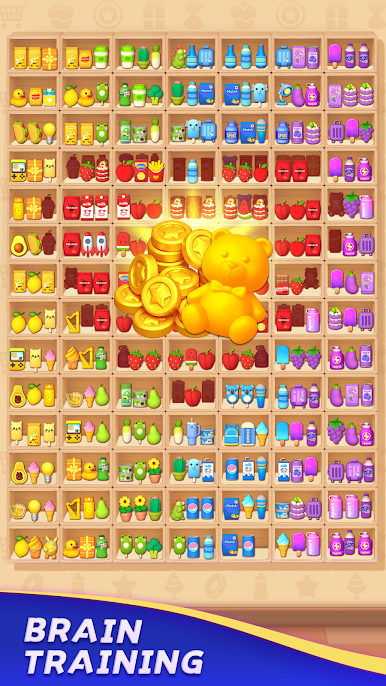
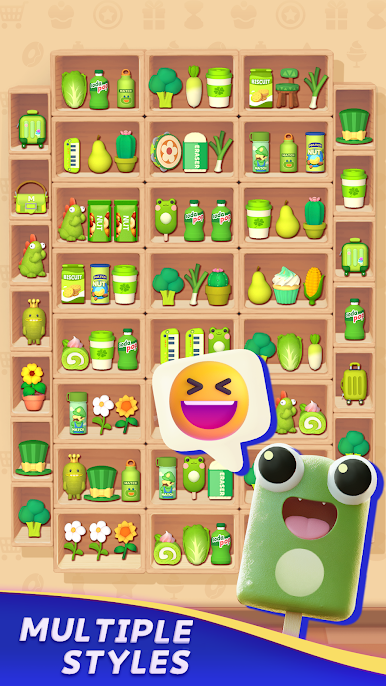
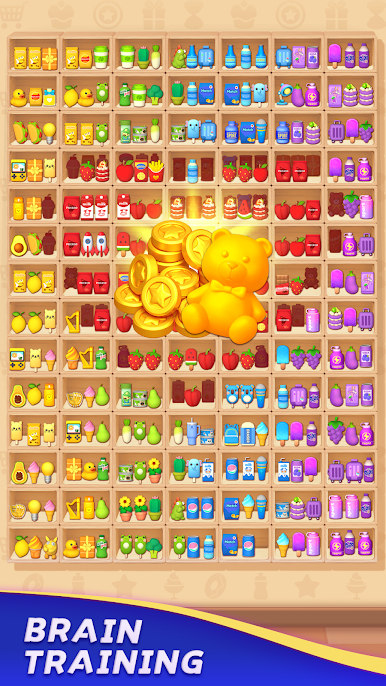
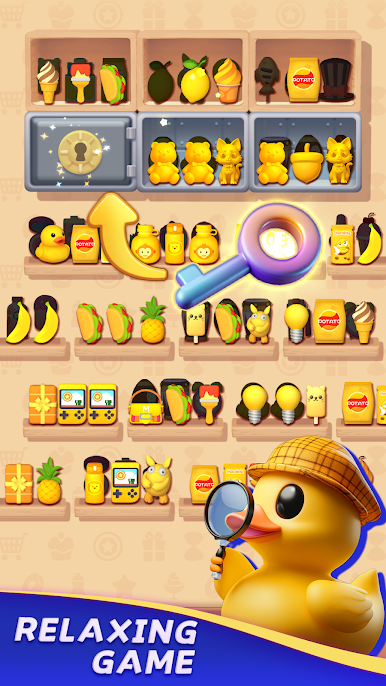
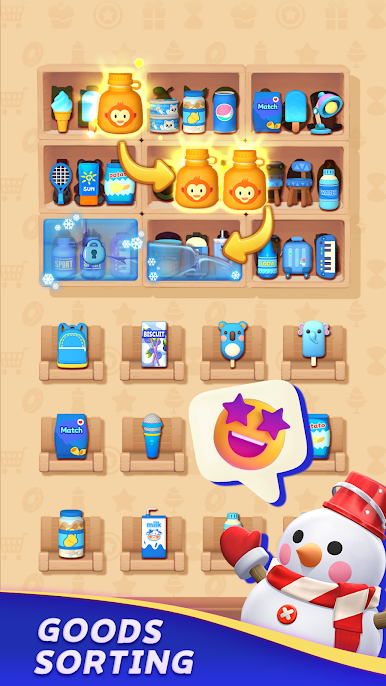
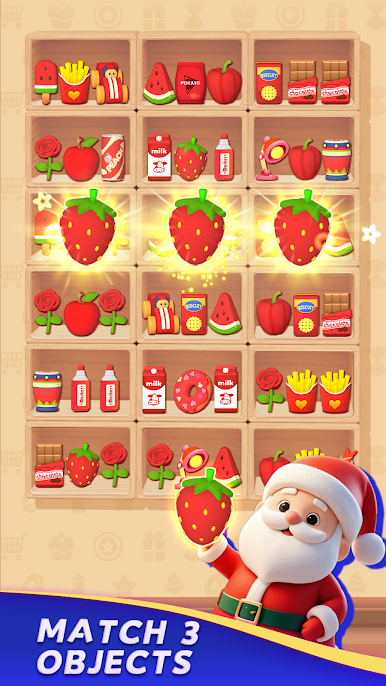
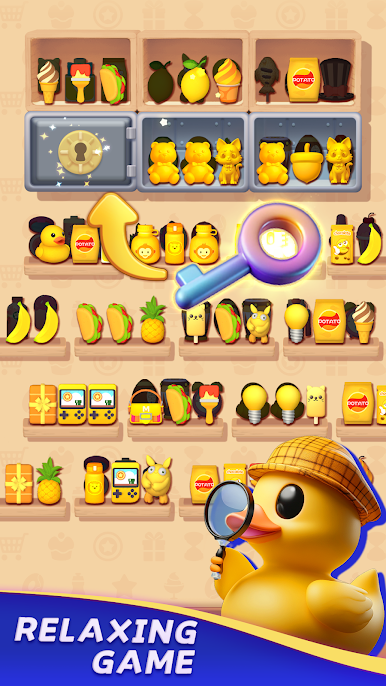
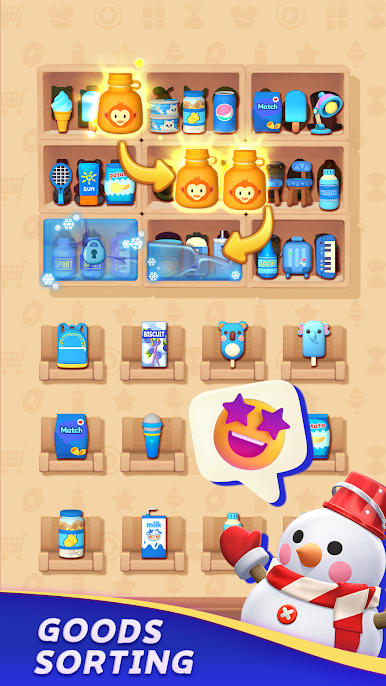
The ultimate destination for casual sorting enthusiasts! Dive into a magical world where you organize 3D goods through relaxing match-3 puzzles.
How to Play
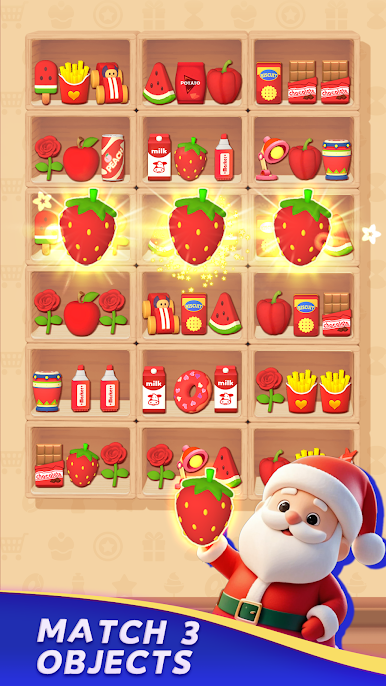
Match & Sort: Tap three identical 3D items (snacks, drinks, fruits) to clear them from shelves, fridges, or vending machines.
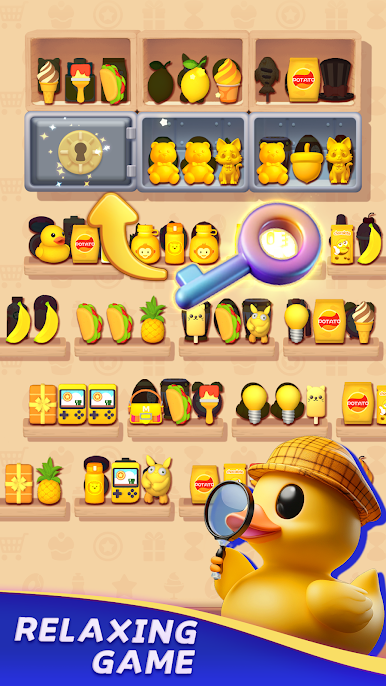
Explore Varied Challenges: Master timed levels, unlock cabinets, and discover hidden treasures.
Key Features
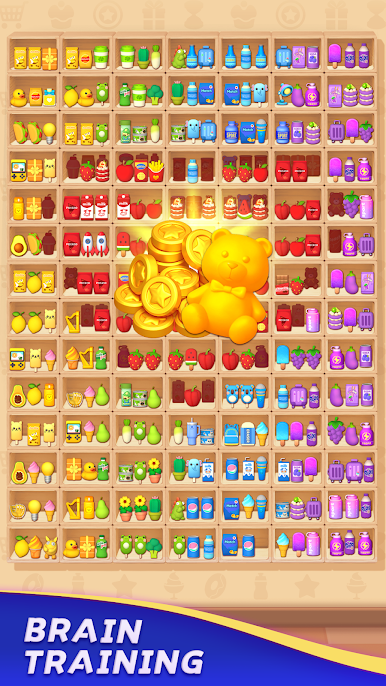
Hundreds of Levels
From simple sorting to intricate triple-match puzzles, each level sharpens focus and strategy.
Smart Power-Ups
Use boosters like hints and strategic props to conquer complex stages.
Offline Flexibility
Play anytime, anywhere—no internet needed. Perfect for stress-free relaxation.
Fresh Content
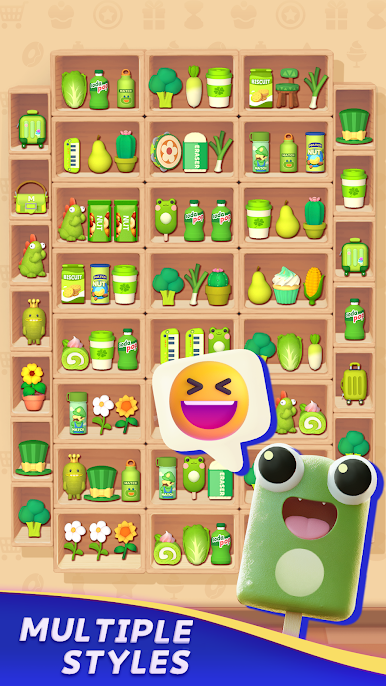
Seasonal events and regular updates bring new 3D models and organizational surprises.
Play Goods Triple-3D Match Game on PC. It’s easy to get started.
-
Download and install BlueStacks on your PC
-
Complete Google sign-in to access the Play Store, or do it later
-
Look for Goods Triple-3D Match Game in the search bar at the top right corner
-
Click to install Goods Triple-3D Match Game from the search results
-
Complete Google sign-in (if you skipped step 2) to install Goods Triple-3D Match Game
-
Click the Goods Triple-3D Match Game icon on the home screen to start playing

