


Draw Puzzle: Rush To Home
Play on PC with BlueStacks – the Android Gaming Platform, trusted by 500M+ gamers.

Page Modified on: Nov 13, 2025
Play Draw Puzzle: Rush To Home on PC or Mac
Join millions to experience Draw Puzzle: Rush To Home, an exciting Casual game from Mirai Games. With BlueStacks App Player, you are always a step ahead of your opponent, ready to outplay them with faster gameplay and better control with the mouse and keyboard on your PC or Mac.
About the Game
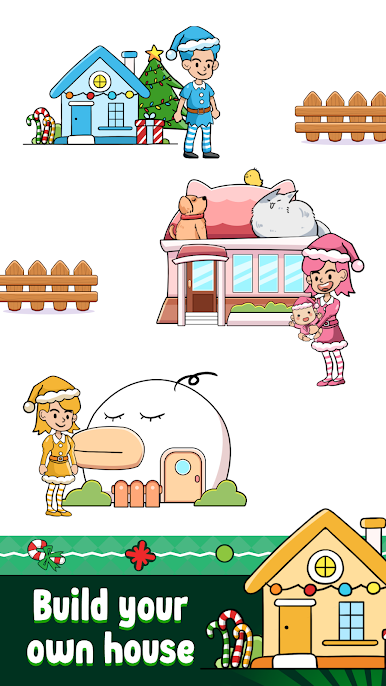
Ever wanted to put your quick-thinking and drawing skills to the test? Draw Puzzle: Rush To Home by Mirai Games is a casual experience where you’ll guide quirky little characters on their journey home—just by drawing paths with your fingertip. It starts out simple, but as you play, the puzzles become delightfully tricky. Get ready for that moment of “oh no!” when two characters almost collide or get stopped by a sneaky obstacle.
Game Features
-
Draw Your Way Home
Sketch out sneaker routes to lead each character straight to their door. Just tap, draw, and watch them walk the lines you create. -
Unexpected Hazards
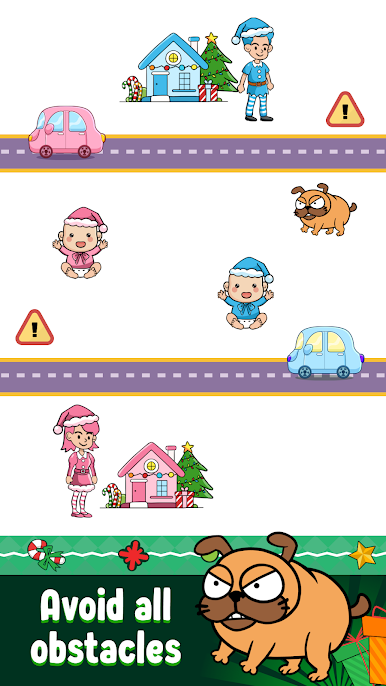
Every level tosses in fresh challenges—swinging obstacles, annoying boxes, random thieves, and sometimes even traffic. You’ll need to be a little clever with your lines if you want everyone home and safe. -
Use Special Powers
Stuck on a level or facing a tricky bit? Tap into special powers to help bail you out and keep things moving. -
Lively, Animated Cast
The game’s full of cute characters with their own personalities. The animation gives the whole thing a lighthearted vibe that’s tough not to smile at. -
Easy to Pick Up, Hard to Put Down
Whether you have just a minute or some real downtime, it’s made for jumping right in. Looks especially good when played on BlueStacks. -
New Twists Every Level
The puzzles change as you go, keeping things fresh and constantly making you rethink your drawing strategy.
Slay your opponents with your epic moves. Play it your way on BlueStacks and dominate the battlefield.








Play Draw Puzzle: Rush To Home on PC. It’s easy to get started.
-
Download and install BlueStacks on your PC
-
Complete Google sign-in to access the Play Store, or do it later
-
Look for Draw Puzzle: Rush To Home in the search bar at the top right corner
-
Click to install Draw Puzzle: Rush To Home from the search results
-
Complete Google sign-in (if you skipped step 2) to install Draw Puzzle: Rush To Home
-
Click the Draw Puzzle: Rush To Home icon on the home screen to start playing

