


Chameleon Hide
Play on PC with BlueStacks – the Android Gaming Platform, trusted by 500M+ gamers.

Page Modified on: Jul 22, 2026
Main Chameleon Hide on PC
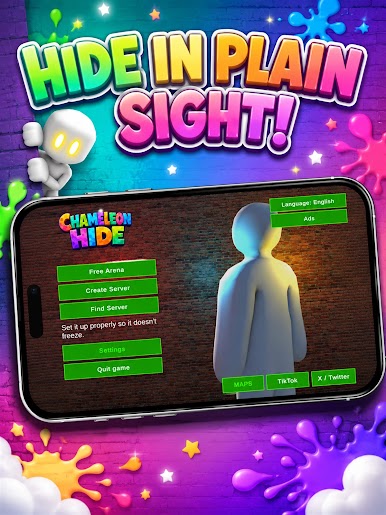
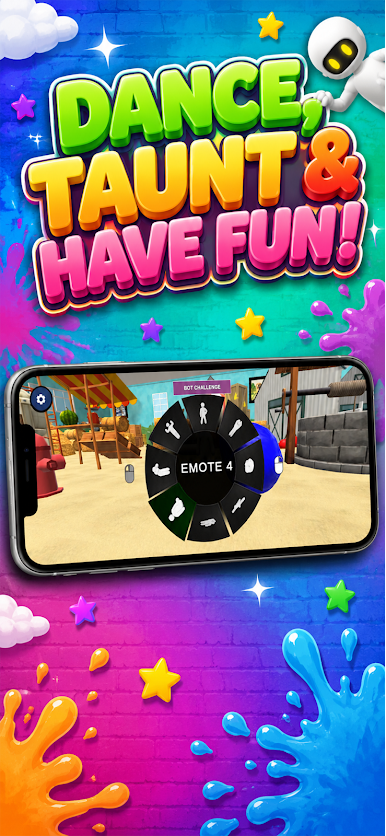
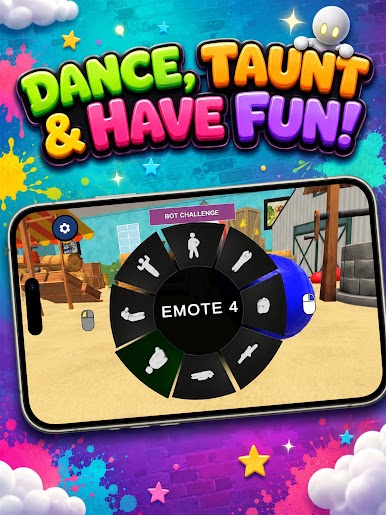
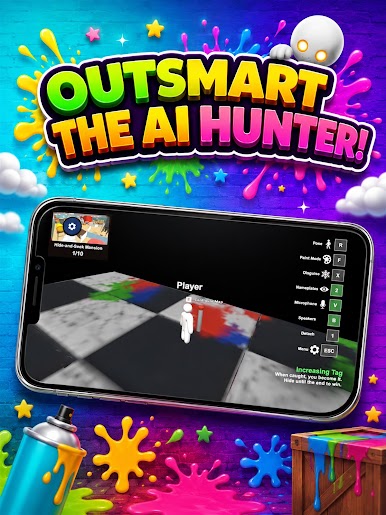
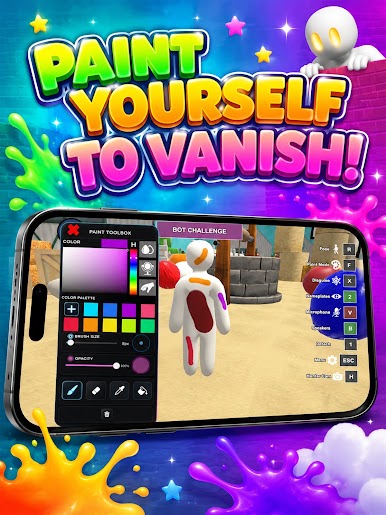
In every round you play as either a hider or a hunter. As a hider, paint your body to match the environment, freeze in place, and disguise yourself to look like part of the scene. As a hunter, you must spot who's hiding among the surroundings before time runs out.
Play with friends and players from around the world online with live voice chat, or practice on your own in the free offline modes.
Key features:
• Match your color to any surface and become nearly invisible
• Online multiplayer with live voice chat
• Free offline modes for training and solo play
• Varied maps and colorful, fun visuals
• Smooth, simple touch controls
Stay still, blend in, and don't let anyone find you. Can you hide in plain sight?







Play Chameleon Hide on PC. It’s easy to get started.
-
Download and install BlueStacks on your PC
-
Complete Google sign-in to access the Play Store, or do it later
-
Look for Chameleon Hide in the search bar at the top right corner
-
Click to install Chameleon Hide from the search results
-
Complete Google sign-in (if you skipped step 2) to install Chameleon Hide
-
Click the Chameleon Hide icon on the home screen to start playing

