

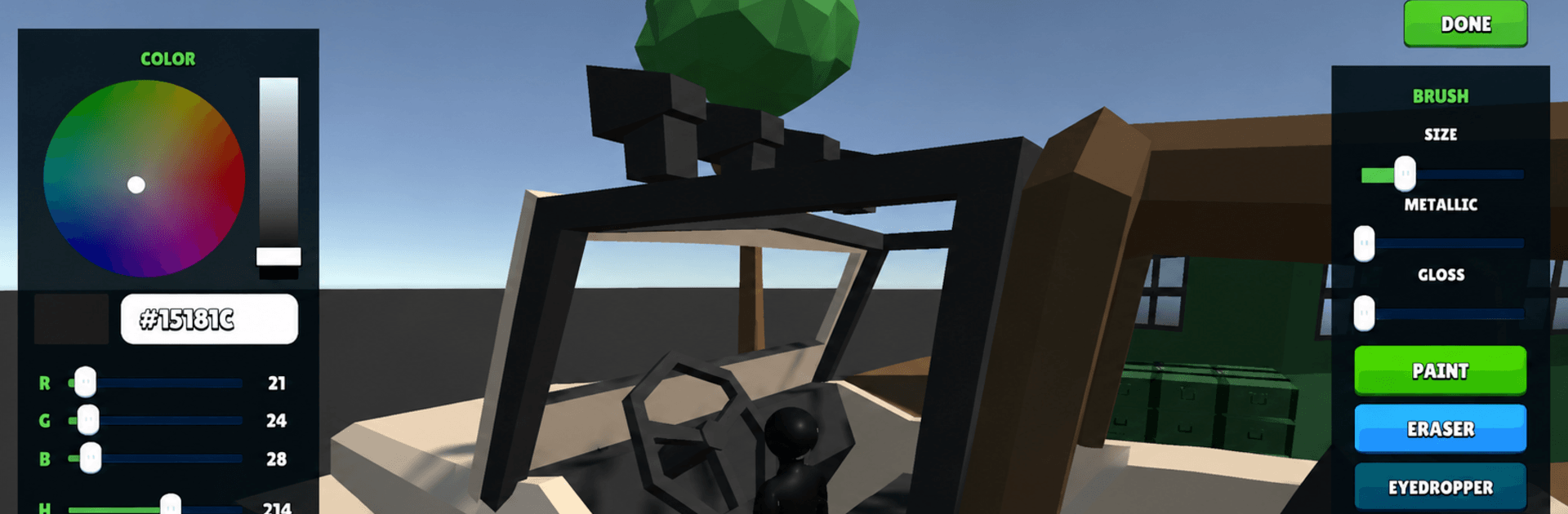
Meccha Chameleon : Hide & Seek
Play on PC with BlueStacks – the Android Gaming Platform, trusted by 500M+ gamers.

Page Modified on: Jul 4, 2026
Play Chameleon Rush: Hide & Seek on PC or Mac
Explore a whole new adventure with Chameleon Rush: Hide & Seek, a Action game created by Miuga Studio. Experience great gameplay with BlueStacks, the most popular gaming platform to play Android games on your PC or Mac.
About the Game
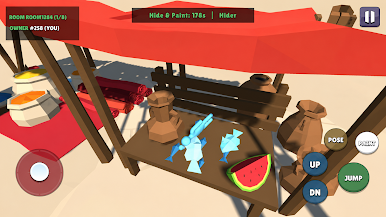
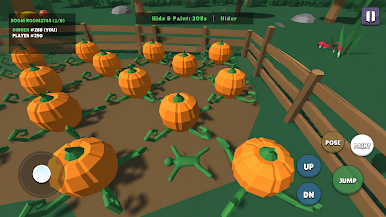
Chameleon Rush: Hide & Seek is a fast, cheeky Action game where everyone’s a chameleon trying to disappear in plain sight. Swap colors, hug the right corner, and blend into the background while a lone seeker rushes to sniff you out before the clock hits zero. It’s easy to jump in, but staying cool when the spotlight swings your way? That’s the real thrill.
Game Features
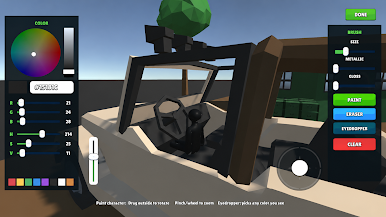
- Sneaky Camouflage: Switch colors on the fly to match walls, floors, or cluttered props so you melt into the scene.
- Hunter vs. Hiders: One player searches; the rest scatter and scheme. The seeker has limited time to tag everyone, so every second counts.
- Smart Movement: Don’t just stand there—slide between cover, wait for a glance to pass, then make that tiny dash that keeps you unseen.
- Play With Friends: Set up a group and turn it into a laugh-out-loud party night; quick rounds mean lots of rematches.
- Tense Timers: Short, punchy matches keep the pressure high and the pace snappy, perfect for quick sessions or long hangs.
- Maps With Personality: Busy textures, odd corners, and goofy nooks create hilarious hiding spots and clutch escapes.
- Easy to Learn, Hard to Spot: Simple controls make it accessible, while timing your color swaps and routes separates the sneaks from the caught.
- Looks Great on BlueStacks: Prefer a bigger view and crisp controls? Playing on BlueStacks makes every tiny tell and color shift easier to read.
Start your journey now. Download the game on BlueStacks, invite your friends, and march on a new adventure.

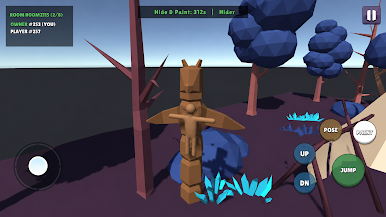
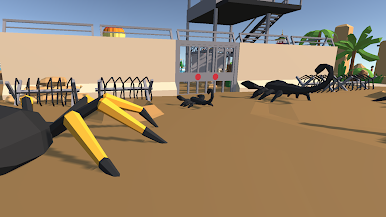
Play Meccha Chameleon : Hide & Seek on PC. It’s easy to get started.
-
Download and install BlueStacks on your PC
-
Complete Google sign-in to access the Play Store, or do it later
-
Look for Meccha Chameleon : Hide & Seek in the search bar at the top right corner
-
Click to install Meccha Chameleon : Hide & Seek from the search results
-
Complete Google sign-in (if you skipped step 2) to install Meccha Chameleon : Hide & Seek
-
Click the Meccha Chameleon : Hide & Seek icon on the home screen to start playing

