


Crazy Shot
Play on PC with BlueStacks – the Android Gaming Platform, trusted by 500M+ gamers.

Page Modified on: Feb 26, 2026
Main Crazy Shot on PC
Core Highlights
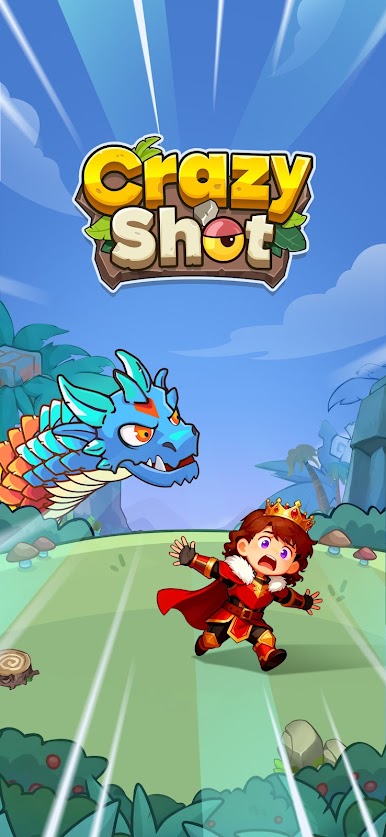
1. Exquisite Visuals: Vivid and Dynamic
The game features a refined cartoon art style with bright and vibrant colors. Both the scenes and character designs showcase thoughtful creativity, with every detail meticulously crafted. The visual experience is relaxed and enjoyable.
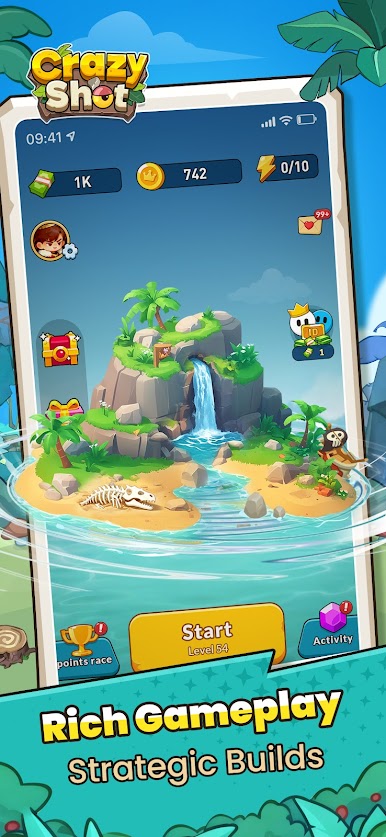
2. Rich Gameplay: Strategic Builds
The gameplay integrates multiple dimensions. Choose your attack strategy based on monster traits, strike precisely to obtain key skills, and experiment with various playstyles through combinations and upgrades. Every decision you make influences the course of battle.
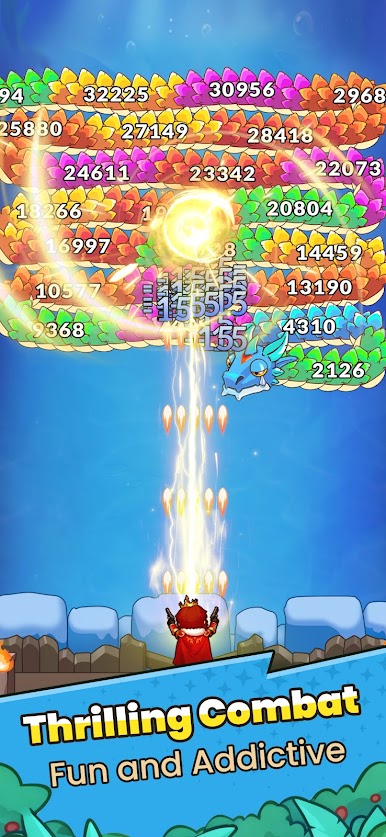
3. Thrilling Combat: Fun and Addictive
The combat process is both strategic and exhilarating. The attack patterns of monsters and the distribution of skill items are intricately designed, requiring players to adapt their tactics flexibly. Equipped skill effects are dazzling and impressive, delivering a powerful sensory impact. The battles are intense and exciting, keeping players hooked.
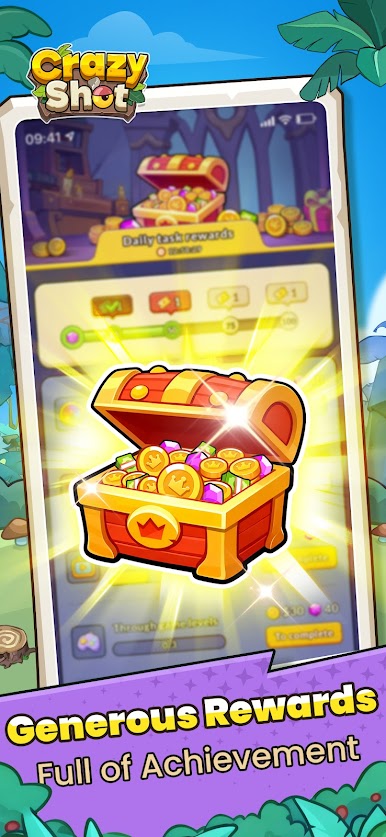
4. Generous Rewards: Full of Achievement
The adventure is packed with abundant rewards. Defeating monsters consistently grants skill items, and clearing levels unlocks exclusive rewards, making every step of the journey feel rewarding and fulfilling!
Play Crazy Shot on PC. It’s easy to get started.
-
Download and install BlueStacks on your PC
-
Complete Google sign-in to access the Play Store, or do it later
-
Look for Crazy Shot in the search bar at the top right corner
-
Click to install Crazy Shot from the search results
-
Complete Google sign-in (if you skipped step 2) to install Crazy Shot
-
Click the Crazy Shot icon on the home screen to start playing

