

Air Robot Game - Flying Robot
Play on PC with BlueStacks – the Android Gaming Platform, trusted by 500M+ gamers.

Page Modified on: Aug 6, 2025
Play Air Robot Game - Flying Robot Transforming Plane on PC or Mac
From the innovators and creators at Mizo Studio Inc, Air Robot Game – Flying Robot Transforming Plane is another fun addition to the World of Action games. Go beyond your mobile screen and play it bigger and better on your PC or Mac. An immersive experience awaits you.
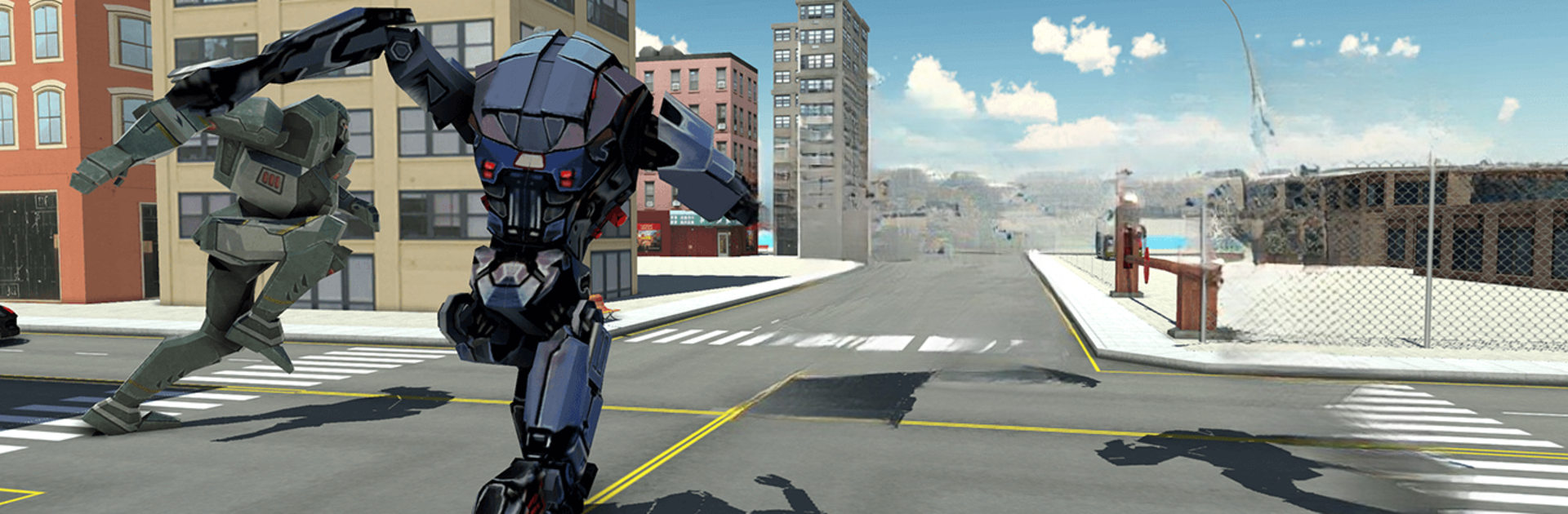
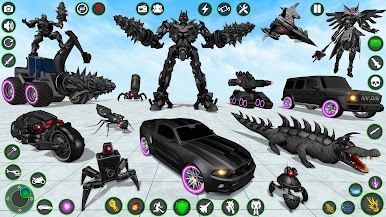
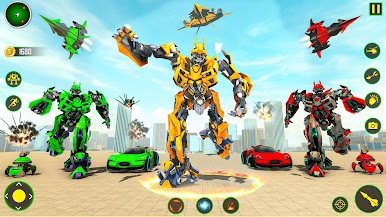
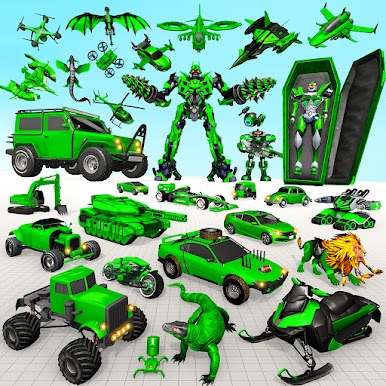
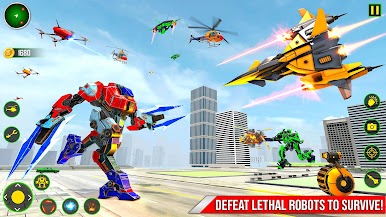
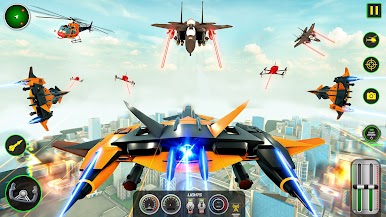
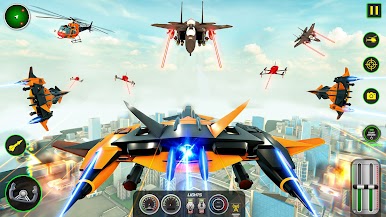
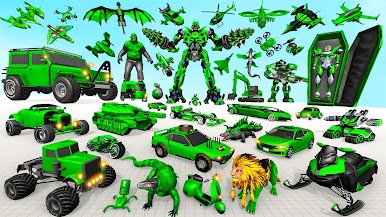
So, the main idea here is you’re a flying robot that can also turn into a plane, and your job is to take on loads of enemy robots in these big future battles. The whole thing feels like part robot fighting game, part flight sim, but totally over the top — you’re not just stuck flying around, because your robot can switch between a jet and a walking mech pretty much whenever you need to. That mix keeps things fresh, since sometimes you’re swooping over a city blasting away, and then suddenly you’re back on the ground, dodging missiles and taking out bots up close.
There’s this sort of superhero angle too, where you join up with other robot heroes, but honestly the best part is just how wild some of the missions get. One minute you’re in the air weaving through skyscrapers, the next you’re in the middle of a big robot rumble on the ground. The map is surprisingly open for this type of game, so you’re not locked in tiny arenas. On PC, especially with BlueStacks, the controls are way easier to handle — it’s smoother moving from plane to robot, aiming weapons, stuff like that. The graphics are definitely on the flashy side, with big city environments and lots of explosions, which just add to the chaos. For anyone who’s into mashups like robot games, shooters, and flying games, this one packs in a lot to mess with, and it doesn’t take itself too seriously. The missions can get pretty tough, especially as enemy waves grow, but that just makes pulling off a win even better.
Slay your opponents with your epic moves. Play it your way on BlueStacks and dominate the battlefield.

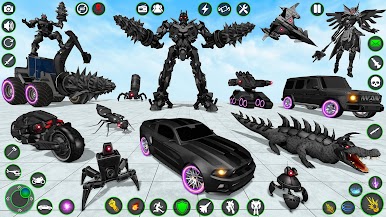
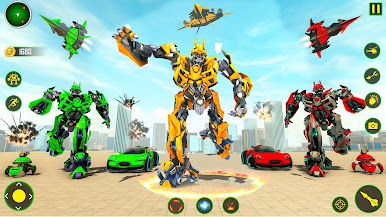
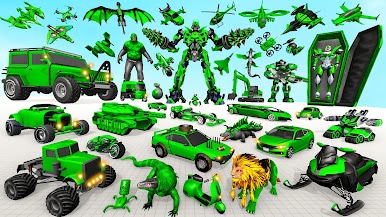

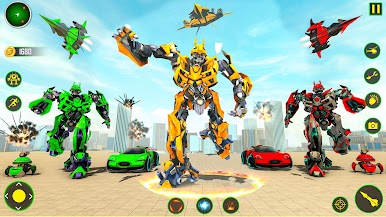

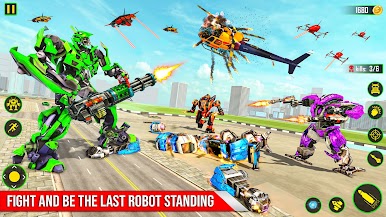
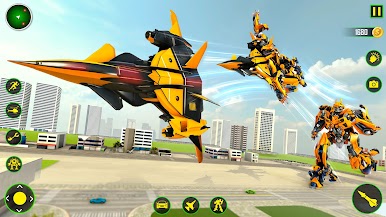
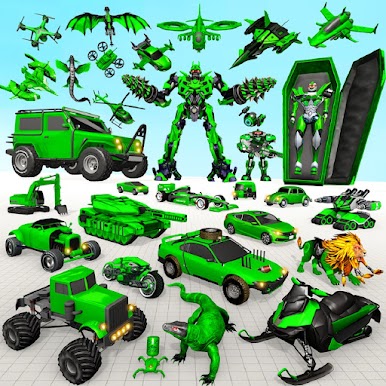
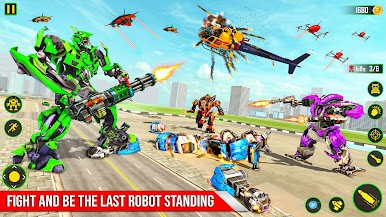


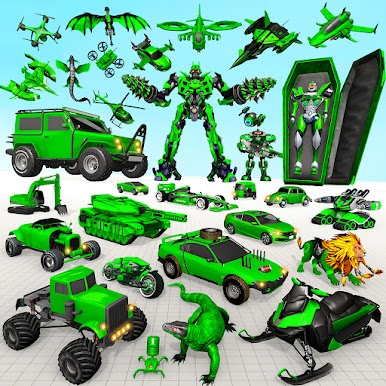
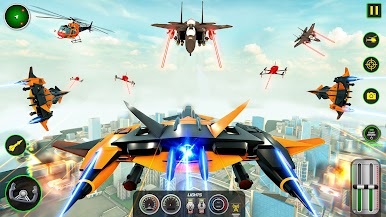

Play Air Robot Game - Flying Robot on PC. It’s easy to get started.
-
Download and install BlueStacks on your PC
-
Complete Google sign-in to access the Play Store, or do it later
-
Look for Air Robot Game - Flying Robot in the search bar at the top right corner
-
Click to install Air Robot Game - Flying Robot from the search results
-
Complete Google sign-in (if you skipped step 2) to install Air Robot Game - Flying Robot
-
Click the Air Robot Game - Flying Robot icon on the home screen to start playing

