


Word collection - Word games
Play on PC with BlueStacks – the Android Gaming Platform, trusted by 500M+ gamers.

Page Modified on: Sep 11, 2026
Play Word collection - Word games on PC
Enjoy a collection of word games that are perfect for passing the time. Whether you like word searches, vocabulary quizzes, riddles, hangman, or daily word puzzles, Word Collection offers a variety of challenges in one app.
Why Players Love Word Collection
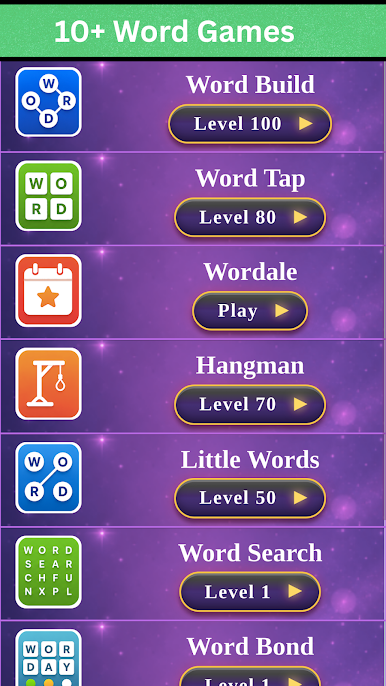
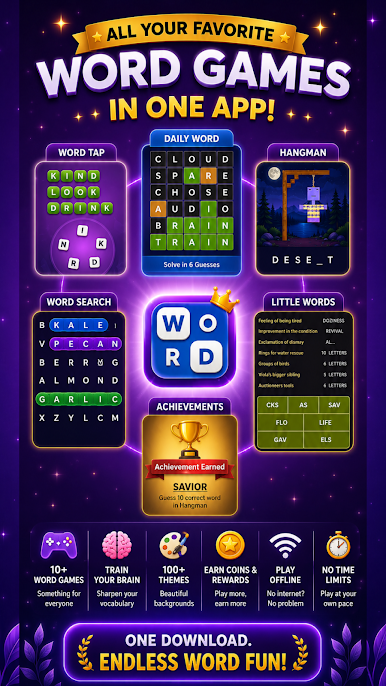
✅ 10+ Word Games In One App
✅ Play Offline Anytime
✅ Daily Word Puzzle Challenges
✅ Fun Vocabulary Challenges
✅ Fun Word Games For All Ages
✅ Thousands Of Levels
✅ Easy To Learn, Hard To Master
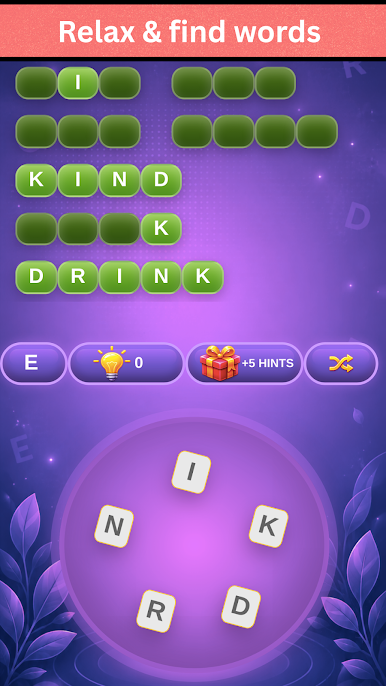
1) Word Build:
- Unscramble words to generate new ones
- Connect letters in any direction to discover hidden words
- Find every possible word from the given letters to earn bonus hints
- Need help with a level? Use hints to reveal a letter
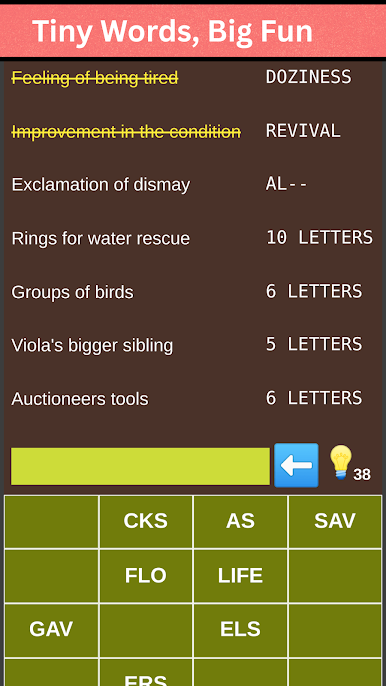
2) Word Tap:
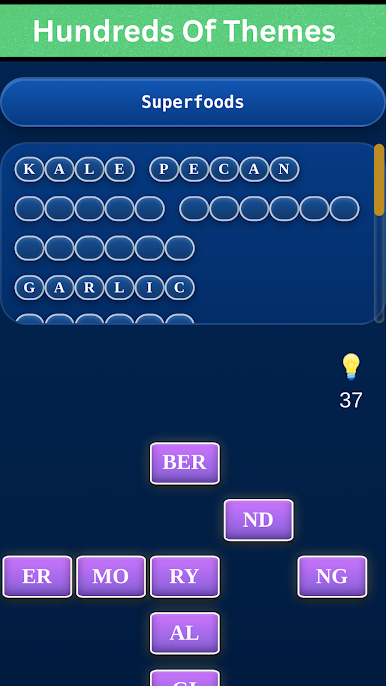
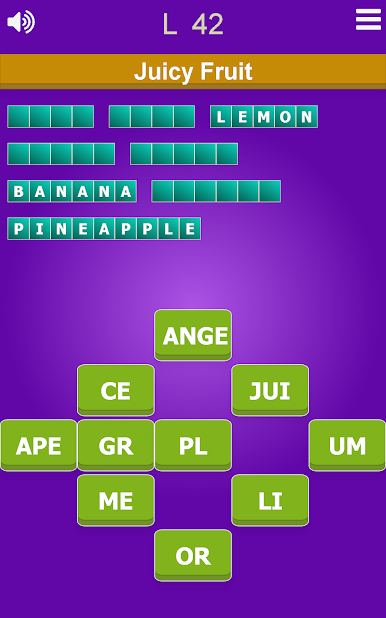
- Assemble scrambled letter blocks to discover the word that matches the level hint
- Combine scrambled word pieces to form the correct answer
- Easy to play for people of all ages
- Collection of different levels to challenge you
3) Word Quiz:
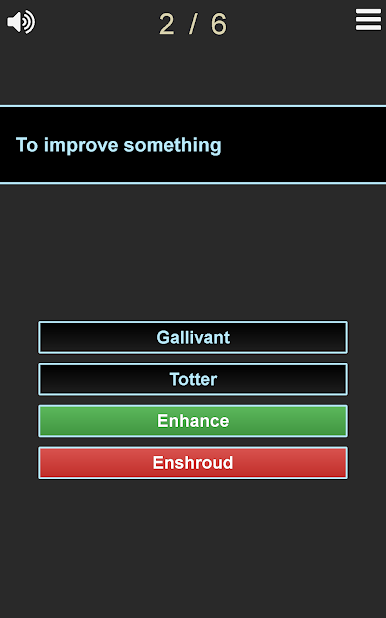
- Test your vocabulary knowledge by selecting the correct word from 4 options for the given definition
- Guess as many correct words to get an A rank for each pack. Play offline and explore over 1,000 vocabulary questions and word challenges
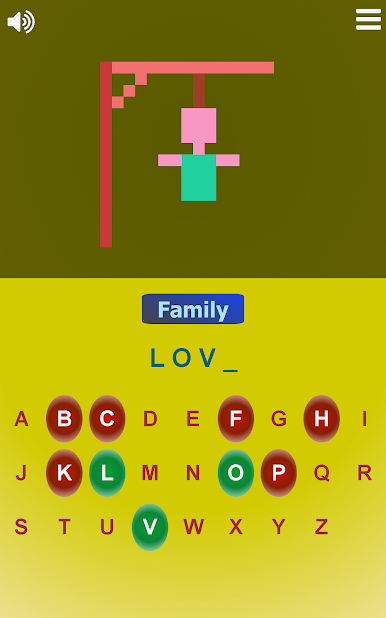
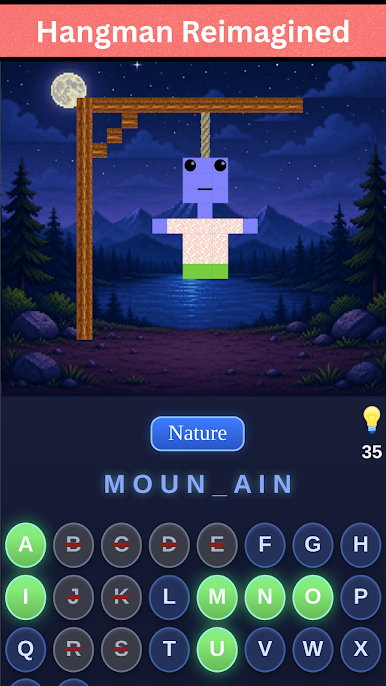
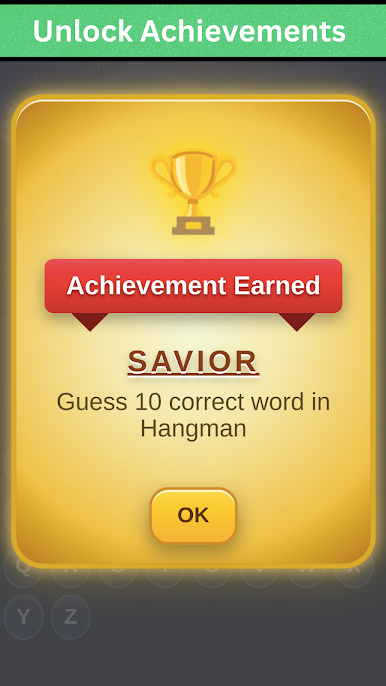
4) Hangman:
- You might have played this hangman game in school
- Guess the secret word before you run out of chances
- Have fun guessing words from different categories
- There are different difficulty levels for hangman puzzles
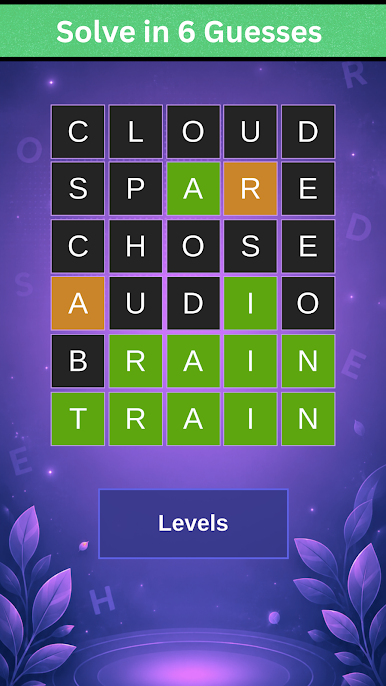
5) Word Bond:
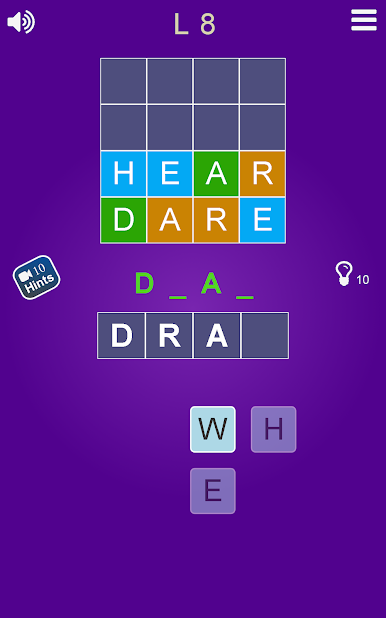
- Use the given letters to discover the hidden word
- Use correct words to reveal clues
- GREEN = Correct letter & correct position
- ORANGE = Correct letter but incorrect position
- Tap letters to add them to generate words
- Tap letters in the current word to remove them from the current word
6) Just Riddles:
- Fun riddles that challenge your thinking
- Hundreds of entertaining riddles
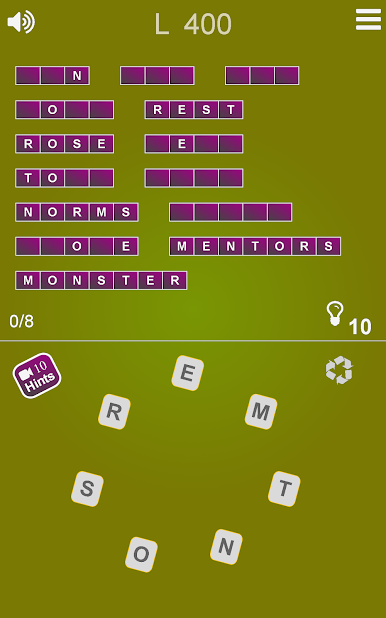
7) Words Touch:
- Find hidden words as quickly as possible
- Test your observation and word-finding skills
8) Words Search:
- Find hidden words on the board
- Search for words across multiple categories
- Play offline anytime
9) Daily Word Puzzle Challenges:
- Find the correct word in 6 tries
- Each valid word helps guide you toward the solution
- Daily new words available to play
10) Mini Games:
- Test your reflexes
- Think out of the box
- Solve calculator and logic-based puzzles
Download Word Collection today and enjoy 10+ word games in one app. Play offline, discover new challenges, and have fun with thousands of word puzzles, quizzes, riddles, and daily challenges.
Play Word collection - Word games on PC. It’s easy to get started.
-
Download and install BlueStacks on your PC
-
Complete Google sign-in to access the Play Store, or do it later
-
Look for Word collection - Word games in the search bar at the top right corner
-
Click to install Word collection - Word games from the search results
-
Complete Google sign-in (if you skipped step 2) to install Word collection - Word games
-
Click the Word collection - Word games icon on the home screen to start playing

