


Cricket Match Legends: T20 3D
Play on PC with BlueStacks – the Android Gaming Platform, trusted by 500M+ gamers.

Page Modified on: Mar 1, 2026
Play Cricket Match Legends: T20 3D on PC
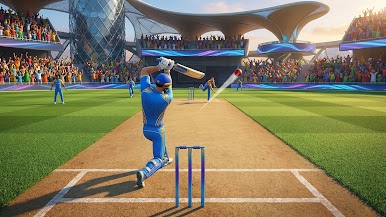
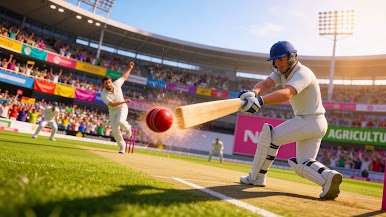
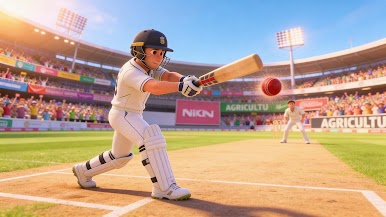
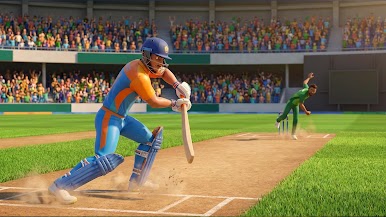
smooth gameplay, and immersive stadium atmospheres. Hit big sixes, bowl with precision, and lead your team to glory!
Choose your favorite team, customize players, select stadiums, and compete to become cricket champions. Every match is designed to be quick, exciting, and enjoyable for cricket fans of all ages.
🔥 Game Features
🎨 Stunning 3D Graphics
Smooth gameplay with optimized 3D graphics designed for both low-end and high-end mobile devices.
🏆 Team Selection
Choose from multiple cricket teams and create your own squad of champions. Compete in thrilling T20 and T10 cricket match modes and rise as legends of the game.
👤 Player Customization
Select and customize players with unique styles. Build your squad of T20 cricket champions and lead them to victory in every match.
🏟️ Stadium Selection
Play in beautifully designed 3D stadiums inspired by the excitement of world T20 cricket tournaments and league matches.
🎮 T20 & T10 Match Modes
Enjoy quick T10 matches or competitive T20 matches. Perfect for both short gameplay sessions and longer cricket match 3d challenges.
🔊 Custom Sound Settings
Adjust crowd sounds, match effects, and game audio to suit your playing style.
🎥 Action Replay
Watch your best sixes, wickets, and match-winning shots again with the action replay feature.
🌙 Day & Night Match Mode
Play matches in both day and night stadium environments. Experience different lighting conditions and enjoy cricket matches under bright sunlight or stadium floodlights.
⚡ Super Over Mode
Play the exciting Super Over Mode, Where you can jump directly into high-intensity Super Over matches. Enjoy fast, thrilling gameplay and decide the winner in pressure-filled moments like legend cricket champions.
🎯 Why Play Cricket Match Legends: T20 3D?
Exciting cricket match gameplay
Easy batting and bowling controls
Offline cricket game support
Optimized performance for all devices
Quick matches and competitive challenges
Designed for fans of cricket games, match simulations, and world cricket tournaments
Hit powerful sixes, defend your wicket, and chase big targets to become a cricket champion. Compete in exciting matches, build your team of legends, and enjoy the thrill of world cricket anytime, anywhere.
Download Cricket Match Legends: T20 3D today and start playing exciting cricket matches anytime, anywhere. Build your team of champions, compete with legends, enjoy day and night matches in the thrilling world of cricket. Step onto the field, hit powerful shots, and become the ultimate cricket champion!
Play Cricket Match Legends: T20 3D on PC. It’s easy to get started.
-
Download and install BlueStacks on your PC
-
Complete Google sign-in to access the Play Store, or do it later
-
Look for Cricket Match Legends: T20 3D in the search bar at the top right corner
-
Click to install Cricket Match Legends: T20 3D from the search results
-
Complete Google sign-in (if you skipped step 2) to install Cricket Match Legends: T20 3D
-
Click the Cricket Match Legends: T20 3D icon on the home screen to start playing

