

Word Solitaire: Card Sort
Play on PC with BlueStacks – the Android Gaming Platform, trusted by 500M+ gamers.

Page Modified on: Mar 18, 2026
Play Word Solitaire: Card Sort on PC or Mac
From the innovators and creators at Quiz & Trivia Games by Mno Go Apps, Word Solitaire: Card Sort is another fun addition to the World of Card games. Go beyond your mobile screen and play it bigger and better on your PC or Mac. An immersive experience awaits you.
About the Game
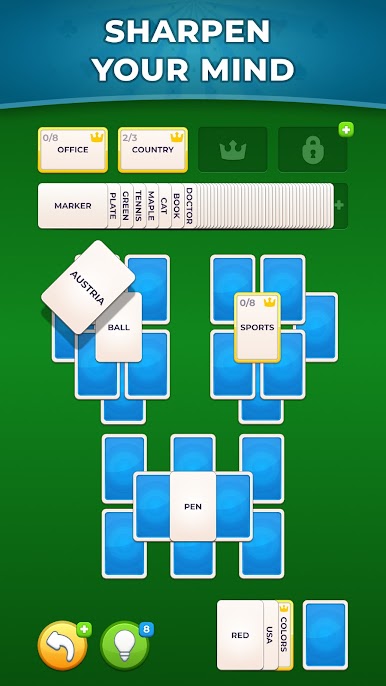
Word Solitaire: Card Sort takes the calm rhythm of solitaire and blends it with clever word sorting. It’s a thoughtful Card game from Quiz & Trivia Games by Mno Go Apps where you match word cards to the right categories, plan ahead, and clear the board within a set number of moves. Easy to pick up, surprisingly deep once you get rolling.
Game Features
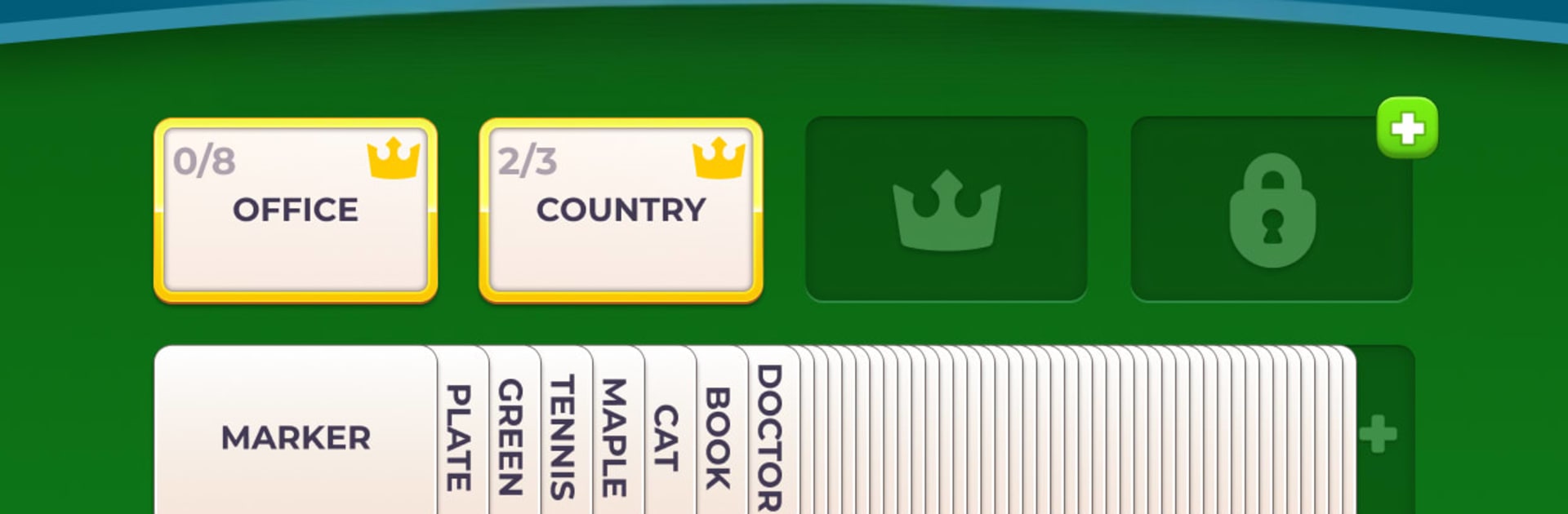
- Solitaire with a wordy twist: Sort word cards beneath category cards, using a familiar card flow that now hinges on language and logic.
- Plan-before-you-play strategy: Every move matters. With limited moves, you’ll think a step or two ahead to keep the board tidy and winnable.
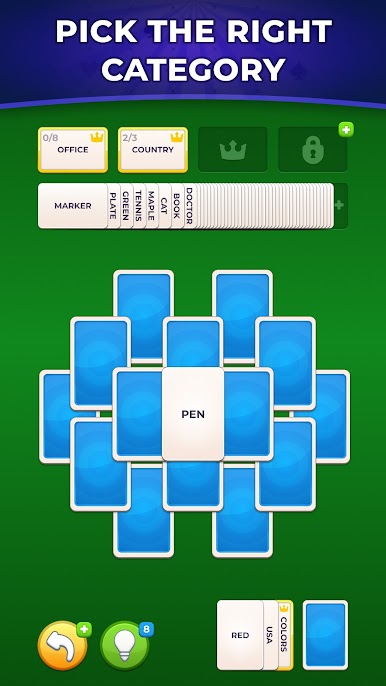
- Smart word associations: Match words to the most fitting category—sometimes obvious, sometimes delightfully tricky—using intuition and reasoning.
- Lots of levels to unwind with: Work through a big spread of boards, from gentle warm-ups to brainy challenges that ask for sharper planning.
- Hints when you need them: Stuck on a stubborn stack? Spend coins to nudge the board in the right direction without spoiling the whole puzzle.
- Steady, no-fuss progression: Track what you’ve finished and unlock new stages at your own pace—no rush, no noise, just steady improvement.
- Built for focused play: Minimal visuals and clear rules keep your head in the puzzle, whether you’ve got two minutes or twenty.
- Great on a bigger screen too: Prefer the roomy view? It plays smoothly on BlueStacks, so sorting and scanning categories feels extra comfortable.
Ready to top the leaderboard? We bet you do. Let precise controls and sharp visuals optimized on BlueStacks lead you to victory.

Play Word Solitaire: Card Sort on PC. It’s easy to get started.
-
Download and install BlueStacks on your PC
-
Complete Google sign-in to access the Play Store, or do it later
-
Look for Word Solitaire: Card Sort in the search bar at the top right corner
-
Click to install Word Solitaire: Card Sort from the search results
-
Complete Google sign-in (if you skipped step 2) to install Word Solitaire: Card Sort
-
Click the Word Solitaire: Card Sort icon on the home screen to start playing

