


Fake GPS Location- LocaEdit
Play on PC with BlueStacks – the Android Gaming Platform, trusted by 500M+ gamers.

Page Modified on: Sep 28, 2026
Play Fake GPS Location- LocaEdit on PC
Will override your current location and any app you want to test will assume you are in New York, London, or anywhere else in the world!
Key Feature::
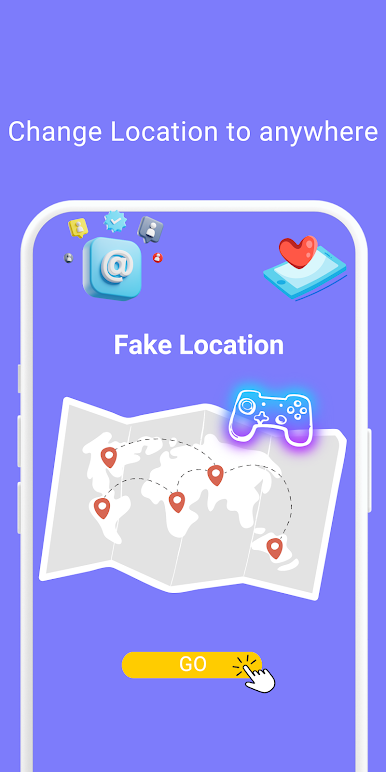
Teleport Mode
Change GPS location with one click and easily teleport your phone anywhere in the world . This app sets a Fake GPS location so that all other app in your phone believe you are there!
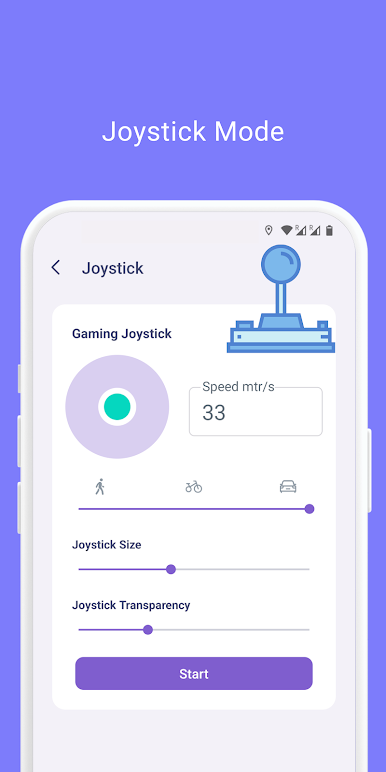
Joystick Mode
360° joystick movement, one key to switch the speed of walking, riding, driving, you can also customize the speed unit and value, smooth control, enhance the game experience.
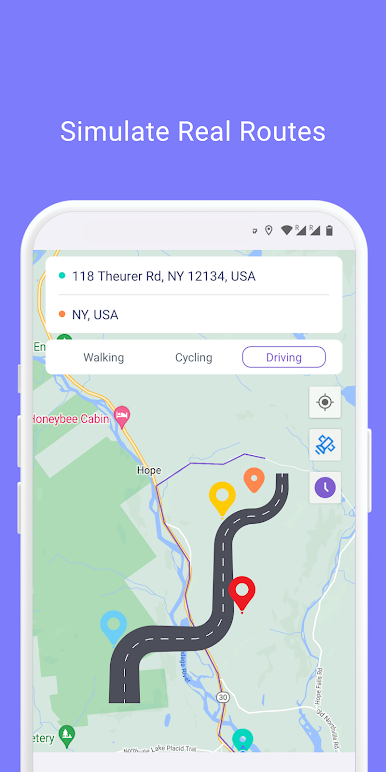
Simulated Navigation Mode
Simulated navigation routes with the option to plan trips on foot, by bike or by car
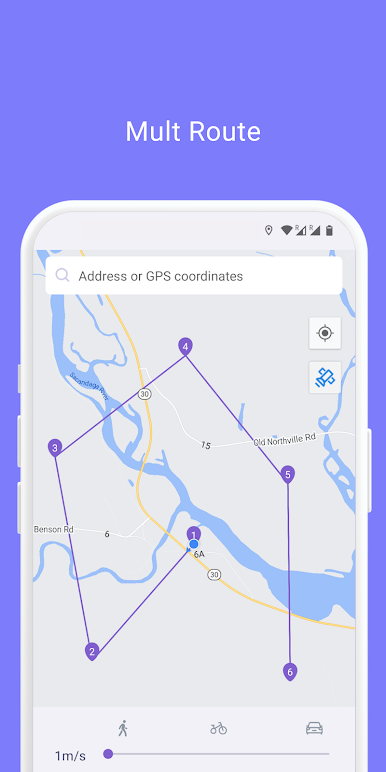
Simulate Multi-Point Route Mode
Simulate multi-point routes, with the option of travelling on foot, by bicycle or by car
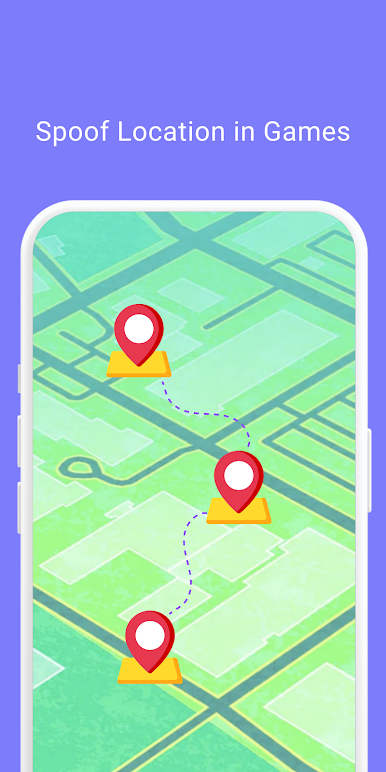
Game Mode
For AR games, it can help people who are unable to play location-based AR games properly due to physical conditions, social regulations or climate.
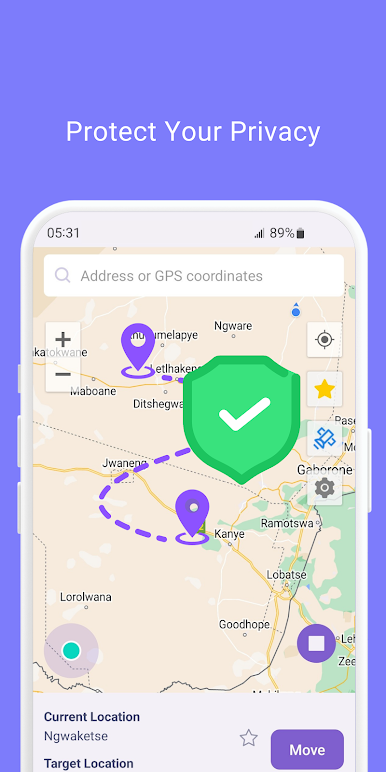
Privacy Protection
Effectively protect your real location information, safeguard your personal privacy and security Support popular apps
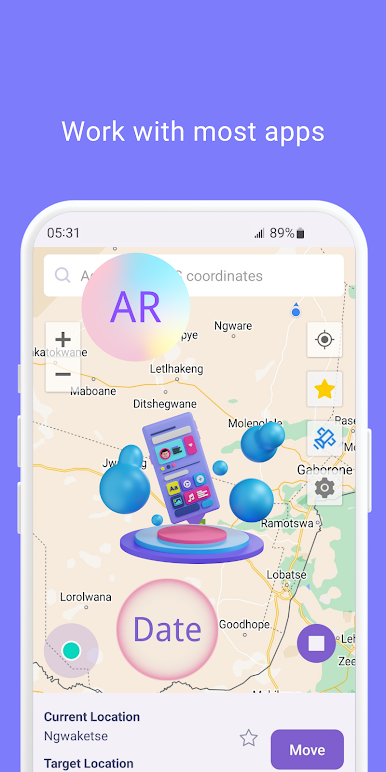
Suitable for most apps
Supports most location-based social media apps, AR games, navigation apps and location service apps to fully meet your application needs.
With this location faker and GPS changer, you can spoof your phone's GPS position. GPS spoofing and location simulation has never been easier!
Privacy Policy: https://www.mobispeedy.com/privacy-policy
Terms & Conditions: https://www.mobispeedy.com/terms-and-conditions.html
If you have any questions, please contact support@mobispeedy.com
Play Fake GPS Location- LocaEdit on PC. It’s easy to get started.
-
Download and install BlueStacks on your PC
-
Complete Google sign-in to access the Play Store, or do it later
-
Look for Fake GPS Location- LocaEdit in the search bar at the top right corner
-
Click to install Fake GPS Location- LocaEdit from the search results
-
Complete Google sign-in (if you skipped step 2) to install Fake GPS Location- LocaEdit
-
Click the Fake GPS Location- LocaEdit icon on the home screen to start playing

