


FotMob - Soccer Live Scores
Play on PC with BlueStacks – the Android Gaming Platform, trusted by 500M+ gamers.

Page Modified on: May 6, 2026
Main FotMob - Soccer Live Scores on PC
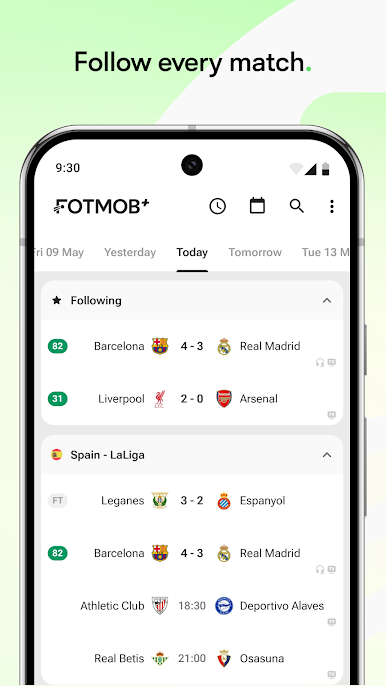
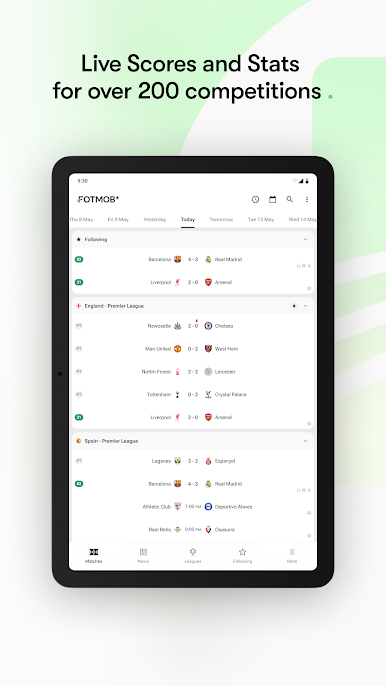
FotMob gives you all the live scores, detailed stats, and news you need to follow soccer from anywhere in the world. With personalized alerts and lightning-fast match updates, you'll always stay informed about your favorite teams and players. Our mission is simple: We're changing the way the world follows soccer.
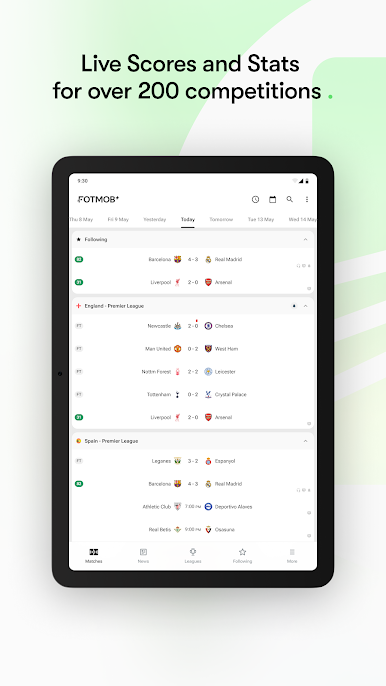
You can follow scores, stats, player ratings and news from the Premier League, Champions League, MLS, Serie A, La Liga, Bundesliga, big international tournaments as the World Cup and European Championship, and so much more. In total, we cover over 500 leagues worldwide.
Key features include:
• Live scores with instant goal notifications
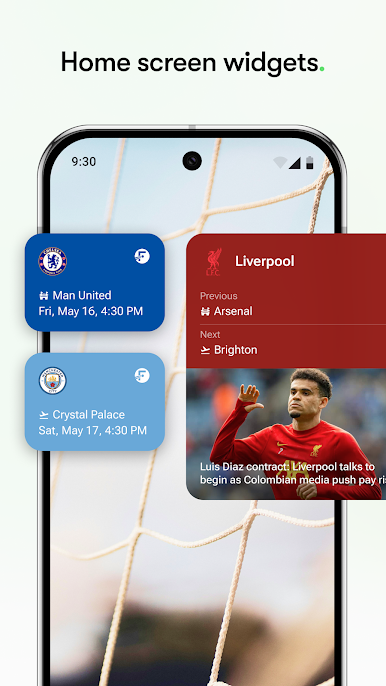
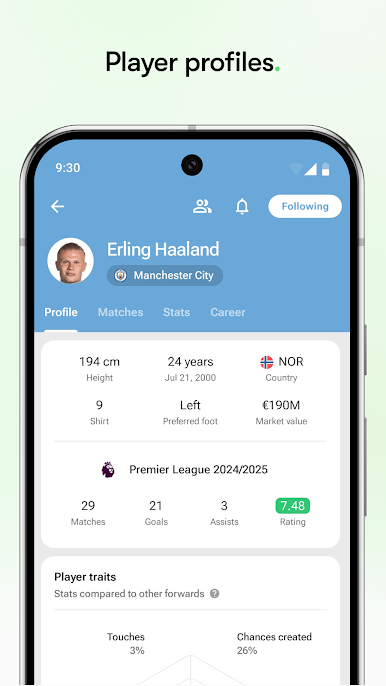
• Personalized news and alerts for your favorite clubs and players
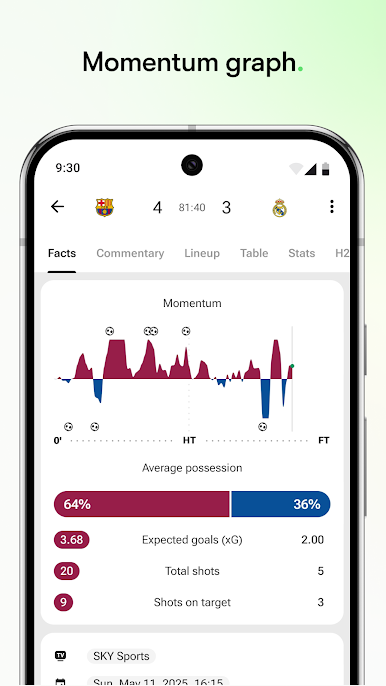
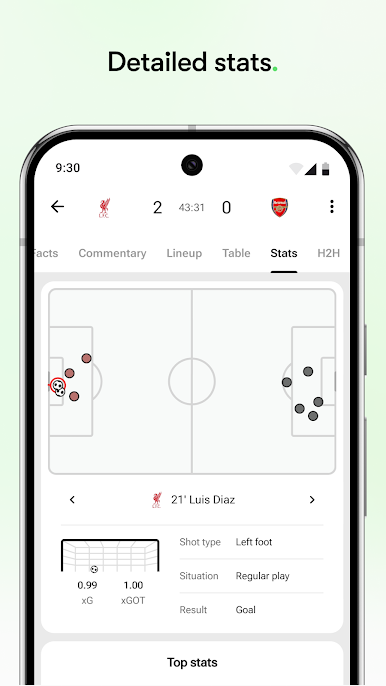
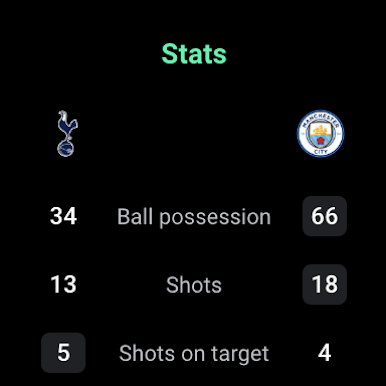
• Detailed match stats, including Expected Goals (xG) and shot maps
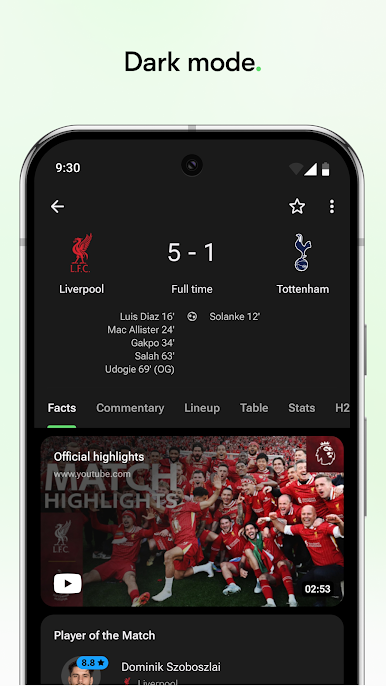
• Official match highlights and audio commentary
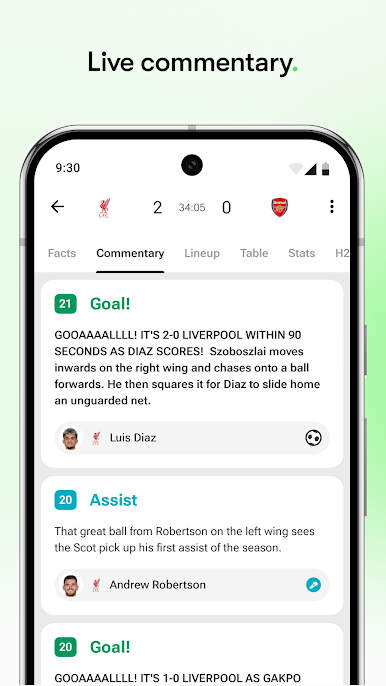
• Live text commentary to follow the action as it happens
• Transfer updates and breaking news
• TV schedules so you know exactly when and where to watch
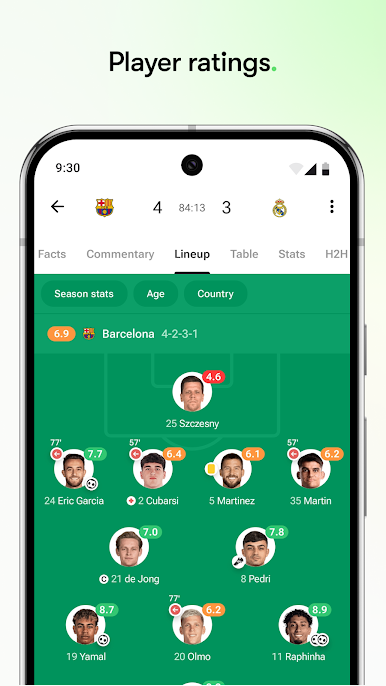
• Comprehensive player ratings
We cover more than 400 competitions globally, including the Premier League, La Liga, Bundesliga, Serie A, Ligue 1, MLS, USL, NWSL, UEFA Champions League, Liga MX, Euros, FA Women’s Super League, Eredivisie, FA Cup, UEFA Nations League, the Championship, EFL, Scottish Premier League, Baller League, and many more.
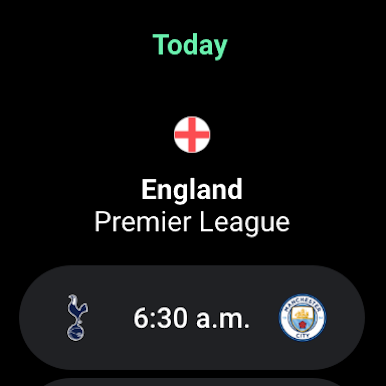
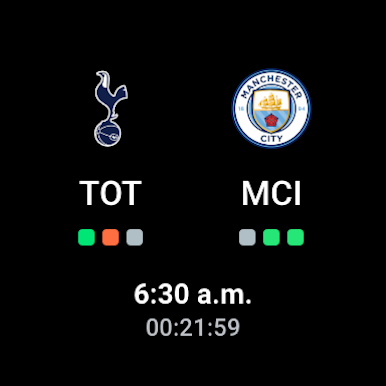
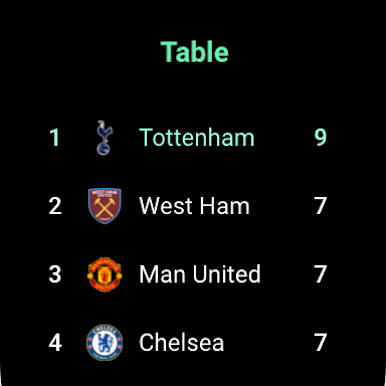
FotMob also fully supports Wear OS, bringing soccer updates right to your wrist.
Stay connected and share your feedback—we’d love to hear from you!
X: http://x.com/fotmob
Instagram: http://www.instagram.com/fotmobapp
Facebook: http://www.facebook.com/fotmob
TikTok: http://www.tiktok.com/@fotmobapp
Web: http://www.fotmob.com/
Play FotMob - Soccer Live Scores on PC. It’s easy to get started.
-
Download and install BlueStacks on your PC
-
Complete Google sign-in to access the Play Store, or do it later
-
Look for FotMob - Soccer Live Scores in the search bar at the top right corner
-
Click to install FotMob - Soccer Live Scores from the search results
-
Complete Google sign-in (if you skipped step 2) to install FotMob - Soccer Live Scores
-
Click the FotMob - Soccer Live Scores icon on the home screen to start playing

