


Kubaturnik Lite
Play on PC with BlueStacks – the Android Gaming Platform, trusted by 500M+ gamers.

Page Modified on: Dec 21, 2025
Play Kubaturnik Lite on PC
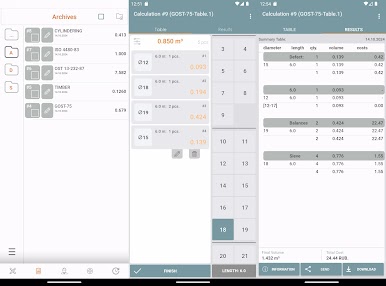
What are the conveniences of a cubature:
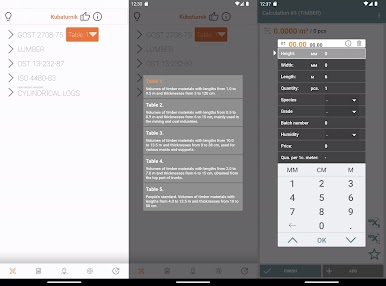
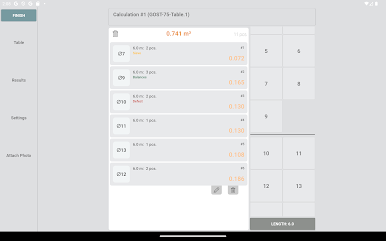
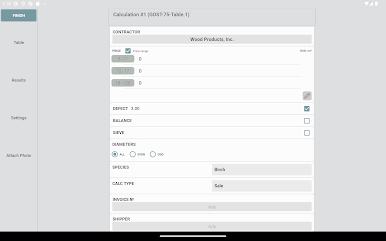
— entering data with one click on one working screen;
— expanded characteristics of each log;
— adding photos to a specific log or to the entire calculation;
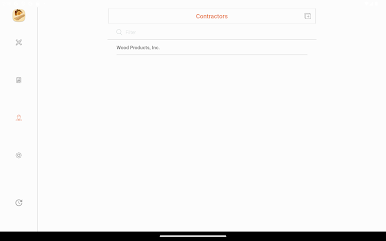
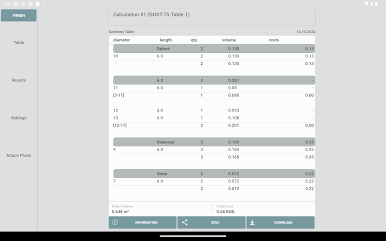
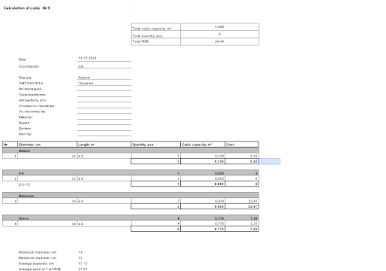
— summary table of calculation results;
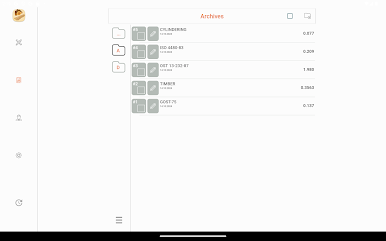
— archive of calculations.
Possibilities:
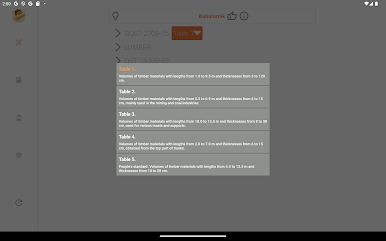
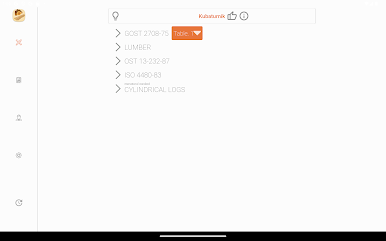
— calculation of cubic capacity according to GOST 2708-75;
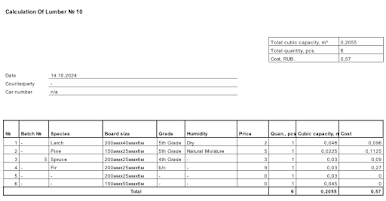
— calculation of lumber cubic capacity;
— cubic capacity calculation according to ISO 4480-83;
— calculation of the cubic capacity of the logs according to the tables OST 13-232-87;
— calculation using the end section method (GOST 32594-2013);
— calculation of the cubic capacity of a rounded log;
— calculation of the cost of cubic capacity;
— selection of diameters for acceptance: even / odd;
— saving on the phone in the form of a summary table of the “dot” type;
Play Kubaturnik Lite on PC. It’s easy to get started.
-
Download and install BlueStacks on your PC
-
Complete Google sign-in to access the Play Store, or do it later
-
Look for Kubaturnik Lite in the search bar at the top right corner
-
Click to install Kubaturnik Lite from the search results
-
Complete Google sign-in (if you skipped step 2) to install Kubaturnik Lite
-
Click the Kubaturnik Lite icon on the home screen to start playing

