


Be Bad Panda
Play on PC with BlueStacks – the Android Gaming Platform, trusted by 500M+ gamers.

Page Modified on: Apr 12, 2026
Main Be Bad Panda on PC
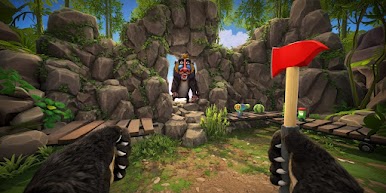
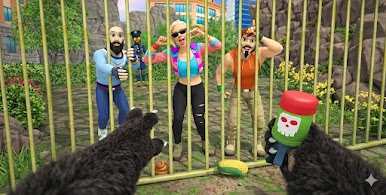
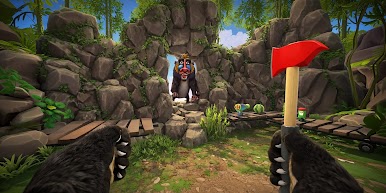
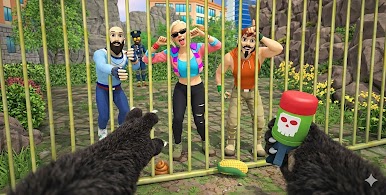
Step into the paws of a mischievous panda and experience a hilarious prank life simulator. Explore a lively open world, interact with characters, and create funny moments in this casual simulation game made for pure entertainment!
How to Play
🕹️ Move your panda and explore the open world park
😂 Find chances to prank people using funny actions
🎯 Complete missions and daily challenges
🏃 Run away and hide to avoid getting caught
🎁 Unlock new pranks, areas, and rewards
Game Features
🐾 Play as a funny and naughty panda
🌍 Open world environment to explore freely
😂 Hilarious prank actions and reactions
🎯 Simple missions and casual gameplay
🕹️ Smooth controls and playful animations
🎁 Rewards and unlockable content
Download now and enjoy a light-hearted panda prank life simulator full of laughs, surprises, and endless fun.
Start pranking, keep running, and become the funniest panda ever! 🐼😂







Play Be Bad Panda on PC. It’s easy to get started.
-
Download and install BlueStacks on your PC
-
Complete Google sign-in to access the Play Store, or do it later
-
Look for Be Bad Panda in the search bar at the top right corner
-
Click to install Be Bad Panda from the search results
-
Complete Google sign-in (if you skipped step 2) to install Be Bad Panda
-
Click the Be Bad Panda icon on the home screen to start playing

