


Cell Expansion Wars
Play on PC with BlueStacks – the Android Gaming Platform, trusted by 500M+ gamers.

Page Modified on: Jan 21, 2026
Main Cell Expansion Wars on PC
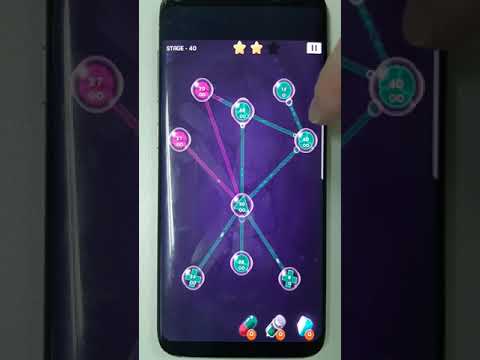
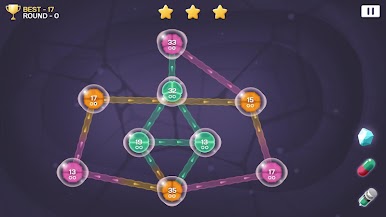
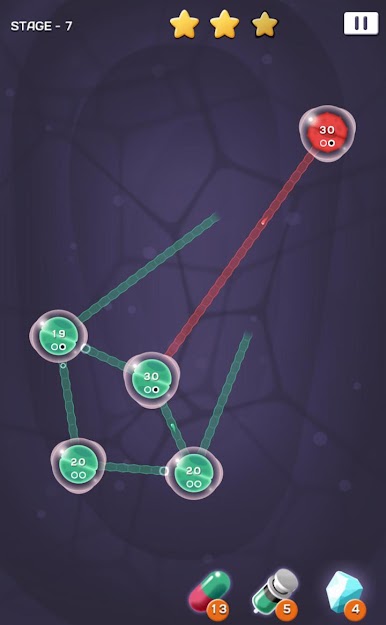
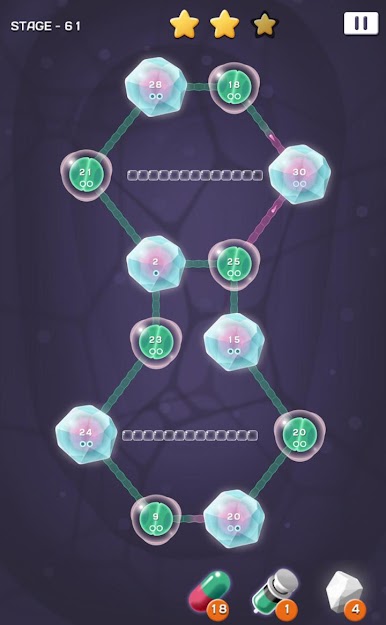
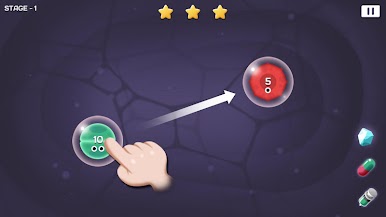
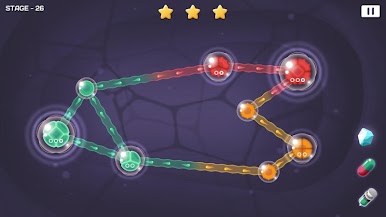
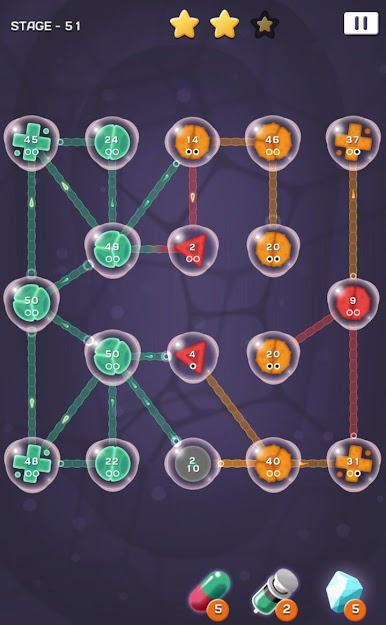
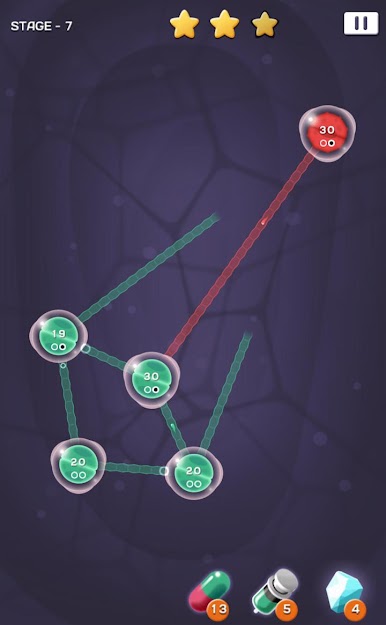
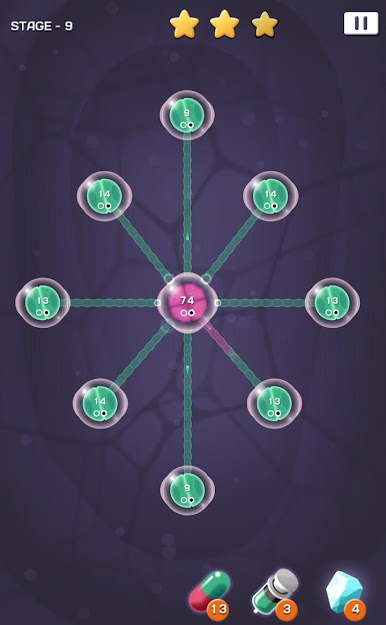
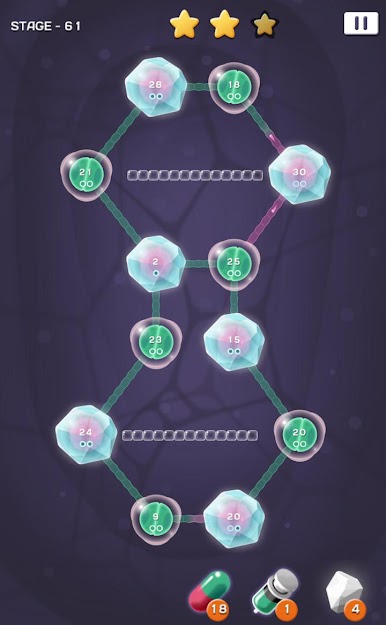
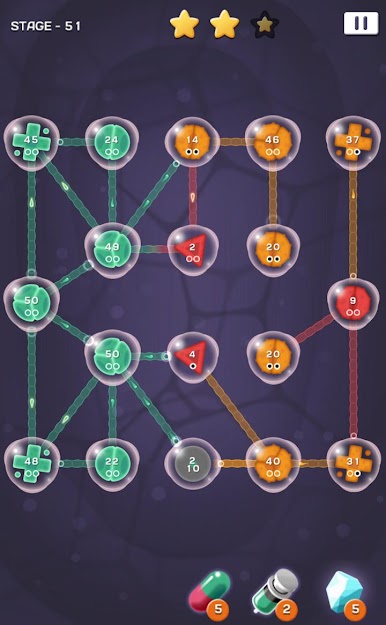
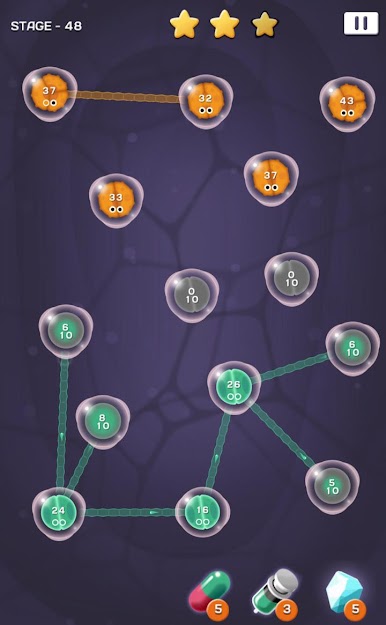
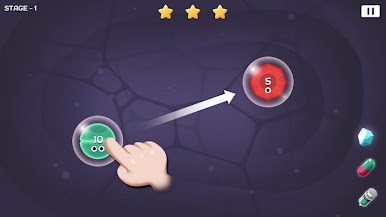
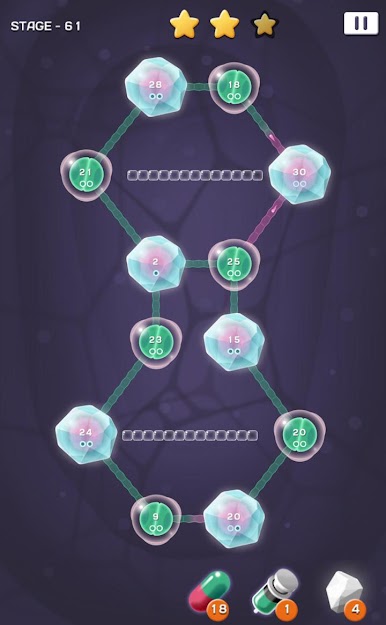
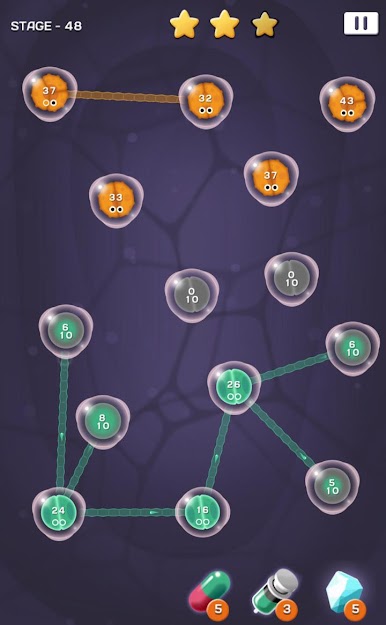
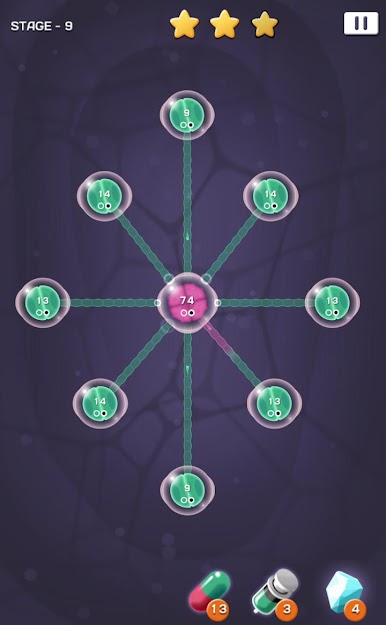
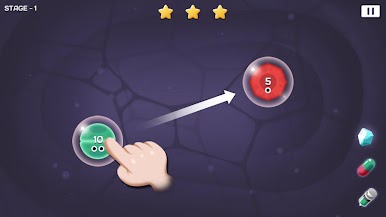
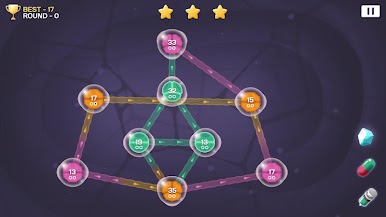
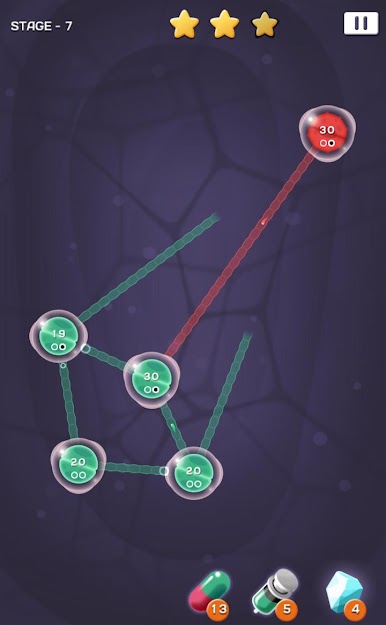
Defend your cells from enemy attacks then counterattack to take control of enemies' cells.
[Features]
- Easy controls
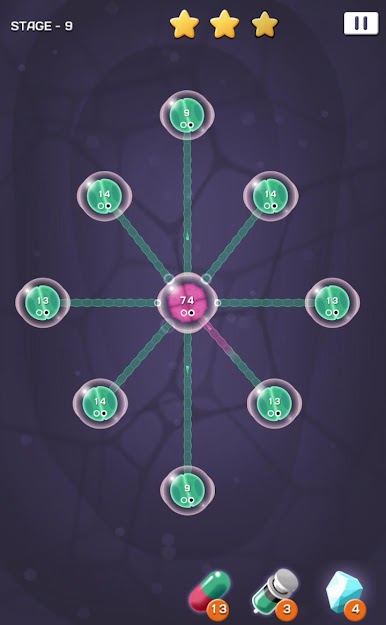
- With line multiplying cells, Players can stretch more tentacles.
- Attacking cells can give more damage to enemies.
- Defensive cells can regain the health of allies cells.
- Various supportive items that help players
- Various and unique mini-games.
- 16 languages supported.
- Achievement& leaderboard supported.
- Tablet PC devices supported.
Help : cs@mobirix.com
Homepage :
https://play.google.com/store/apps/dev?id=4864673505117639552
Facebook :
https://www.facebook.com/mobirixplayen
YouTube :
https://www.youtube.com/user/mobirix1
Instagram :
https://www.instagram.com/mobirix_official/
TikTok :
https://www.tiktok.com/@mobirix_official
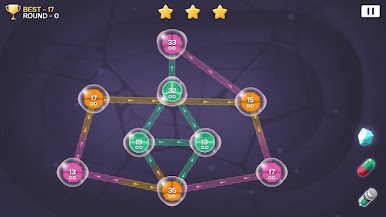
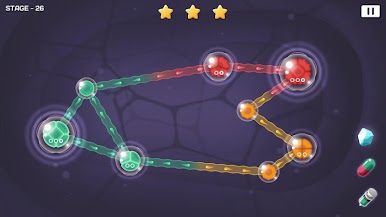
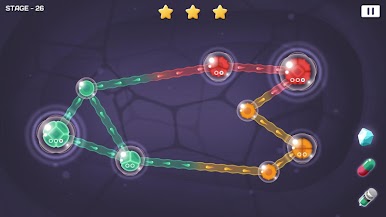
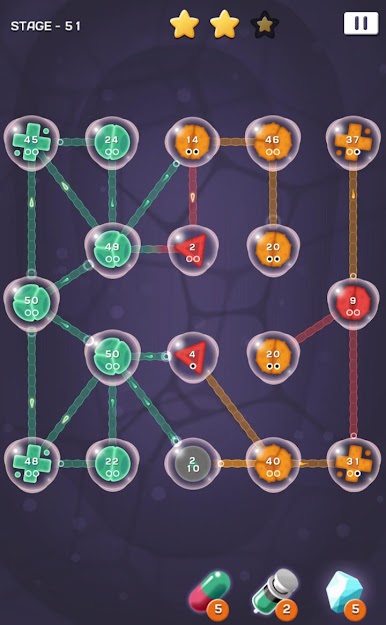
Play Cell Expansion Wars on PC. It’s easy to get started.
-
Download and install BlueStacks on your PC
-
Complete Google sign-in to access the Play Store, or do it later
-
Look for Cell Expansion Wars in the search bar at the top right corner
-
Click to install Cell Expansion Wars from the search results
-
Complete Google sign-in (if you skipped step 2) to install Cell Expansion Wars
-
Click the Cell Expansion Wars icon on the home screen to start playing

