


Blade Idle
Play on PC with BlueStacks – the Android Gaming Platform, trusted by 500M+ gamers.

Page Modified on: Feb 25, 2026
Play Blade Idle on PC
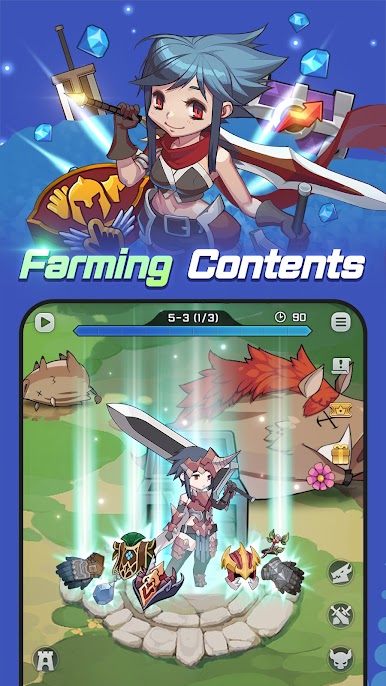
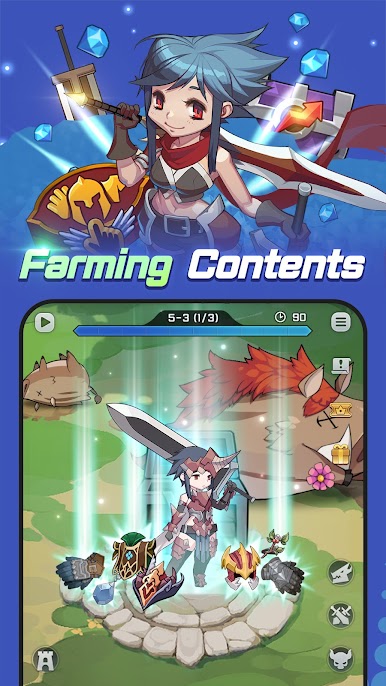
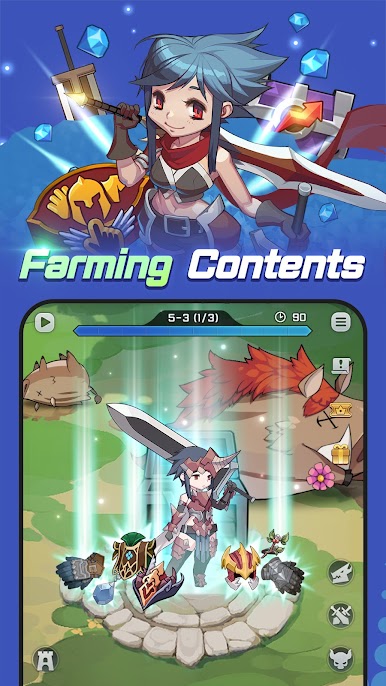
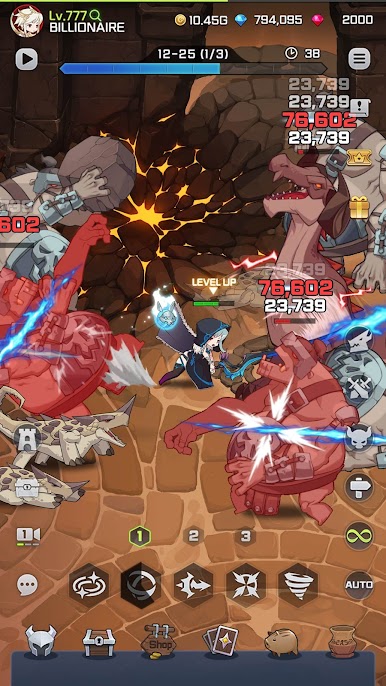
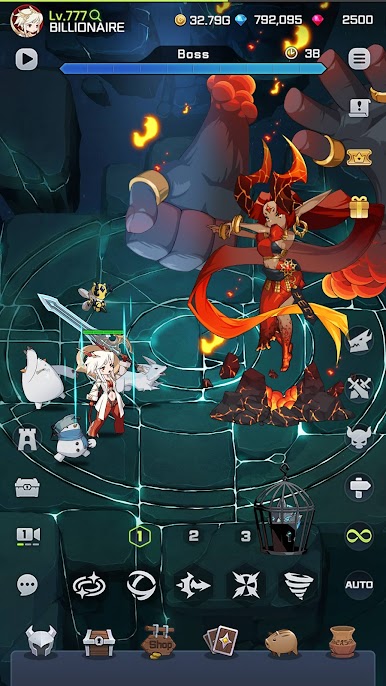
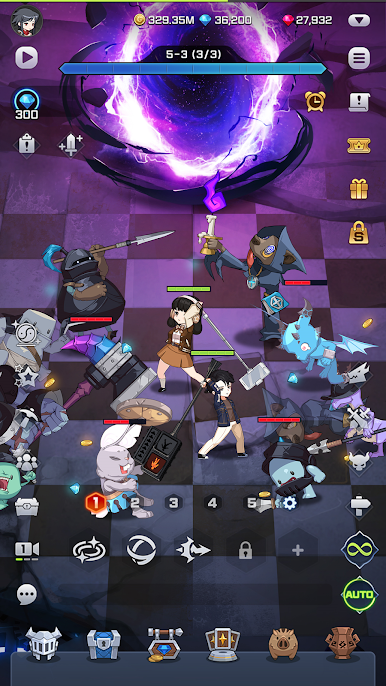
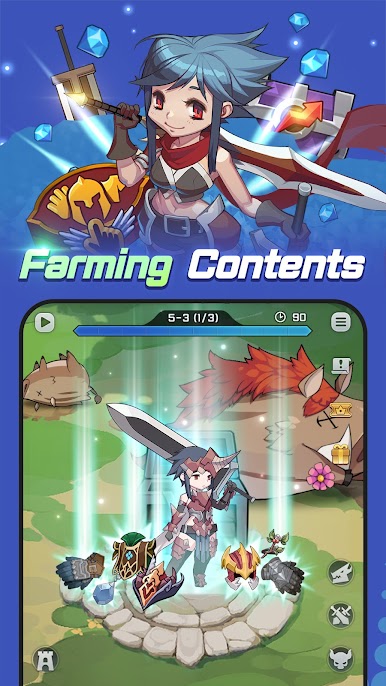
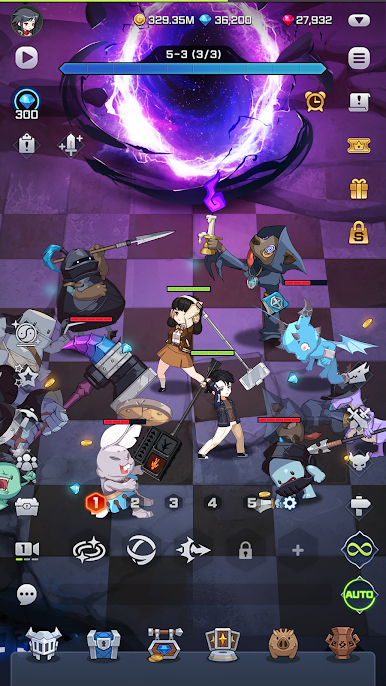
Adventure through the main stages and dungeons, and grow your character through farming.
Features
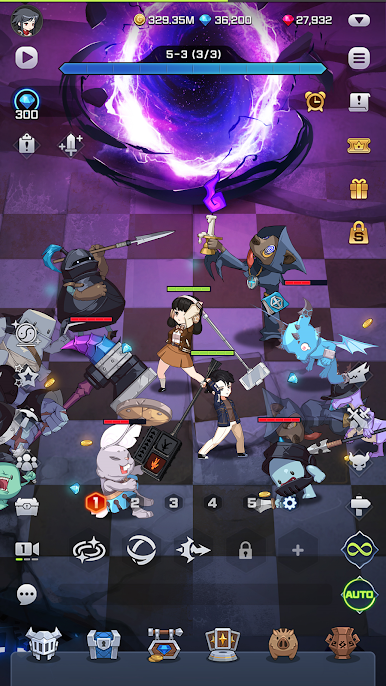
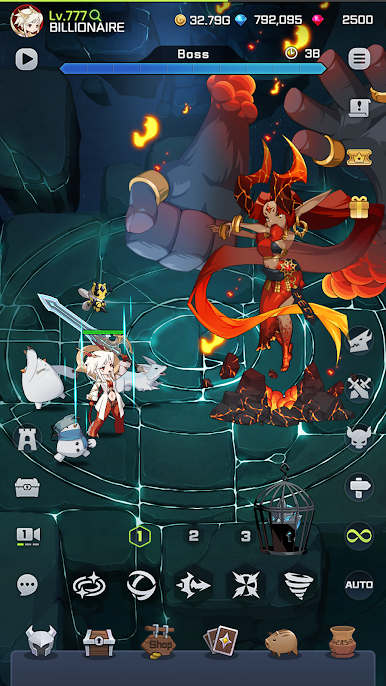
- Customizable Skill System. Obtain and use various skills
- Merge System. Get even more powerful grade equipment
- Challenge normal and special dungeons and collect growth materials
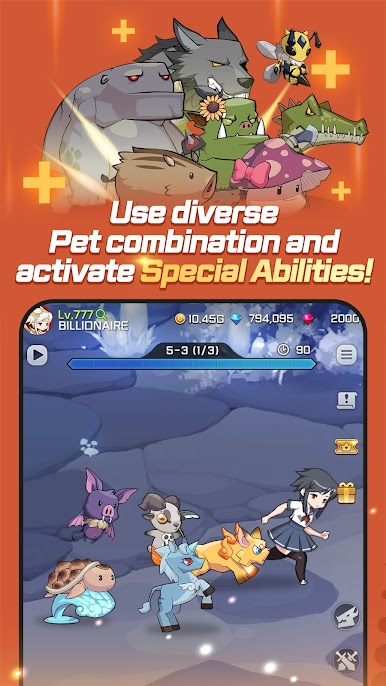
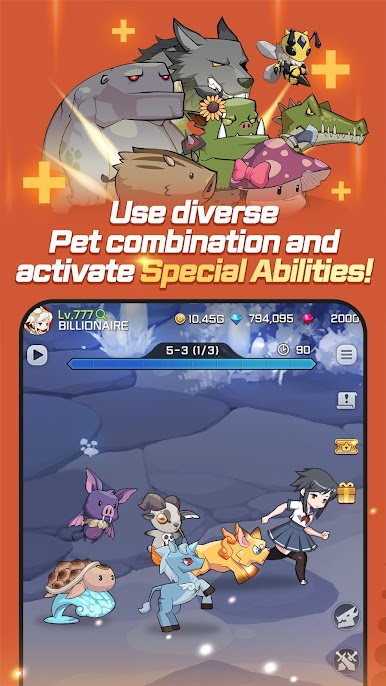
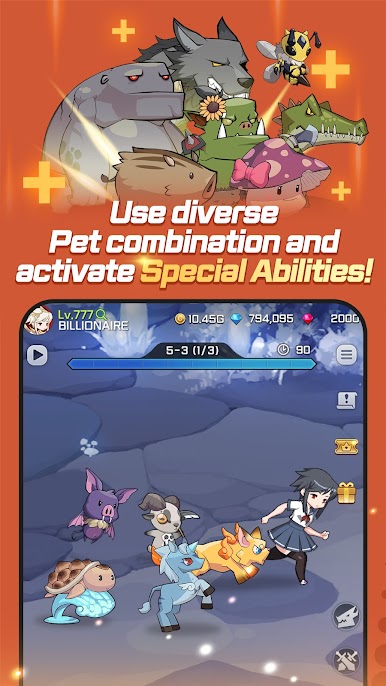
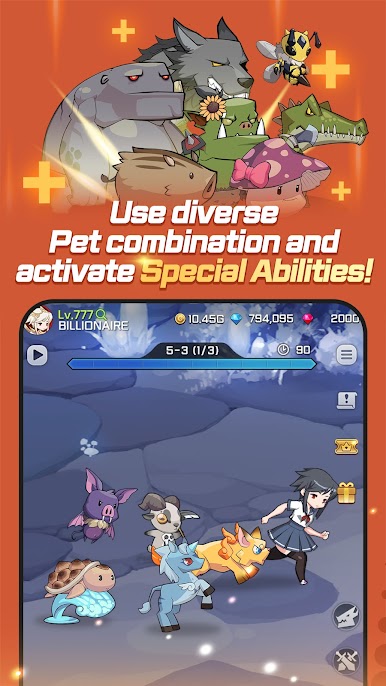
- Grow your character through the Pet, Relic, and Insignia System
- Challenge the Upgrade Dungeon and collect various skins
※ Note: The server you are connected to is based on your device language setting. If your device language is set to Korean, you will connect to the Korean Server. All other languages will be connected to the Global Server. Please keep this in mind when you download the game.
Help : cs@mobirix.com
Homepage :
https://play.google.com/store/apps/dev?id=4864673505117639552
Facebook :
https://www.facebook.com/mobirixplayen
YouTube :
https://www.youtube.com/user/mobirix1
Instagram :
https://www.instagram.com/mobirix_official/
TikTok :
https://www.tiktok.com/@mobirix_official



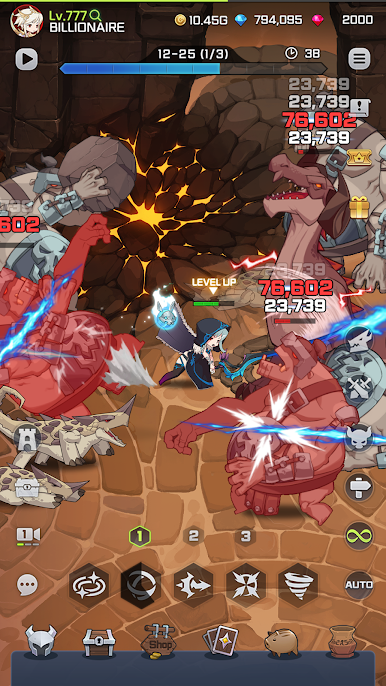
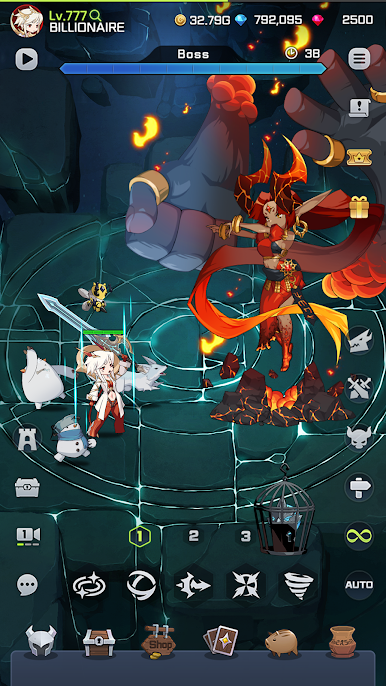


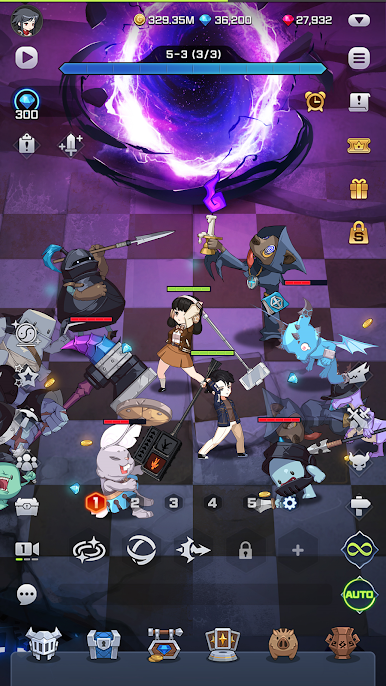
Play Blade Idle on PC. It’s easy to get started.
-
Download and install BlueStacks on your PC
-
Complete Google sign-in to access the Play Store, or do it later
-
Look for Blade Idle in the search bar at the top right corner
-
Click to install Blade Idle from the search results
-
Complete Google sign-in (if you skipped step 2) to install Blade Idle
-
Click the Blade Idle icon on the home screen to start playing

