


Coin Collector
Play on PC with BlueStacks – the Android Gaming Platform, trusted by 500M+ gamers.

Page Modified on: Sep 4, 2026
Play Coin Collector on PC
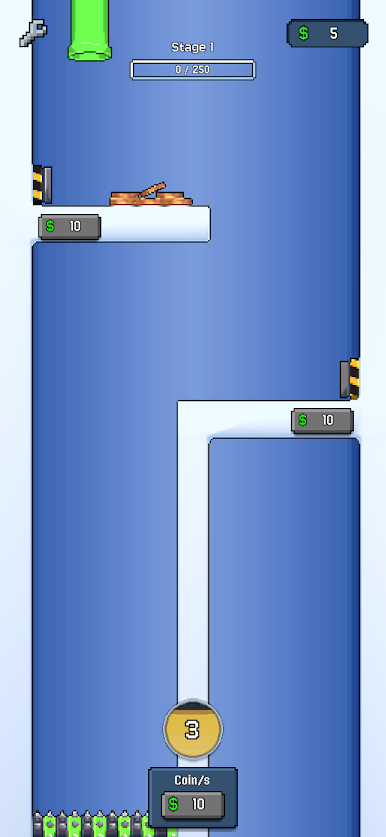
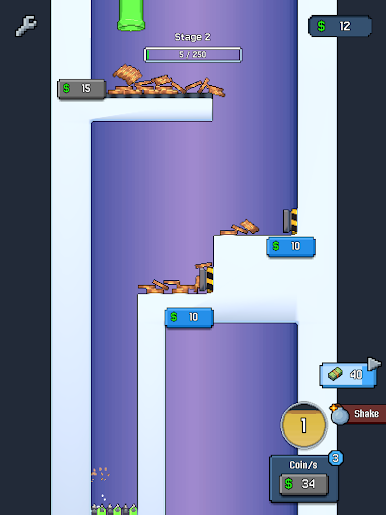
Coin Collector is a satisfying arcade coin pusher game where every tap sends a new coin into the machine. Build momentum, collect cash, unlock stages, earn gems, and upgrade your setup into a stronger, faster coin-making machine.
Use smart upgrades to improve your run. Boost income, increase your max coins, raise your rare coin chance, and power up machines like the pusher, conveyor, magnet, launcher, and air blower.
Keep coins moving, hit combos, and shake the board when the pile needs a push. The more you collect, the faster you progress.
Features
- Simple tap-to-drop coin gameplay
- Satisfying coin pusher physics
- Cash, gems, rare coins, and stage rewards
- Upgradeable machines and player boosts
- New stages to unlock and complete
- Relaxing arcade progression for quick sessions
- Drop coins, collect rewards, and build the ultimate Coin Collector machine.

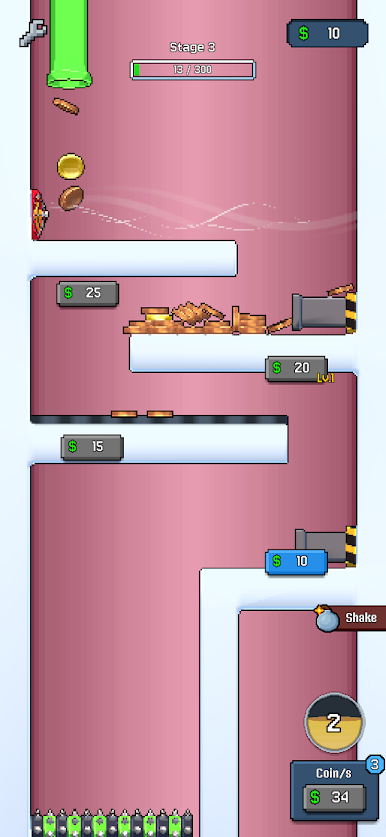
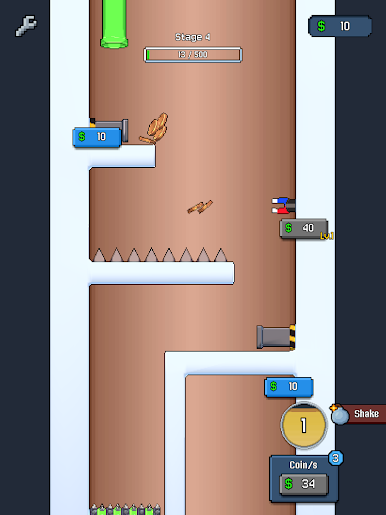
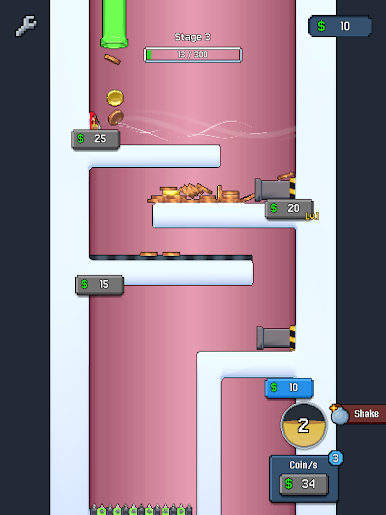
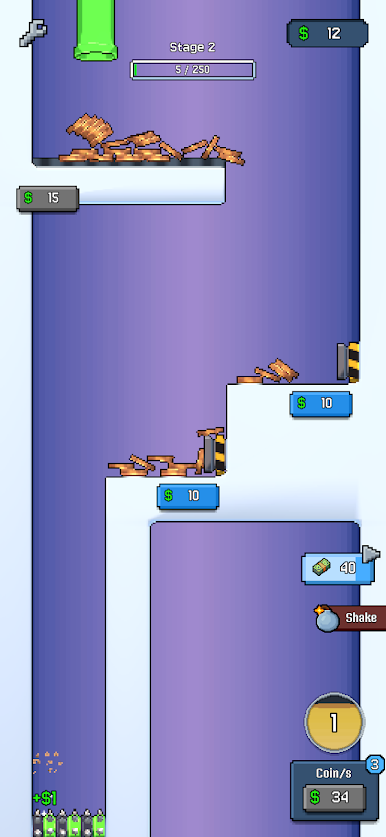
Play Coin Collector on PC. It’s easy to get started.
-
Download and install BlueStacks on your PC
-
Complete Google sign-in to access the Play Store, or do it later
-
Look for Coin Collector in the search bar at the top right corner
-
Click to install Coin Collector from the search results
-
Complete Google sign-in (if you skipped step 2) to install Coin Collector
-
Click the Coin Collector icon on the home screen to start playing

