


Coin Merge
Play on PC with BlueStacks – the Android Gaming Platform, trusted by 500M+ gamers.

Page Modified on: Aug 23, 2026
Play Coin Merge on PC
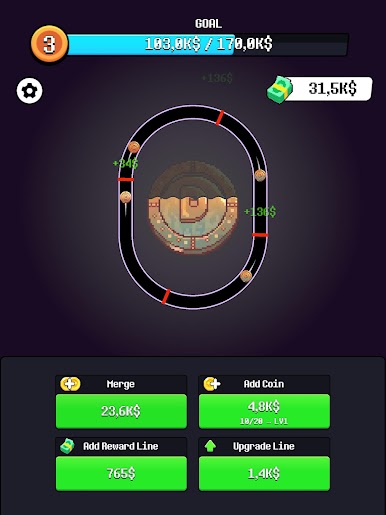
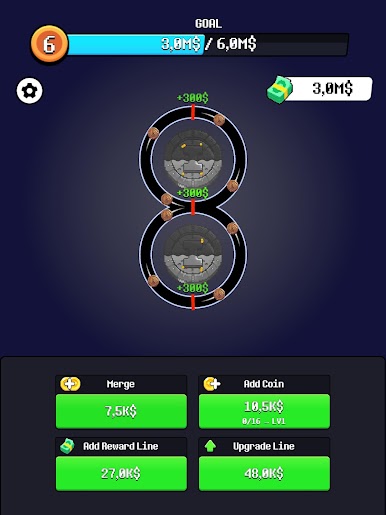
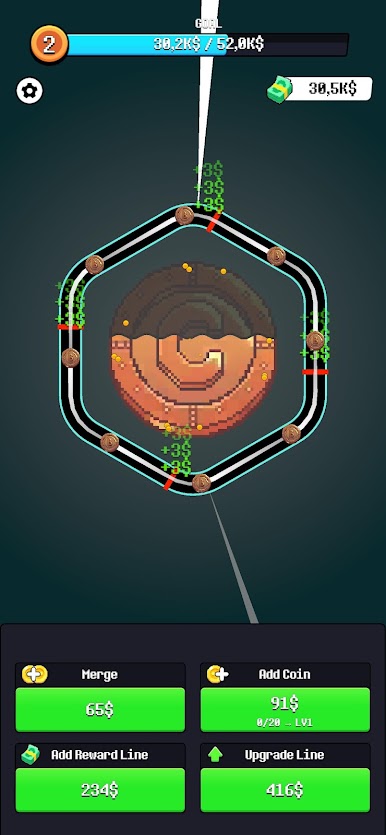
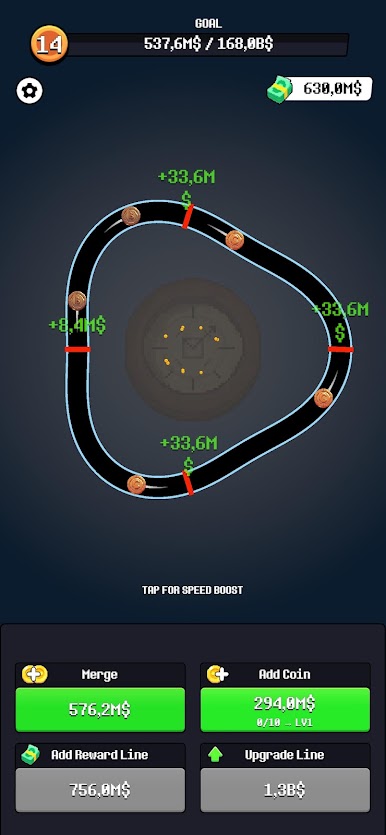
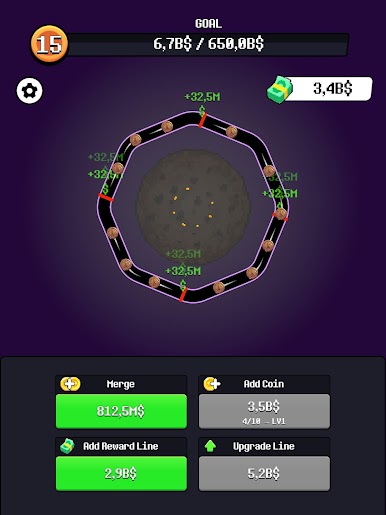
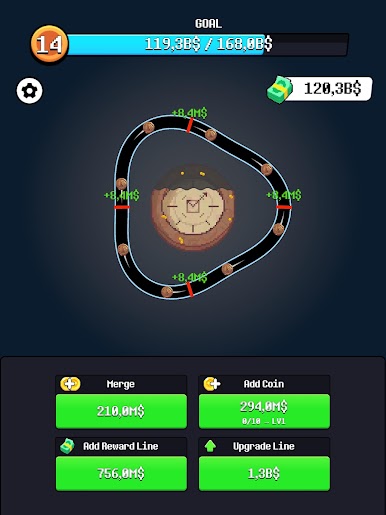
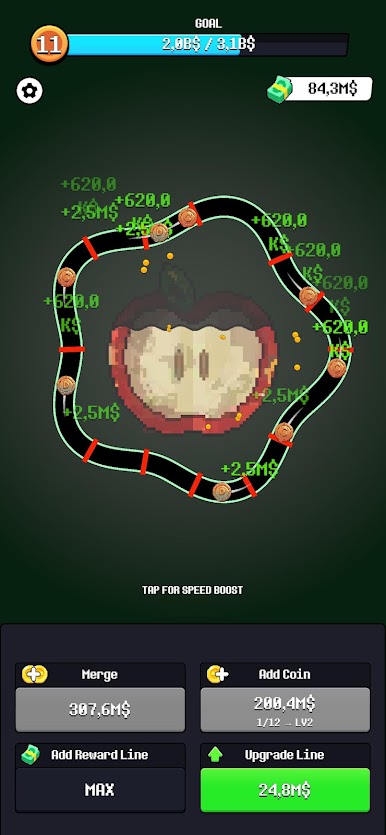
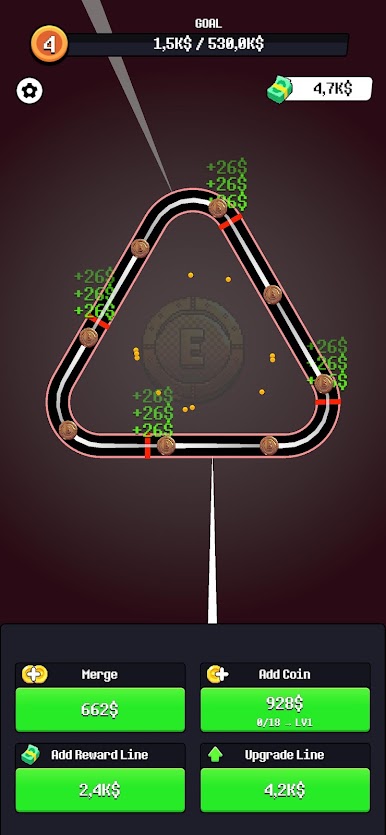
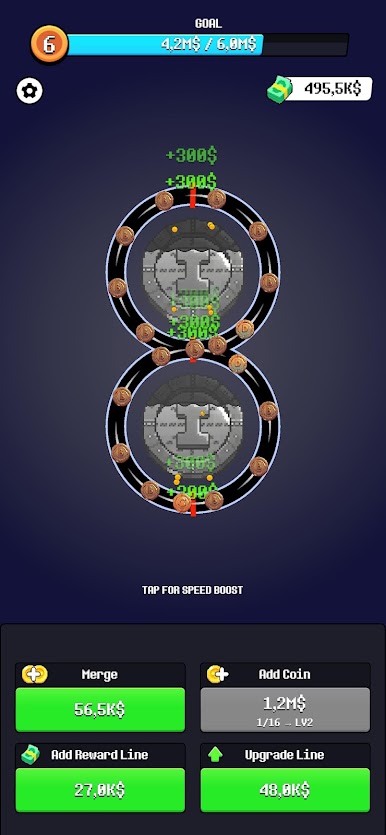
Coin Loop is a pixel art money machine. Coins travel around your loop, cross the reward lines and pay out every single lap. Merge them, multiply them and turn a handful of pennies into hundreds of millions.
HOW IT WORKS
Coins run the loop on their own and cash in at every reward line
Merge two coins to create a stronger one that pays far more
Add more coins to the track to keep the money flowing
Place extra reward lines so every lap pays out more often
Upgrade your lines to boost the value of every single hit
Tap the screen for a speed boost when you want the cash right now
WHY YOU WILL LOVE IT
Numbers that climb from hundreds to millions in minutes
Chunky retro pixel art with a clean neon look
Everything is one tap, no complicated menus
Perfect for a quick session or a long grind
That satisfying moment when a merge doubles your income
BUILD THE ULTIMATE MONEY LOOP
Start with a single slow coin and one lonely reward line. End with a packed track of golden coins racing past reward lines in every direction. Every upgrade compounds, so the smarter you build, the faster the counter climbs.
How many millions can you make before the next goal?
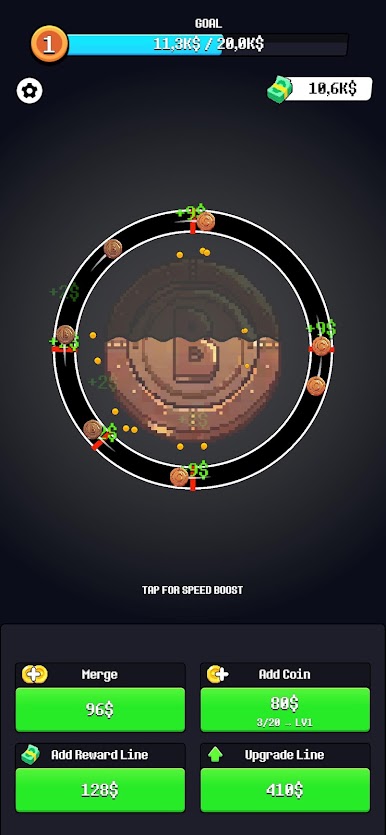
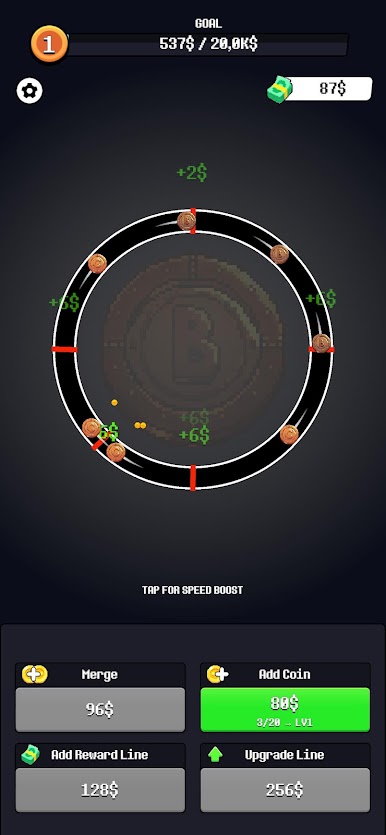
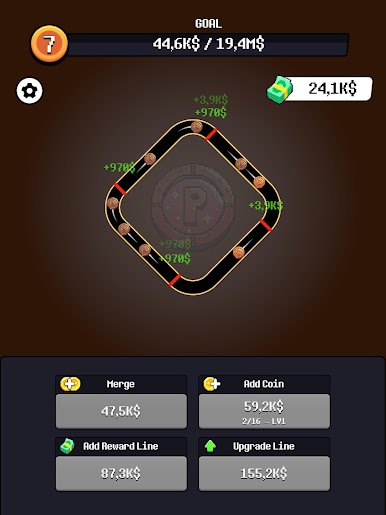
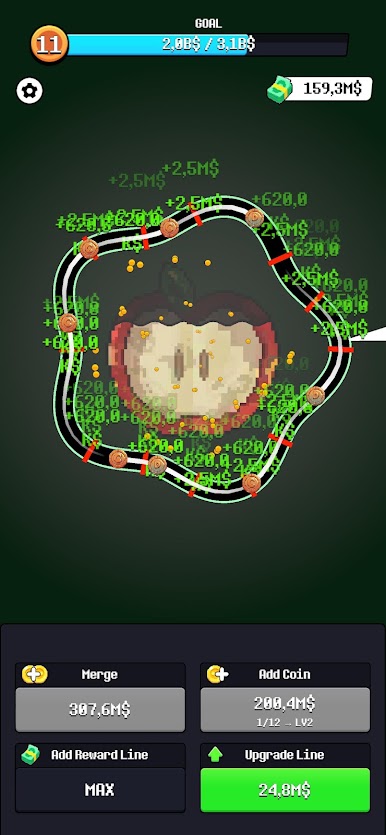
Play Coin Merge on PC. It’s easy to get started.
-
Download and install BlueStacks on your PC
-
Complete Google sign-in to access the Play Store, or do it later
-
Look for Coin Merge in the search bar at the top right corner
-
Click to install Coin Merge from the search results
-
Complete Google sign-in (if you skipped step 2) to install Coin Merge
-
Click the Coin Merge icon on the home screen to start playing

