


Onehanded Launcher:Handy,Smart
Play on PC with BlueStacks – the Android Gaming Platform, trusted by 500M+ gamers.

Page Modified on: Feb 4, 2026
Play Onehanded Launcher:Handy,Smart on PC
❤️Beyond its one-handed focus, it also includes all the core features of a standard Android launcher, balancing convenience and customization perfectly!
✨ Key Features:
🎨 Exclusive & Unique Innovation (Our Standout Feature)
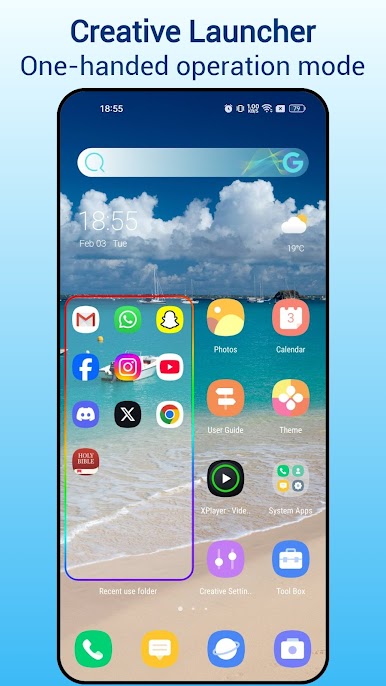
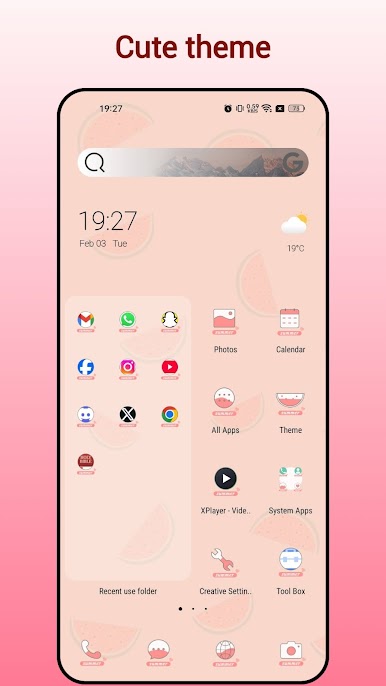
* The desktop come with Smart Recent Used app folder, long list style, efficient for one hand operation.
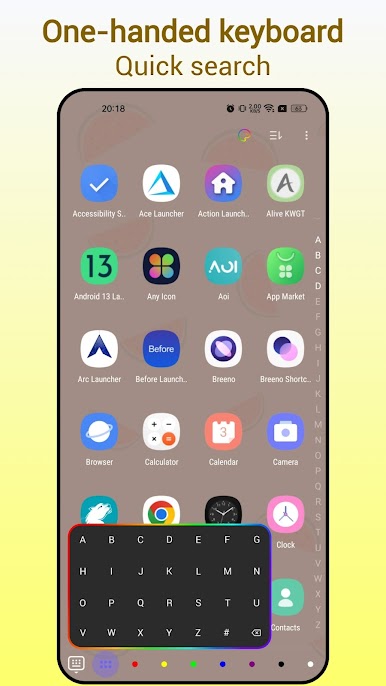
* The app drawer comes with a compact, intelligent A-Z keyboard at the bottom. This design lets you instantly locate and launch apps with just one hand, eliminating the hassle of endless scrolling.
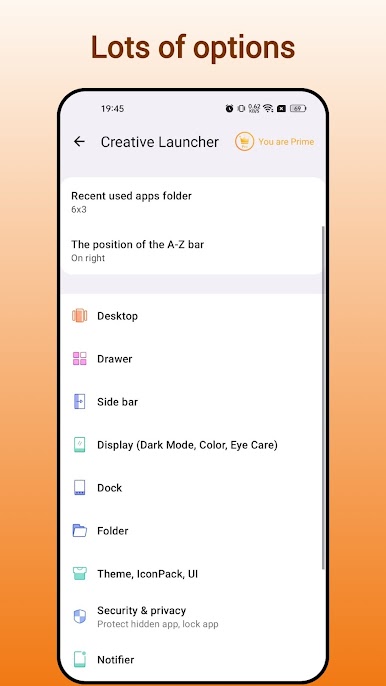
🎉 Rich Personalization Options
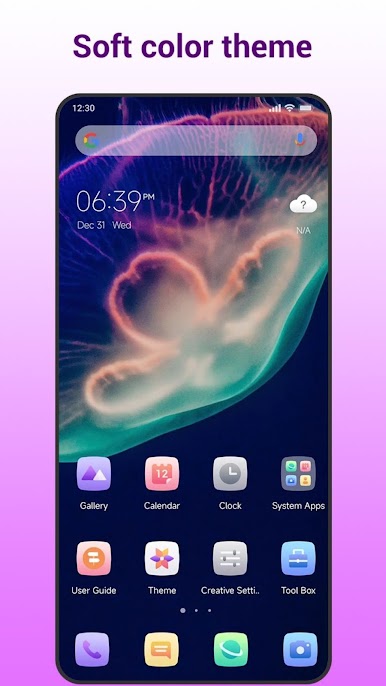
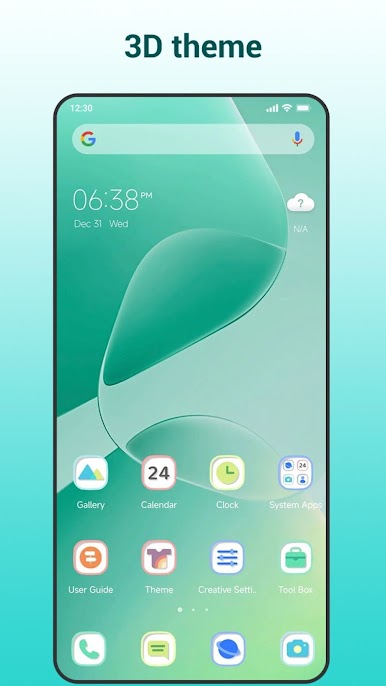
* Over 1000+ stunning themes and wallpapers to match your style
* Compatibility with almost all icon packs on the Google Play Store
* Customizable grid size and icon size for a fully tailored home screen
* Multi-dock page support for quick access to your most-used apps
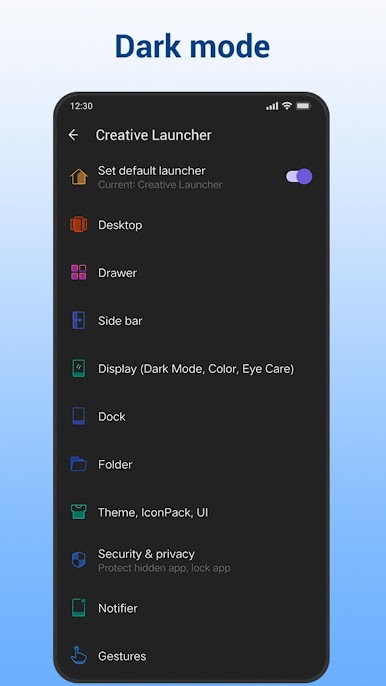
* Seamless dark/light mode switching to fit any environment
🛠️ Powerful & Practical Tools
* Support for various gesture controls for one-handed efficiency
* Real-time SMS, call, and mail notifications to never miss important alerts
* App lock feature to protect your privacy and sensitive data
* Live memory status display for smoother phone performance
* Customizable desktop search bar styles for faster searches
* Smart app classification to keep your home screen organized
* Useful weather widget for at-a-glance weather updates
* Eye protector mode for comfortable viewing day and night
* Lock desktop layout to prevent accidental rearrangements
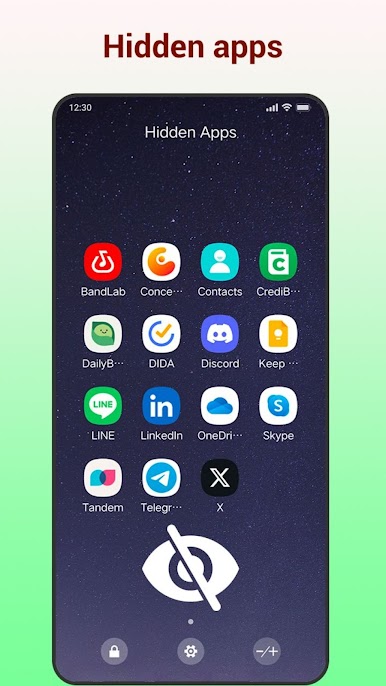
* Hide apps function to safeguard your private applications
📱 Trademark & Permission Notice
* Android™ is a registered trademark of Google, Inc.
* The READ_CALENDAR permission is required for the calendar widget on the launcher side page to function properly.
❤️ Download & Support
Download Creative Launcher now to experience a fast, smart, and intuitive one-handed launcher!
If you love using Creative Launcher, please rate us and leave a review on the Play Store. We’re constantly working to improve the app and deliver an even better experience—thank you for your support!
Play Onehanded Launcher:Handy,Smart on PC. It’s easy to get started.
-
Download and install BlueStacks on your PC
-
Complete Google sign-in to access the Play Store, or do it later
-
Look for Onehanded Launcher:Handy,Smart in the search bar at the top right corner
-
Click to install Onehanded Launcher:Handy,Smart from the search results
-
Complete Google sign-in (if you skipped step 2) to install Onehanded Launcher:Handy,Smart
-
Click the Onehanded Launcher:Handy,Smart icon on the home screen to start playing

