


One S Launcher for Galaxy S26
Play on PC with BlueStacks – the Android Gaming Platform, trusted by 500M+ gamers.

Page Modified on: Feb 6, 2026
Play One S Launcher for Galaxy S26 on PC
⭐⭐⭐⭐⭐ One S Launcher features:
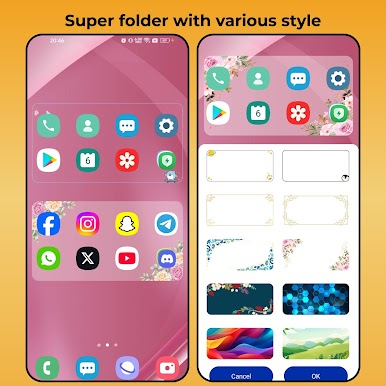
+ NEW FEATURE: 4*2 super folder, with cool background; and you can swipe up to open super folder
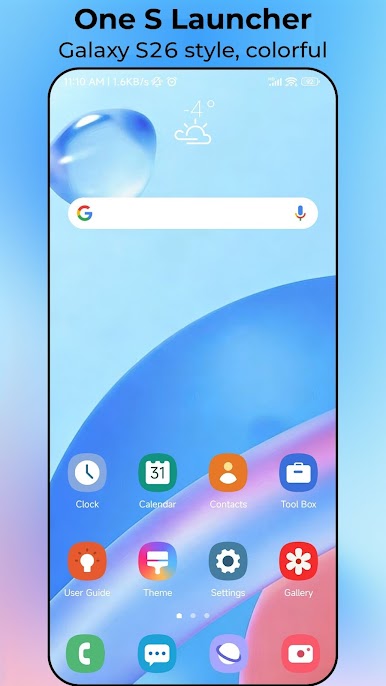
+ One S Launcher can work on ALL Android 6.0+ devices, make these phones look like brand new galaxy s26
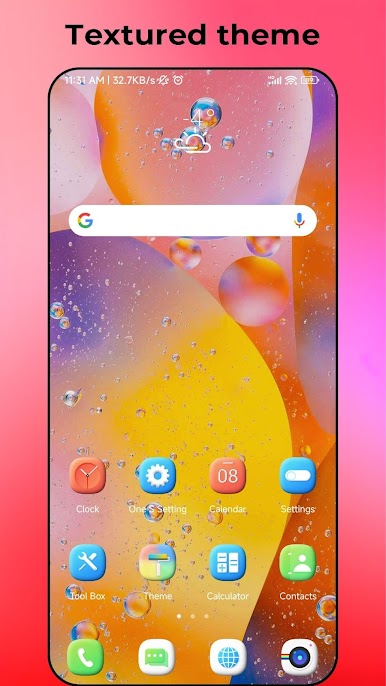
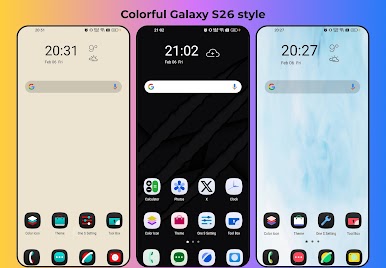
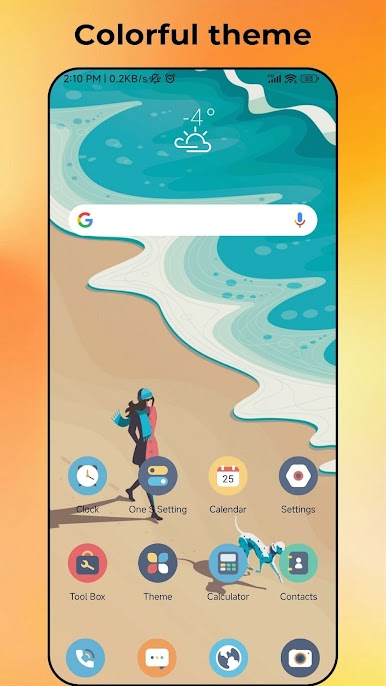
+ One S Launcher has many beautiful themes and wallpapers, include galaxy s26 wallpaper
+ S26 Launcher support galaxy s25, galaxy s26 icon pack and almost all the icon packs in Play Store
+ S26 Launcher support Hide app, App lock
+ Unread counter and notifier
+ Various handy gestures, and icon gestures
+ Eyes protector feature
+ Support dual WhatsApp
+ One UI style icons
+ T9 Search and App Quick Search(unique feature)
+ Privacy folder to protect your privacy app
+ Memory and storage info
+ Weather info widget in galaxy launcher desktop
+ Lock desktop layout to avoid being messed
+ Desktop grid size, Drawer grid size
+ Multi dock page, and dock background configuration
+ Desktop transfer animation
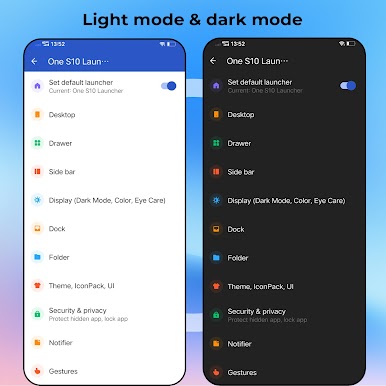
+ Drawer background mode: Light, dark, blur wallpaper
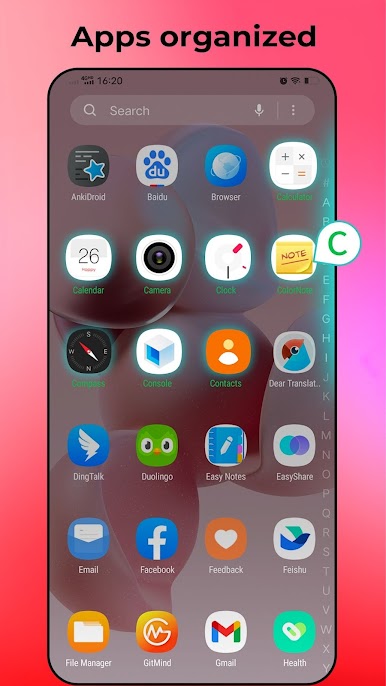
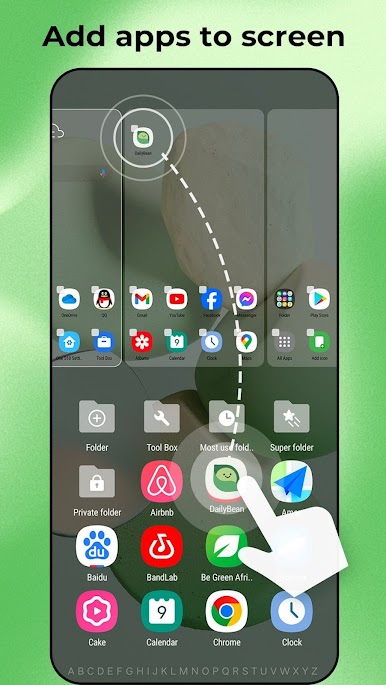
+ Edit drawer, change app order in drawer
+ Support swipe up to app drawer
+ Support Galaxy S folder style
+ S26 Launcher support app auto classify
+ S26 Launcher support creating folder in app drawer
+ S26 Launcher support 3 color mode: Light, Dark, Auto Adaptation
Note about brand and permission:
1. Android™ is a registered trademark of Google, Inc.
2. One S Launcher is inspired by Galaxy S One UI launcher's user experience, it is developed by independent "Model X Apps" team, it is NOT official Samsung™ Galaxy S launcher, the team has NO official relationship with Samsung™
3. Permission READ_CALENDAR is needed by calendar widget
⭐⭐⭐⭐⭐ Thank you for download and use One S Launcher, if you like One S26 Launcher, please rate One S26 Launcher or leave comments, we are always listening, thanks a lot!


Play One S Launcher for Galaxy S26 on PC. It’s easy to get started.
-
Download and install BlueStacks on your PC
-
Complete Google sign-in to access the Play Store, or do it later
-
Look for One S Launcher for Galaxy S26 in the search bar at the top right corner
-
Click to install One S Launcher for Galaxy S26 from the search results
-
Complete Google sign-in (if you skipped step 2) to install One S Launcher for Galaxy S26
-
Click the One S Launcher for Galaxy S26 icon on the home screen to start playing

