


X Launcher - Model x launcher
Play on PC with BlueStacks – the Android Gaming Platform, trusted by 500M+ gamers.

Page Modified on: Feb 6, 2026
Run X Launcher - Cool, Special, Multi-style Launcher on PC or Mac
Why limit yourself to your small screen on the phone? Run X Launcher – Cool, Special, Multi-style Launcher, an app by Model X Apps, best experienced on your PC or Mac with BlueStacks, the world’s #1 Android emulator.
About the App
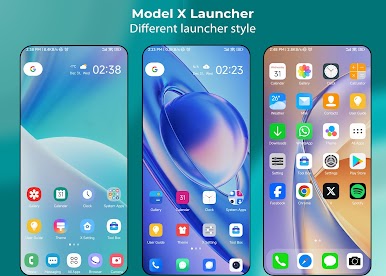
Looking to refresh your Android’s home screen without all the fuss? X Launcher – Cool, Special, Multi-style Launcher makes swapping up your phone’s vibe super simple. Built by Model X Apps, this Tools app serves up an experience that’s fresh, stylish, and totally customizable. Whether you’re into slick Galaxy-inspired themes or prefer an iOS-like look, you’re in control—just tap, switch, and personalize as you like.
App Features
-
Multiple Styles, One Tap
Ever wish you could change up your launcher to match your mood? X Launcher’s plugin system lets you flip between different styles, like s9/s10, circle, or os13, no sweat. Just pick what you’re feeling and it’s done. -
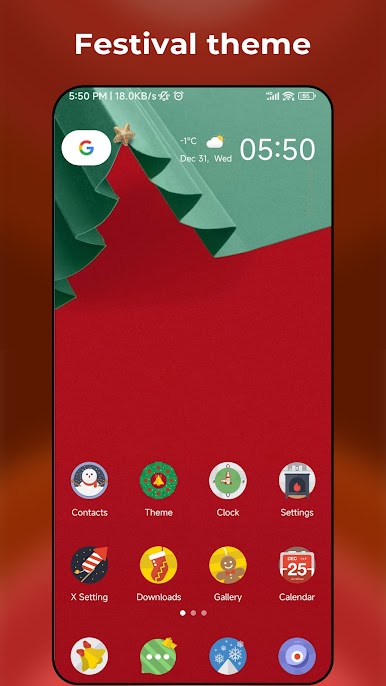
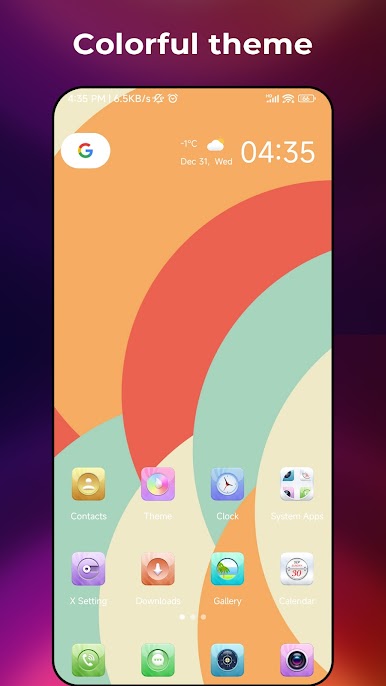
Endless Themes & Wallpapers
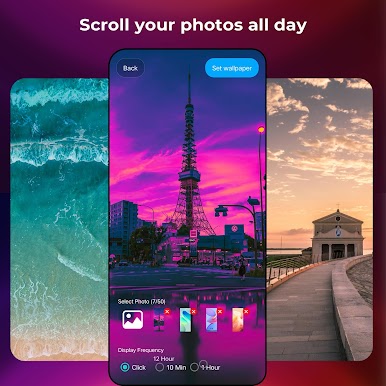
Bored of the same old background? Jump into the built-in theme store where you’ll find tons of cool themes and gorgeous online wallpapers. -
Universal Icon Pack Support
Want all your favorite icon packs in one spot? No problem. Mix and match third-party icon packs from the Play Store to suit your home screen. -
Handy Gestures & Custom Shortcuts
With gesture controls, a quick swipe or tap can launch your go-to apps or shortcuts—makes navigation way smoother. -
Privacy at Your Fingertips
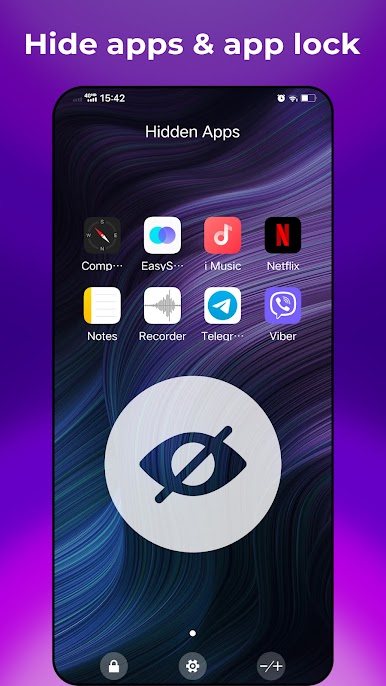
Stash apps in a private folder, set up app locks, or hide sensitive apps so prying eyes won’t get too curious. -
Unread Badge Counter
Keep track of missed messages and notifications with tiny badge reminders on your app icons—it’s a small thing, but pretty helpful. -
Personalized Settings Galore
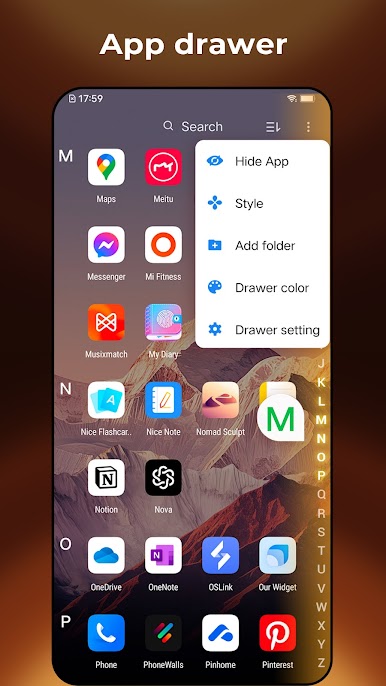
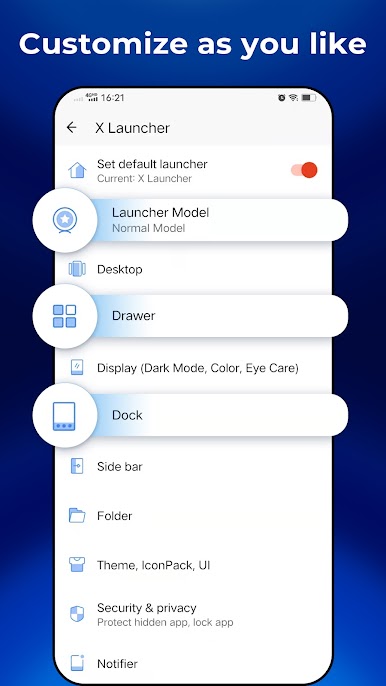
Customize everything from desktop grid size to dock background, drawer order, and even font styles. Light and dark modes? Yup, those too. -
Built-in Tools
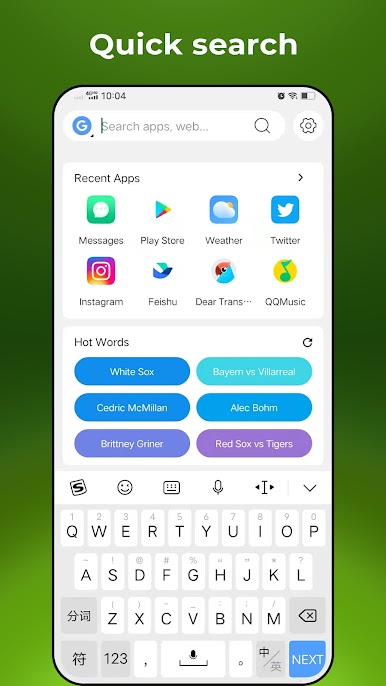
Included are some user-friendly extras like a weather widget, T9 search for fast app finding, desktop lock, phone booster, and an eyes-protection mode for late-night scrolling. -
Battery Saver Mode
The launcher itself keeps an eye on your battery life and helps you get the most out of every charge. -
Works Great with BlueStacks
If you like using Android apps on your PC, X Launcher works smoothly on BlueStacks as well—switching up your desktop is just as easy.
Big screen. Bigger performance. Use BlueStacks on your PC or Mac to run your favorite apps.

Play X Launcher - Model x launcher on PC. It’s easy to get started.
-
Download and install BlueStacks on your PC
-
Complete Google sign-in to access the Play Store, or do it later
-
Look for X Launcher - Model x launcher in the search bar at the top right corner
-
Click to install X Launcher - Model x launcher from the search results
-
Complete Google sign-in (if you skipped step 2) to install X Launcher - Model x launcher
-
Click the X Launcher - Model x launcher icon on the home screen to start playing

