

SimpleMind Pro - Mind Mapping
Play on PC with BlueStacks – the Android Gaming Platform, trusted by 500M+ gamers.

Page Modified on: Dec 5, 2025
Run SimpleMind Pro - Mind Mapping on PC or Mac
What’s better than using SimpleMind Pro – Mind Mapping by ModelMaker Tools? Well, try it on a big screen, on your PC or Mac, with BlueStacks to see the difference.
About the App
Ever felt like your brain’s overflowing with ideas, but organizing them is chaos? SimpleMind Pro – Mind Mapping is here to help! Whether you’re planning a project, prepping for class, or just want a better way to sort out your thoughts, this app makes it surprisingly easy (and kinda fun) to turn scattered notions into clear mind maps. Built by ModelMaker Tools, it turns mind mapping into something you’ll actually enjoy doing—on your phone, tablet, or even your computer if you like using BlueStacks.
App Features
-
Flexible Mind Maps
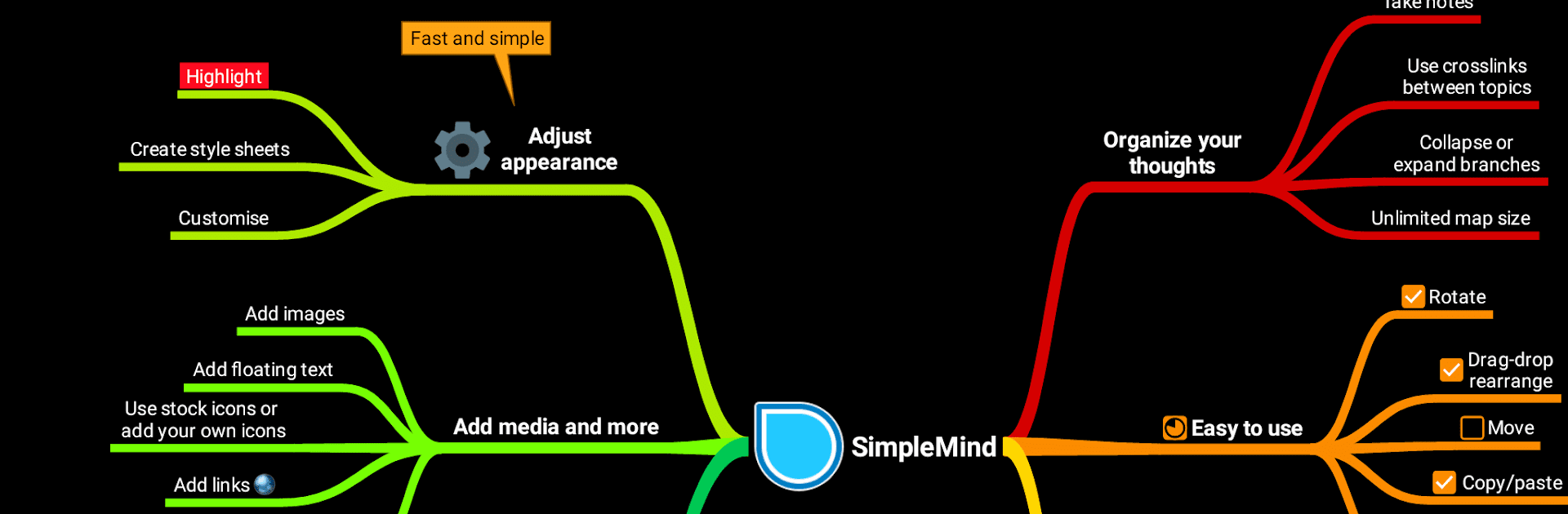
Place topics anywhere with its free-form layout or pick an auto layout if you like structure—it’s totally up to you. Rearranging ideas is as simple as dragging, rotating, or reconnecting things until it feels right. -
Add More Than Just Text
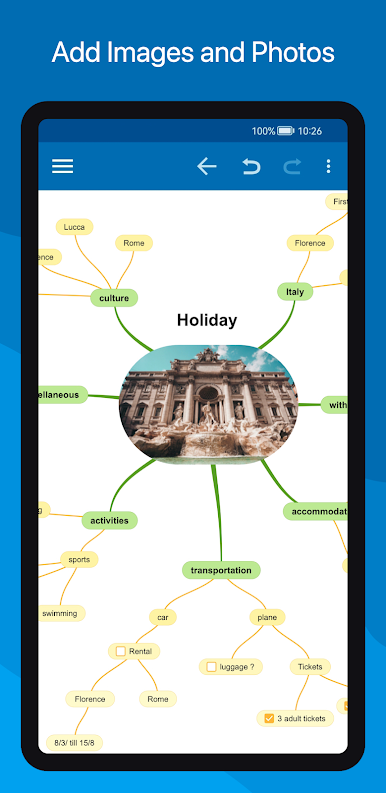
Drop in photos, icons (emoji fans, rejoice), voice notes, even videos. Need to link to another mind map, website, or your contacts? That’s easy, too. -
Stay Synced Everywhere
Effortlessly keep your maps up-to-date across all your Android devices via Dropbox. Got BlueStacks on your laptop or desktop? You can bring your mind mapping there as well. -
Full Customization
Make your maps as colorful or minimal as you want. With over 15 style sheets and endless tweaks—borders, lines, backgrounds, and more—everything looks just the way you like it. -
Tools to Keep You On Track
Add checkboxes, progress bars, or even auto-numbering to topics. Block out distractions with autofocus, expand or collapse branches, or highlight sections to focus on what matters. -
Easy Sharing and Export
Turn your mind maps into PDFs, images, outlines for word processors, or even slideshows (great for tablets). You can print or export to a calendar app whenever you need. -
Always Organized
Group topics, use folders, and take advantage of an outline view. Searching and keeping track of your maps is super straightforward, even if you’ve got tons of them.
Big screen. Bigger performance. Use BlueStacks on your PC or Mac to run your favorite apps.




Play SimpleMind Pro - Mind Mapping on PC. It’s easy to get started.
-
Download and install BlueStacks on your PC
-
Complete Google sign-in to access the Play Store, or do it later
-
Look for SimpleMind Pro - Mind Mapping in the search bar at the top right corner
-
Click to install SimpleMind Pro - Mind Mapping from the search results
-
Complete Google sign-in (if you skipped step 2) to install SimpleMind Pro - Mind Mapping
-
Click the SimpleMind Pro - Mind Mapping icon on the home screen to start playing

