


Cosmo : the Gate
Play on PC with BlueStacks – the Android Gaming Platform, trusted by 500M+ gamers.

Page Modified on: Sep 14, 2026
Run Cosmo : the Gate on PC or Mac
Get freedom from your phone’s obvious limitations. Use Cosmo : the Gate, made by Modhaus Inc., a Entertainment app on your PC or Mac with BlueStacks, and level up your experience.
About the App
Cosmo : the Gate is your portal to staying connected with your favorite artists, offering an immersive entertainment experience from Modhaus Inc. Whether you’re a die-hard fan or just curious, this app allows you to support artists in unique, interactive ways.
App Features
-
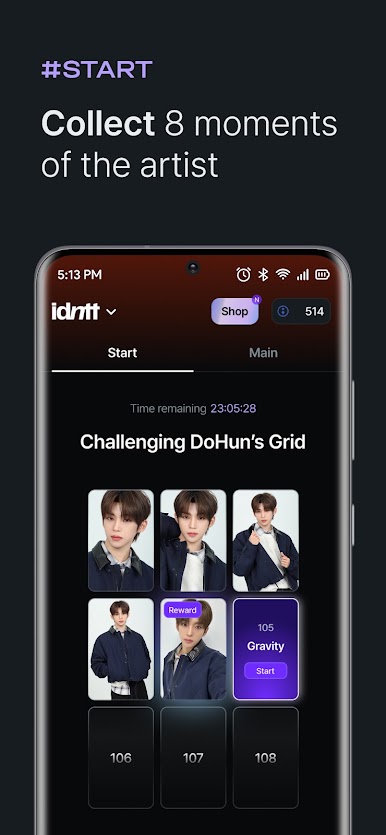
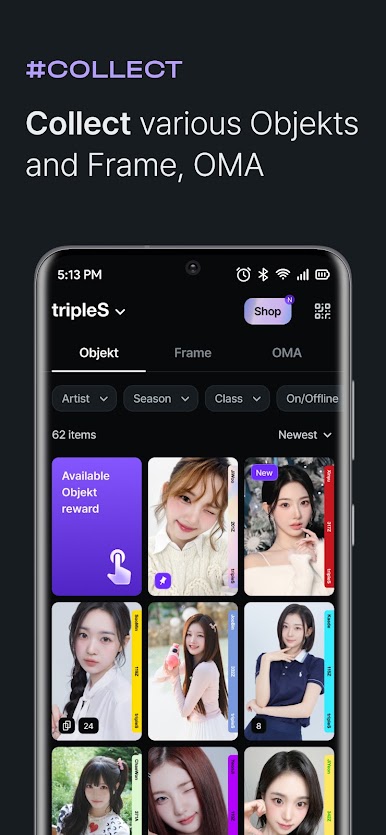
Collect Limited Seasonal Objekt
Support your favorite artists by collecting seasonal Objekt. These come with Como, granting you special powers to unlock your artist’s Dimension. -
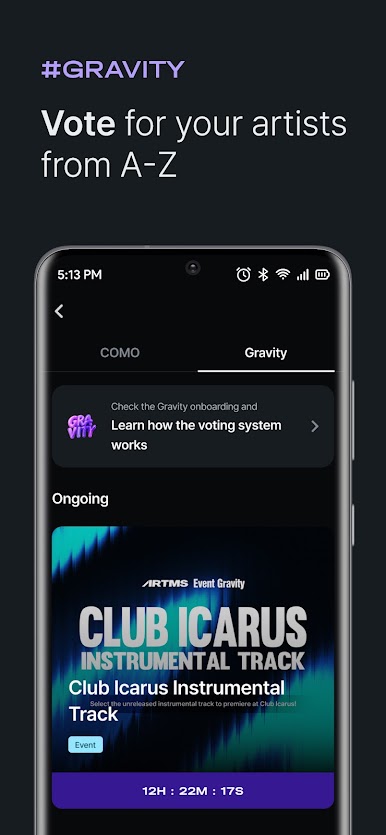
Join Various Gravity
Dive into different Gravities with Como to celebrate and connect with the artists you love. -
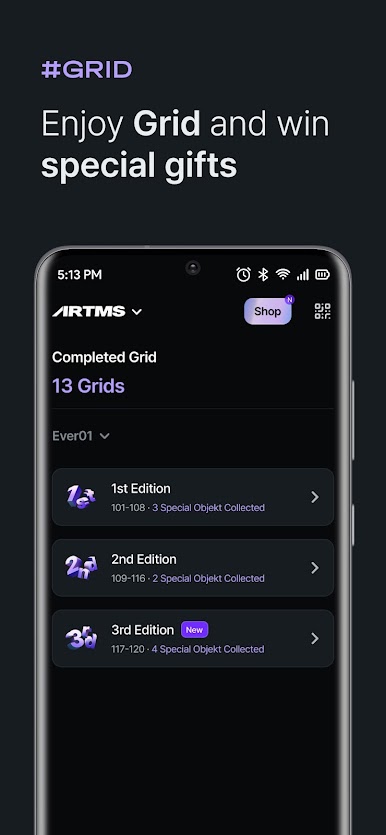
Exclusive Special Objekts
Stan your favorite artists and collect exclusive Objekts to enjoy unique rewards and benefits. You can even exchange Objekts with friends to complete your collection! -
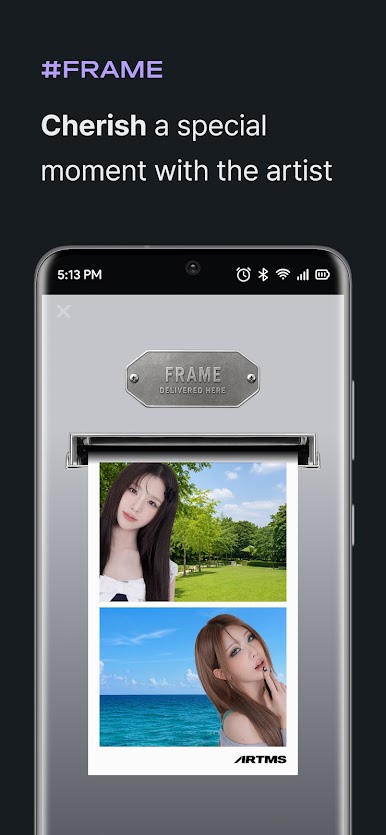
Create Personalized Collections
Capture special moments of your favorite artists and create personalized collections that are uniquely yours.
Cosmo : the Gate from Modhaus Inc. is where the magic of fandoms and artists intertwine seamlessly. Available on BlueStacks for a wider screen experience.

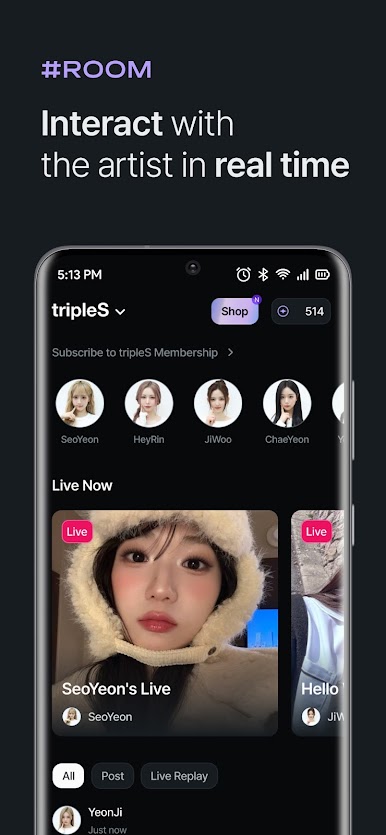

Play Cosmo : the Gate on PC. It’s easy to get started.
-
Download and install BlueStacks on your PC
-
Complete Google sign-in to access the Play Store, or do it later
-
Look for Cosmo : the Gate in the search bar at the top right corner
-
Click to install Cosmo : the Gate from the search results
-
Complete Google sign-in (if you skipped step 2) to install Cosmo : the Gate
-
Click the Cosmo : the Gate icon on the home screen to start playing

