


Realistic Shader Mod Minecraft
Play on PC with BlueStacks – the Android Gaming Platform, trusted by 500M+ gamers.

Page Modified on: Mar 7, 2026
Main Realistic Shader Mod Minecraft on PC
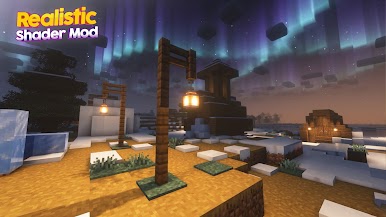
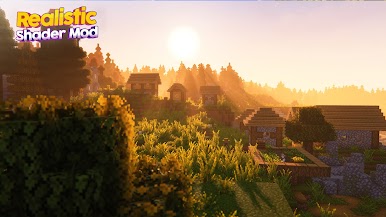
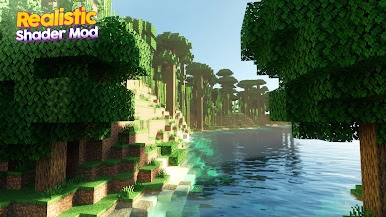
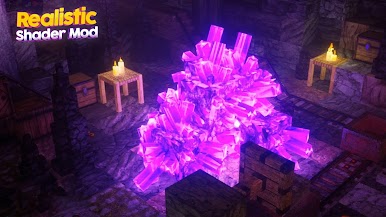
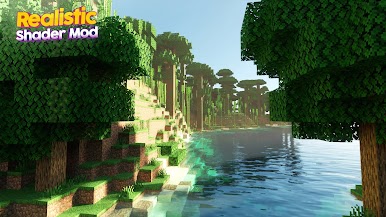
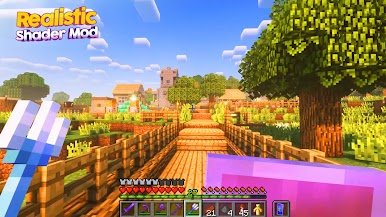
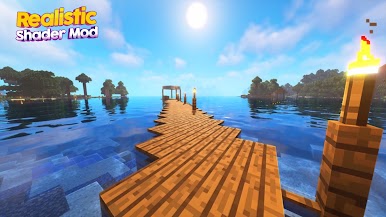
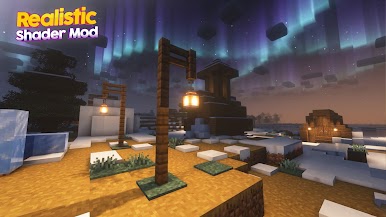
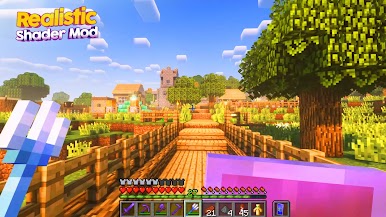
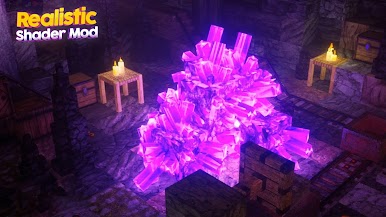
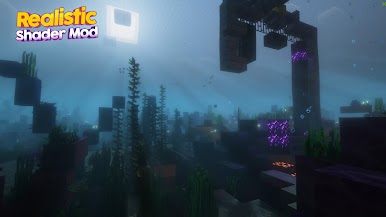
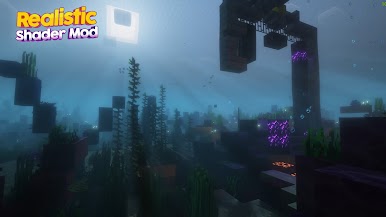
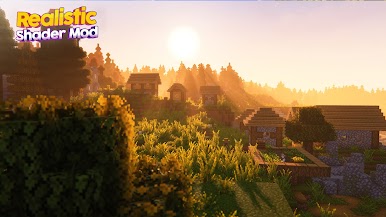
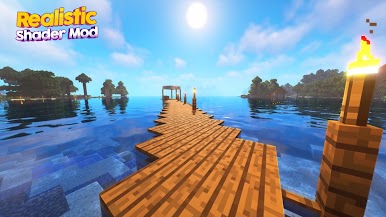
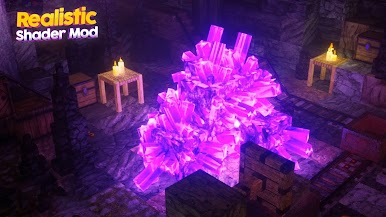
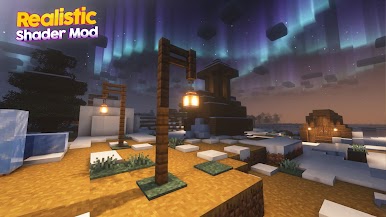
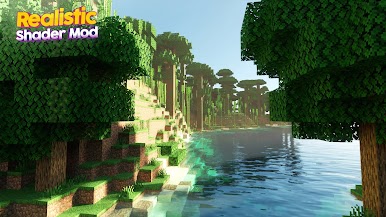
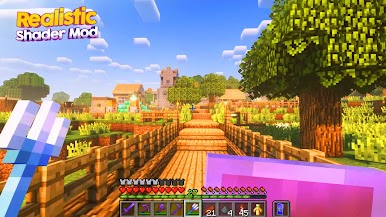
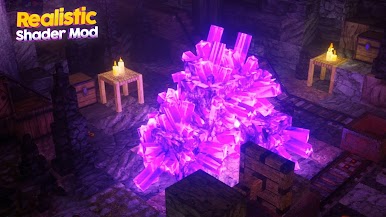
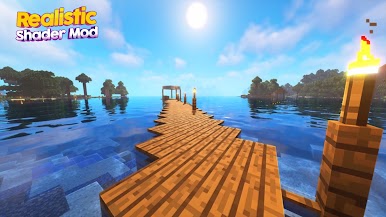
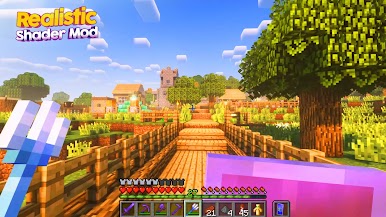
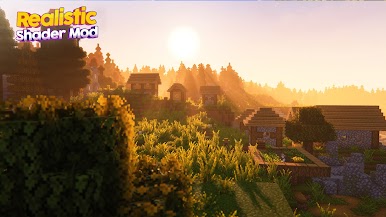
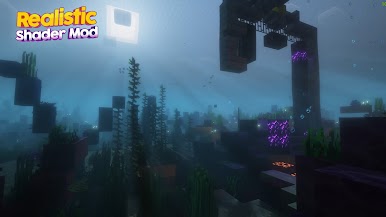
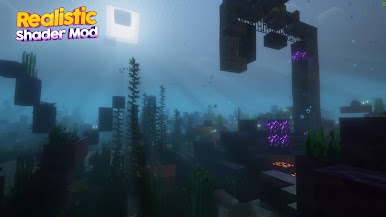
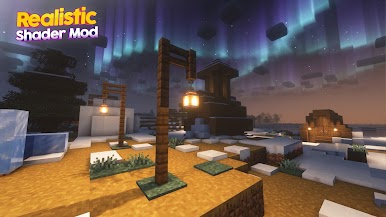
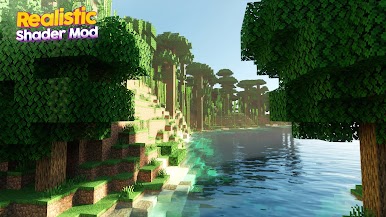
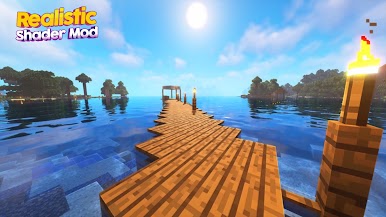
This Shader mod has added a multitude of features that smooths performance, realistic graphic, enhances graphics, and allows hardware to better process the game’s textures also support 4k texture. With shaders mod, you may find yourself taking notice at natural aspects in the game that would otherwise be overlooked.
When Minecraft was first established, many players connected with the simple, pixelated graphics and found them to be simple and nostalgic. Now that the game has been around for awhile, even diehard fans are finding themselves looking for a way to renovate their overall experience. While many mods change the way the game is played, Shaders Mod is sure to change the way you look at the game.
Hope this mod makes the game more enjoyable for someone!
Features of Minecraft PE Portal Guns Mods / Addon
✅ Best Shader mod for mcpe
✅ Compatible with all versions of mcpe
✅ These graphic in Portal Guns mod is amazing
✅ Play with your frind in online mode
✅ Mod easy download
✅ Mod installer in one click
✅ Compatible with other mods and addons
✅ Update with latest version of mod
✅ And much more inside!
---- DISCLAIMER ----
Shader mods for minecraft is an unofficial application for Minecraft. This application is not affiliated with Mojang AB, the Minecraft name, the Minecraft brand, and all Minecraft property is the property of Mojang AB or a respected owner. According to http://account.mojang.com/documents/brand_guidelines
Play Realistic Shader Mod Minecraft on PC. It’s easy to get started.
-
Download and install BlueStacks on your PC
-
Complete Google sign-in to access the Play Store, or do it later
-
Look for Realistic Shader Mod Minecraft in the search bar at the top right corner
-
Click to install Realistic Shader Mod Minecraft from the search results
-
Complete Google sign-in (if you skipped step 2) to install Realistic Shader Mod Minecraft
-
Click the Realistic Shader Mod Minecraft icon on the home screen to start playing

