


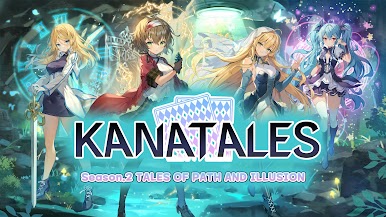
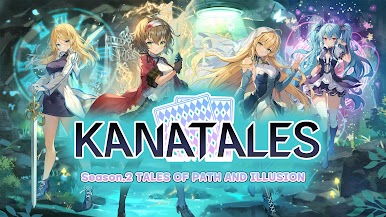
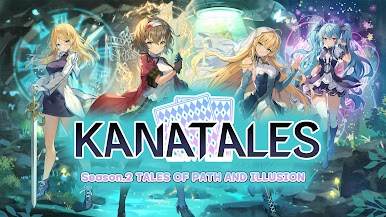
Kanatales: Moe Card Game (TCG)
Play on PC with BlueStacks – the Android Gaming Platform, trusted by 500M+ gamers.

Page Modified on: Jul 5, 2025
Play Kanatales: Moe Card Game (TCG) on PC
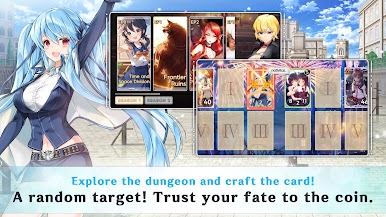
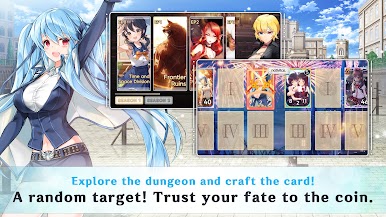
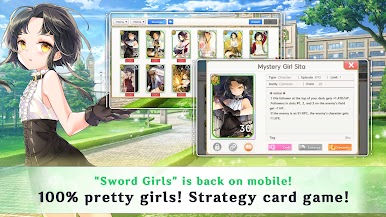
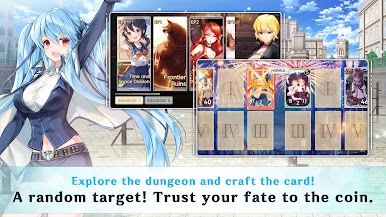
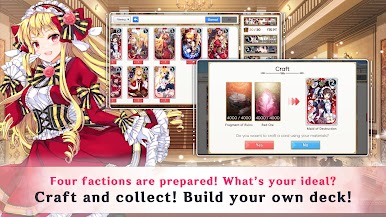
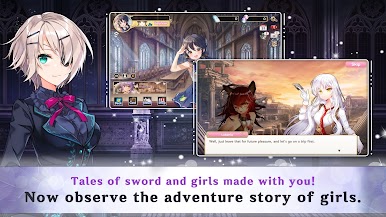
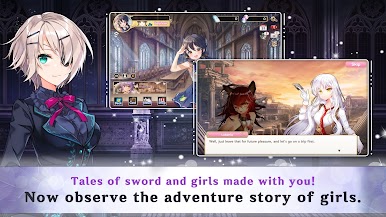
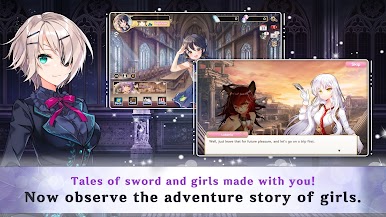
Explore the dungeon with attractive characters of beautiful illustrations and enjoy their stories!
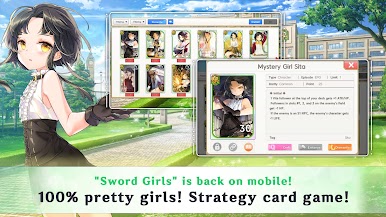
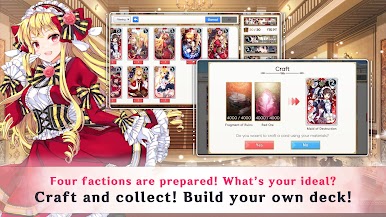
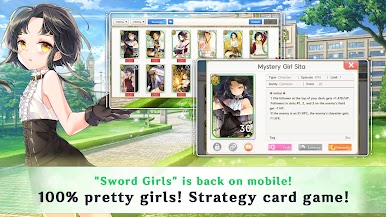
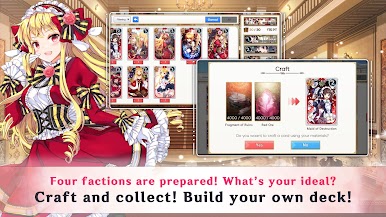
It's not 'Card + RPG'!
It's an actual TCG with pretty girl cards!
We are recruiting real Duelists to join Kanatales!
Even in the bathroom,
Even when watching anime,
Even when playing other games,
An excellent knitting game to enjoy together!
Support Language : English, Korean
https://twitter.com/Sword_GirlsM
Lounge
https://game.naver.com/lounge/kanatales/board
Youtube
https://www.youtube.com/@user-bz9fu3zo5o
Play Kanatales: Moe Card Game (TCG) on PC. It’s easy to get started.
-
Download and install BlueStacks on your PC
-
Complete Google sign-in to access the Play Store, or do it later
-
Look for Kanatales: Moe Card Game (TCG) in the search bar at the top right corner
-
Click to install Kanatales: Moe Card Game (TCG) from the search results
-
Complete Google sign-in (if you skipped step 2) to install Kanatales: Moe Card Game (TCG)
-
Click the Kanatales: Moe Card Game (TCG) icon on the home screen to start playing

