


Who Is Your Daddy?
Play on PC with BlueStacks – the Android Gaming Platform, trusted by 500M+ gamers.

Page Modified on: Jun 16, 2026
Play Who Is Your Daddy? on PC or Mac
Who Is Your Daddy? brings the Adventure genre to life, and throws up exciting challenges for gamers. Developed by Grace Games, this Android game is best experienced on BlueStacks, the World’s #1 app player for PC and Mac users.
About the Game
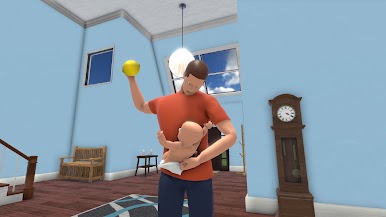
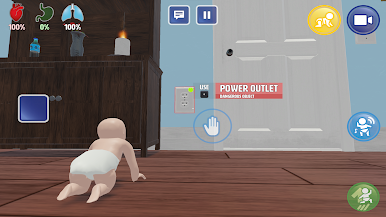
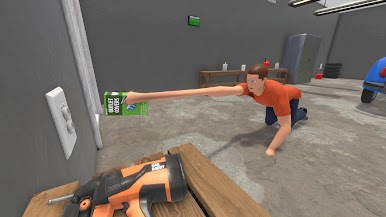
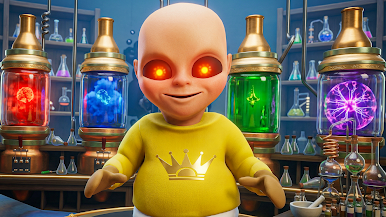
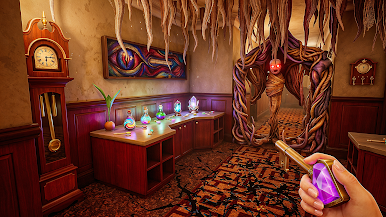
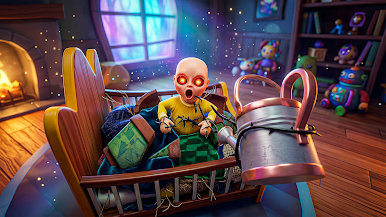
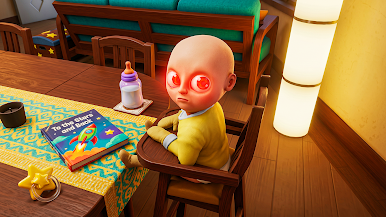
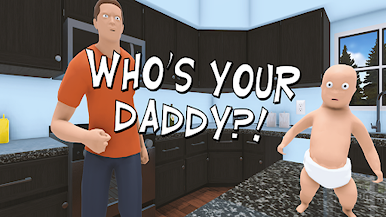
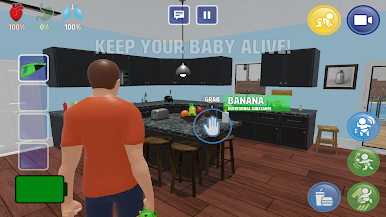
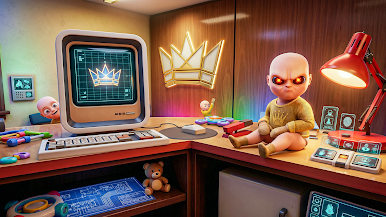
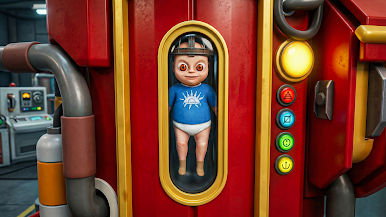
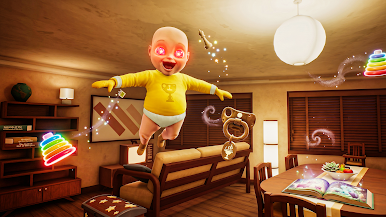
Who Is Your Daddy? is a cheeky Adventure that turns a cozy home into your personal playground. You’re sneaking through rooms, grabbing odd little items, and pulling off playful pranks without getting spotted. It’s lighthearted chaos with just enough tension to make every footstep count—especially when someone’s right around the corner.
Game Features
- Sneak-and-prank gameplay – Creep through hallways, peek around doors, and set up harmless tricks before anyone notices. Timing and nerve matter more than brute force.
- Smart use of everyday items – Turn ordinary stuff—like marbles, remotes, tape, or alarms—into the perfect setup for your next gag. The fun is in the improvising.
- Lively house and neighborhood – Explore bedrooms, kitchens, yards, and nearby spots, each with different routes, hiding places, and opportunities to stir up trouble.
- Don’t-get-caught tension – Watch patrol patterns, manage noise, and use distractions to slip past watchful eyes. Getting bold is great… getting careless isn’t.
- Mission-based mischief – Each prank has clear goals and optional challenges, so you can go for a clean run or get creative with your methods.
- Multiple paths to success – There’s rarely just one “right” answer. Find your own route, chain tricks together, and recover fast if your plan goes sideways.
- Smooth on PC with BlueStacks – If you like playing on a bigger screen and using keyboard and mouse, it works nicely there too, without changing the laid-back vibe.
Start your journey now. Download the game on BlueStacks, invite your friends, and march on a new adventure.

Play Who Is Your Daddy? on PC. It’s easy to get started.
-
Download and install BlueStacks on your PC
-
Complete Google sign-in to access the Play Store, or do it later
-
Look for Who Is Your Daddy? in the search bar at the top right corner
-
Click to install Who Is Your Daddy? from the search results
-
Complete Google sign-in (if you skipped step 2) to install Who Is Your Daddy?
-
Click the Who Is Your Daddy? icon on the home screen to start playing

