


Disco Blocks
Play on PC with BlueStacks – the Android Gaming Platform, trusted by 500M+ gamers.

Page Modified on: Dec 7, 2025
Play Disco Blocks on PC or Mac
From the innovators and creators at Mongoose Net Ltd., Disco Blocks is another fun addition to the World of Casual games. Go beyond your mobile screen and play it bigger and better on your PC or Mac. An immersive experience awaits you.
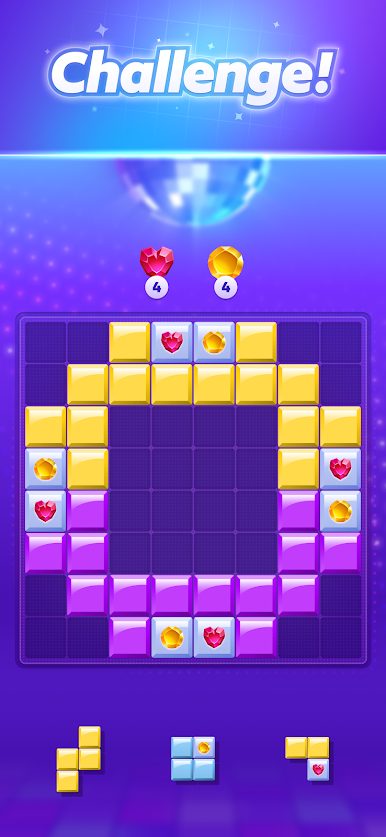
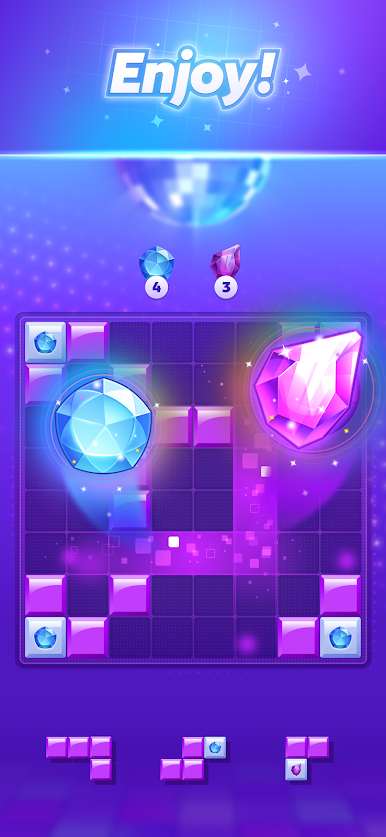
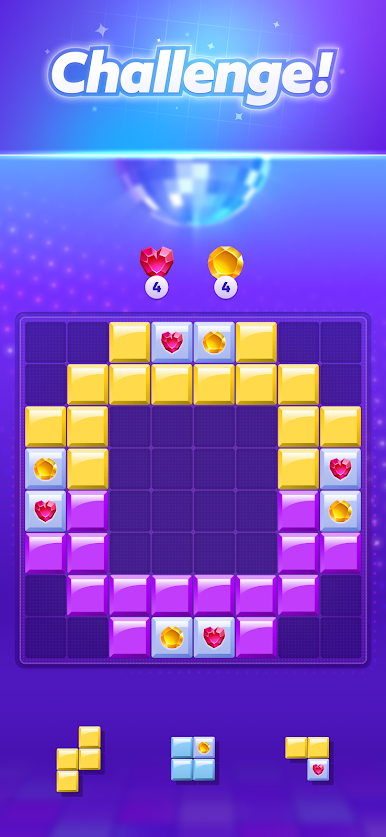
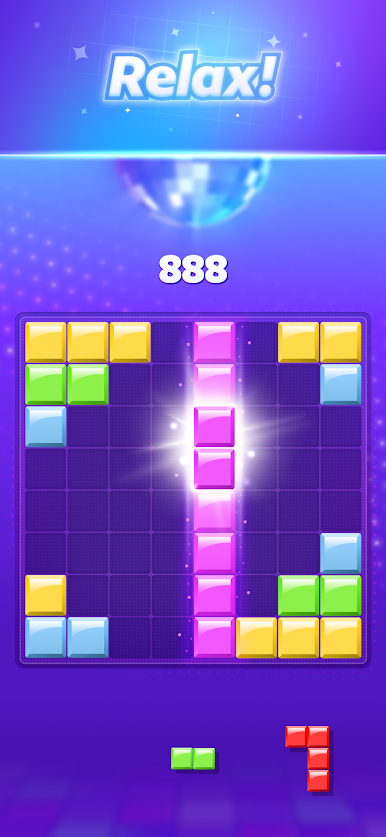
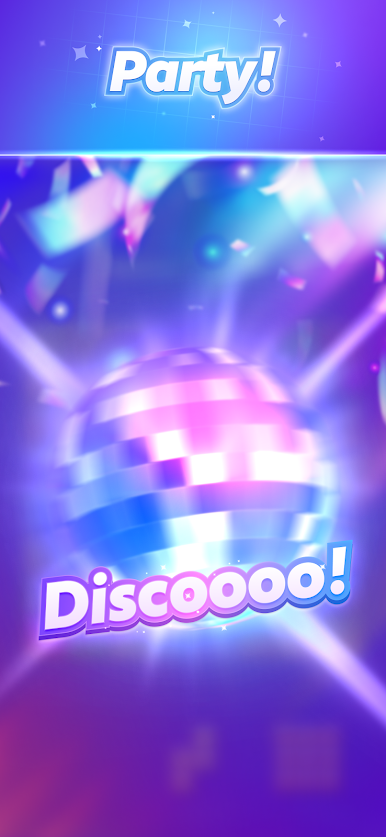
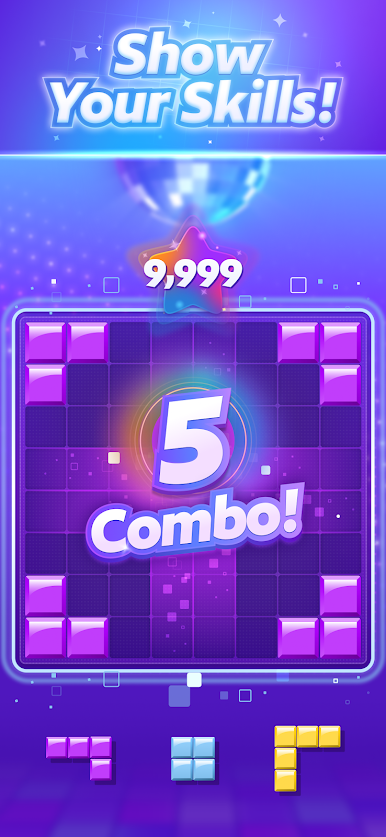
Disco Blocks is a laid-back puzzle game that dresses up a classic block challenge with a disco look and a steady groove. It feels like a clean, simple grid puzzler where players slide or place pieces to complete little goals, match colors, or tidy up a board. Nothing wild to learn, which is nice, and the rhythm gives the whole thing a steady pace without turning it into a rhythm game. The music bounces in the background and the colors pop, so it keeps the brain awake but not stressed.
What stands out is how it lets players choose the mood. Some stages nudge toward a calm session that helps clear the head, others ask for a bit more planning so it turns into a neat brain teaser. Quests give structure beyond just clearing a board, like hit a score, finish in a set number of moves, or build a certain shape, and unlocking new levels happens regularly so progress feels steady. Controls are light and snappy, so a quick round really is quick.
On PC with BlueStacks, the mouse makes placing blocks feel precise, and the larger screen helps spot patterns faster. It runs fine in a window while doing something else, so it suits short breaks or a quiet evening loop. Anyone who enjoys tidy puzzles with bright style and a no-pressure feel will probably click with it.
Ready to top the leaderboard? We bet you do. Let precise controls and sharp visuals optimized on BlueStacks lead you to victory.
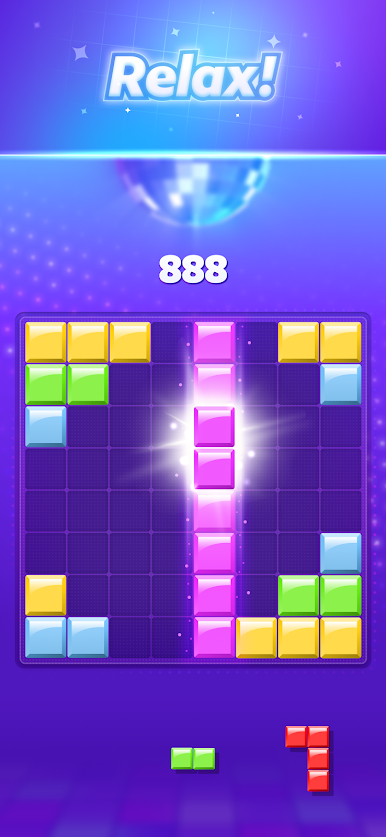
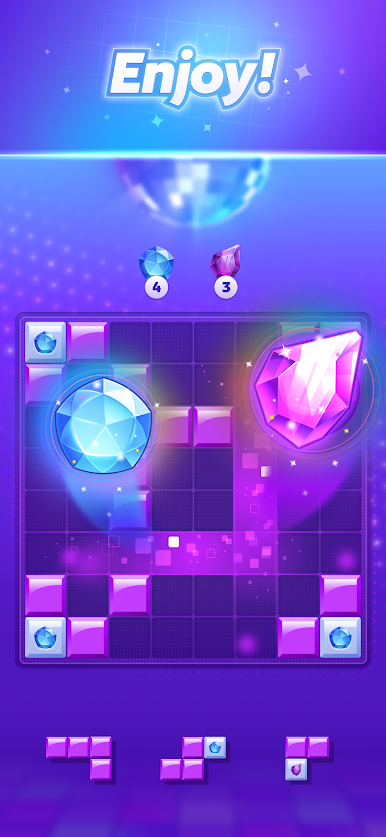
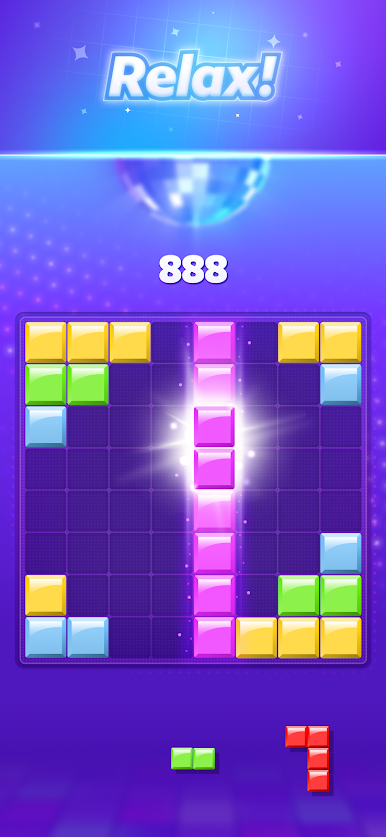
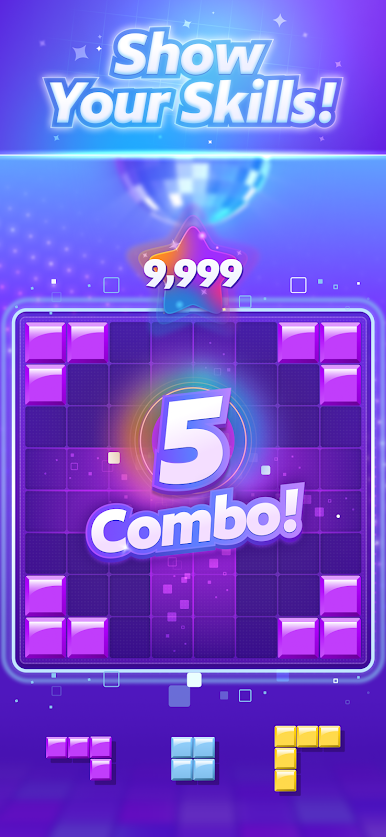
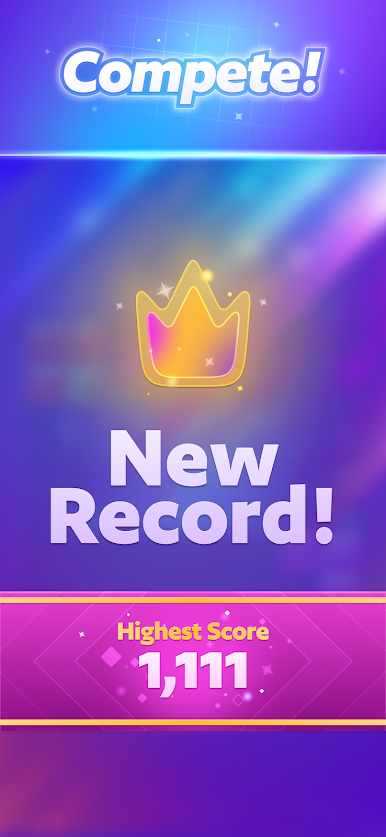
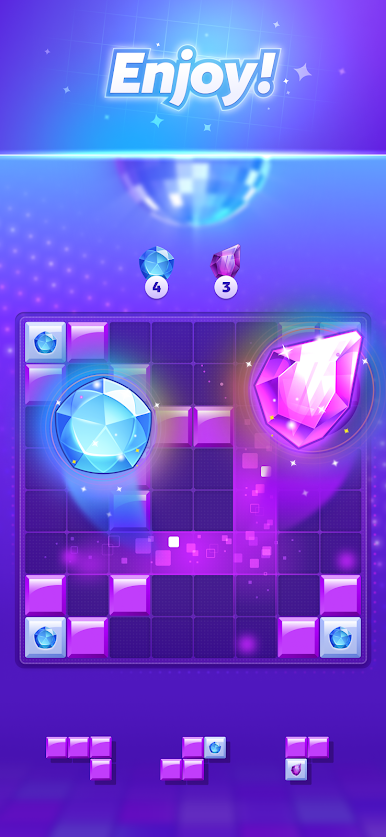
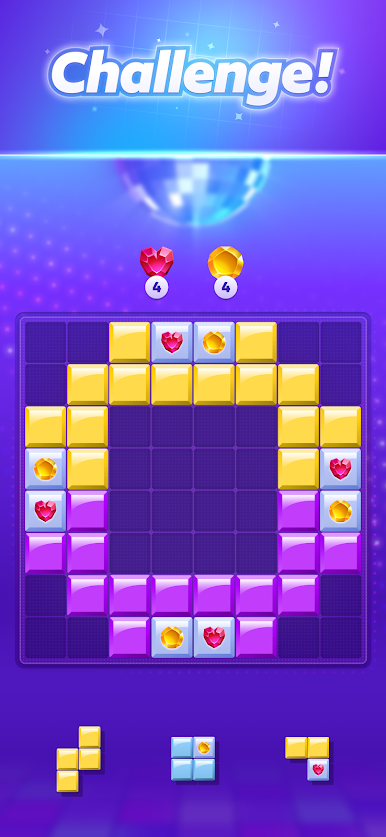


Play Disco Blocks on PC. It’s easy to get started.
-
Download and install BlueStacks on your PC
-
Complete Google sign-in to access the Play Store, or do it later
-
Look for Disco Blocks in the search bar at the top right corner
-
Click to install Disco Blocks from the search results
-
Complete Google sign-in (if you skipped step 2) to install Disco Blocks
-
Click the Disco Blocks icon on the home screen to start playing

