


Top Tycoon: Coin Theme Empire
Play on PC with BlueStacks – the Android Gaming Platform, trusted by 500M+ gamers.

Page Modified on: Jun 2, 2026
Play Top Tycoon: Coin Theme Empire on PC or Mac
Bring your A-game to Top Tycoon: Coin Theme Empire, the Simulation game sensation from BeheFun Games Limited. Give your gameplay the much-needed boost with precise game controls, high FPS graphics, and top-tier features on your PC or Mac with BlueStacks.
About the Game
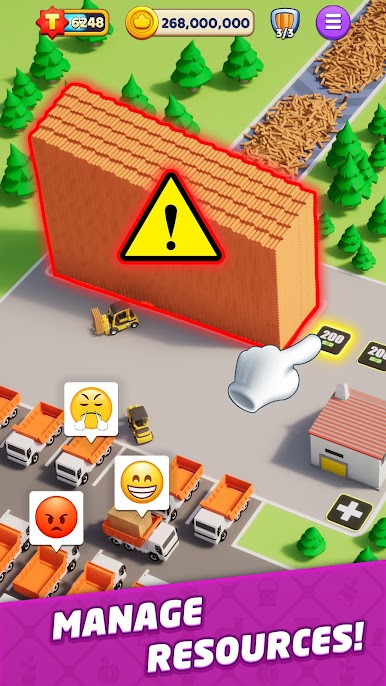
Top Tycoon: Coin Theme Empire turns park-building into a playful mix of luck, strategy, and a bit of mischief. Spin for cash, raid rivals, and transform a quiet plot into a buzzing destination packed with rides and decorations. It’s a lively Simulation from BeheFun Games Limited, and if you prefer a bigger screen, it also runs nicely on BlueStacks.
Game Features
- Spin for goodies: Give the wheel a whirl to snag coins, shields, and handy boosts that keep your construction plans moving.
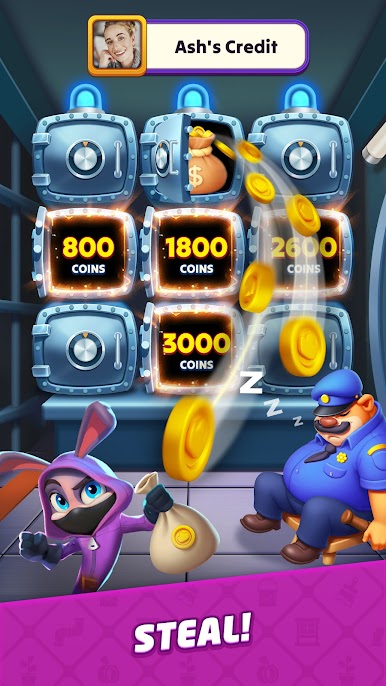
- Raid and protect: Hit rival parks for resources, then shore up your own defenses so your hard-earned stash stays yours.
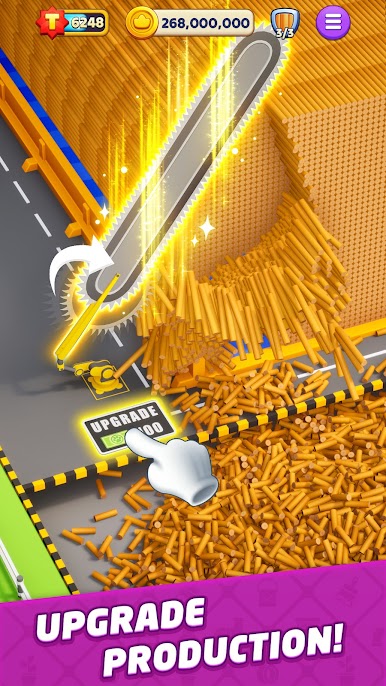
- Build your showcase: Drop in coasters, upgrade attractions, and dress the place up with eye-catching decor to grow your earnings.
- Global contests: Jump into time-limited events, face players worldwide, and see how far up the boards your park can climb.
- Friends make it better: Connect with friends, compare progress, send a little help, or challenge each other for bragging rights.
- Satisfying idle flow: Your park keeps working while you’re away, so coming back to a bigger bankroll feels great.
- Bright and smooth: Colorful visuals and snappy animations make every upgrade and spin pop.
- Fresh stuff often: New rides, challenges, and features roll in regularly to keep plans changing and parks evolving.
- Easy to start, room to scheme: Simple mechanics are welcoming, yet there’s strategy in when to spin, raid, save, or upgrade.
- Quick notes: Free to play with optional purchases; requires an internet connection to play.
Ready to top the leaderboard? We bet you do. Let precise controls and sharp visuals optimized on BlueStacks lead you to victory.





Play Top Tycoon: Coin Theme Empire on PC. It’s easy to get started.
-
Download and install BlueStacks on your PC
-
Complete Google sign-in to access the Play Store, or do it later
-
Look for Top Tycoon: Coin Theme Empire in the search bar at the top right corner
-
Click to install Top Tycoon: Coin Theme Empire from the search results
-
Complete Google sign-in (if you skipped step 2) to install Top Tycoon: Coin Theme Empire
-
Click the Top Tycoon: Coin Theme Empire icon on the home screen to start playing

