


Pepper Rewards
Play on PC with BlueStacks – the Android Gaming Platform, trusted by 500M+ gamers.

Page Modified on: Apr 23, 2025
Play Pepper Rewards on PC
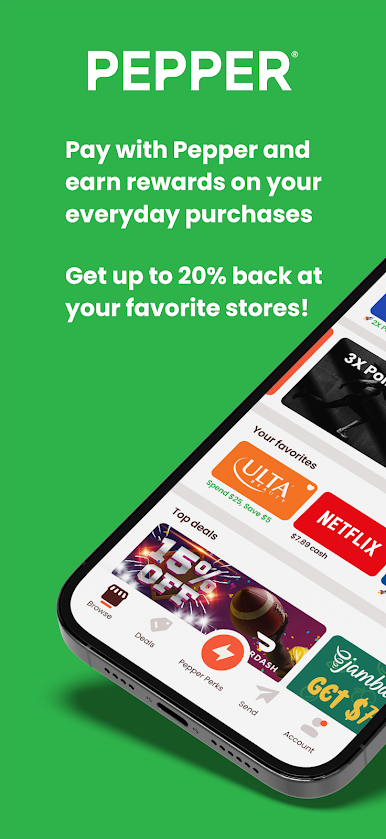
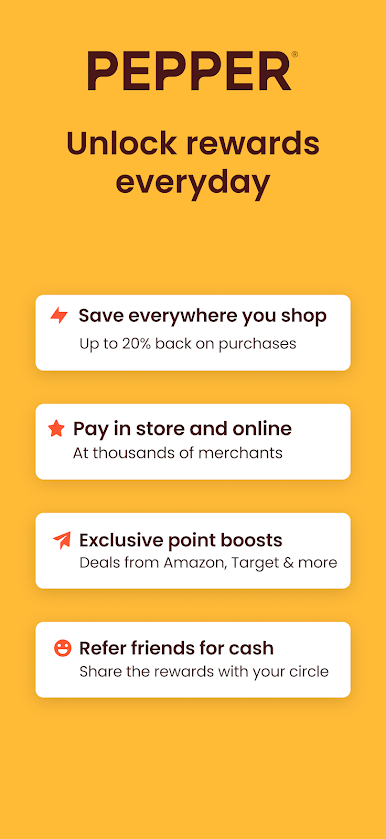
Turn up the heat on rewards with Pepper Rewards. Simplify the way you save so you can earn instantly, play hard, and go far.
Turn groceries into getaways, purchases into perks, and daily shopping into the dream life you've always wanted!
Instant Rewards and Redemption
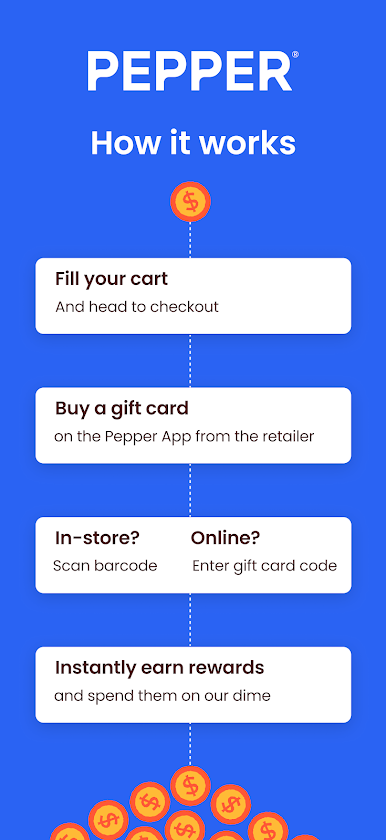
-Say bye bye to scanning receipts and waiting for checks in the mail. Immediately get your cash and spend it how you want
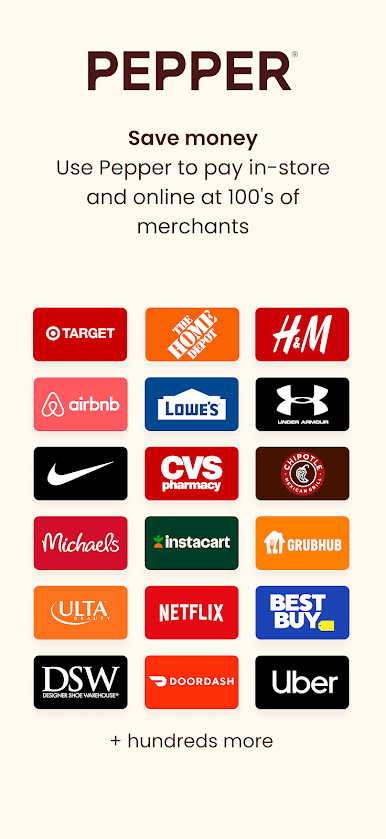
Hundreds of Merchants
- Best Buy, AMC, Target, Walmart, Netflix, UBER, and more
Stack Rewards
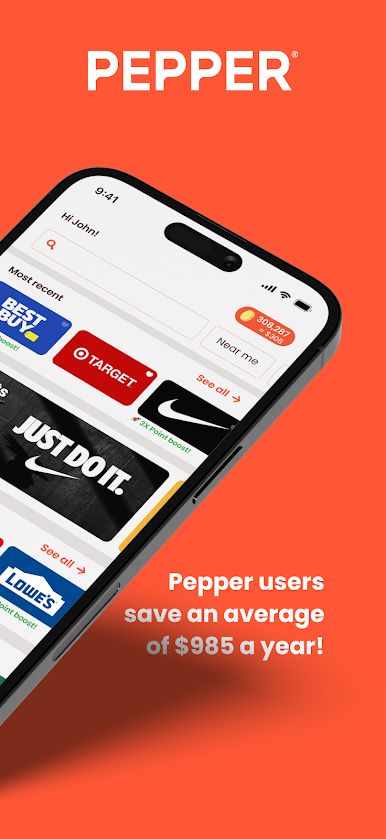
- Pile em' even higher when you combine Pepper points with existing store rewards
It's not about pinching pennies. It's about being smart and making your money work to the max
Play Pepper Rewards on PC. It’s easy to get started.
-
Download and install BlueStacks on your PC
-
Complete Google sign-in to access the Play Store, or do it later
-
Look for Pepper Rewards in the search bar at the top right corner
-
Click to install Pepper Rewards from the search results
-
Complete Google sign-in (if you skipped step 2) to install Pepper Rewards
-
Click the Pepper Rewards icon on the home screen to start playing

