


Gallery Lock Pro(Hide picture)
Play on PC with BlueStacks – the Android Gaming Platform, trusted by 500M+ gamers.

Page Modified on: Feb 25, 2024
Run Gallery Lock Pro(Hide picture) on PC or Mac
Multitask effortlessly on your PC or Mac as you try out Gallery Lock Pro(Hide picture), a Tools app by Morrison Software on BlueStacks.
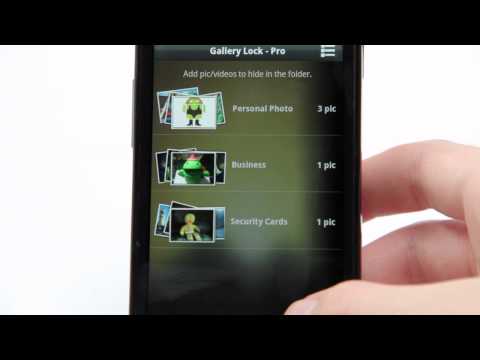
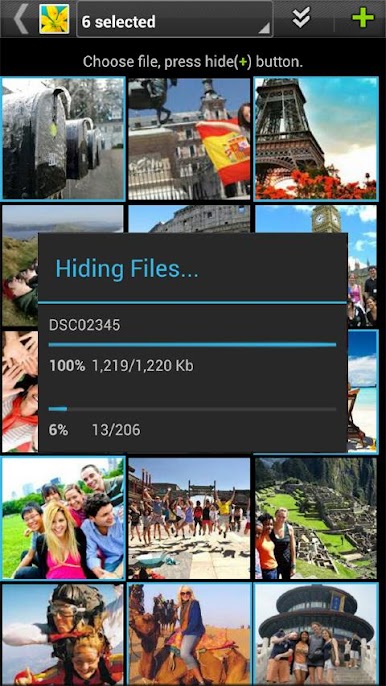
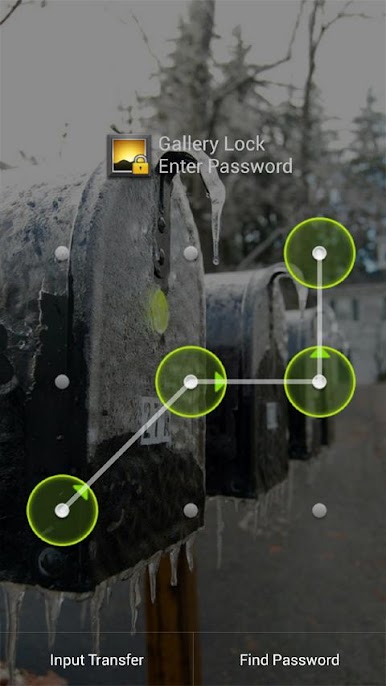
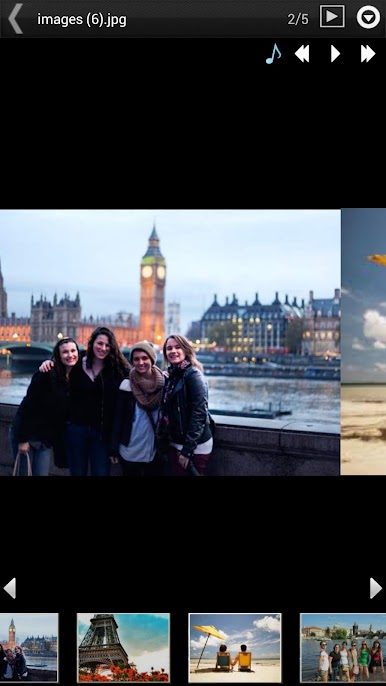
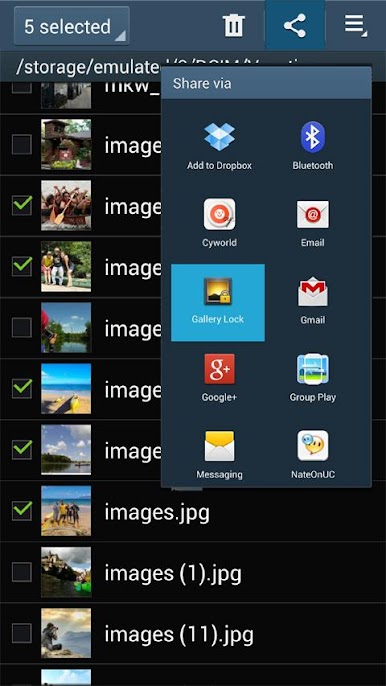
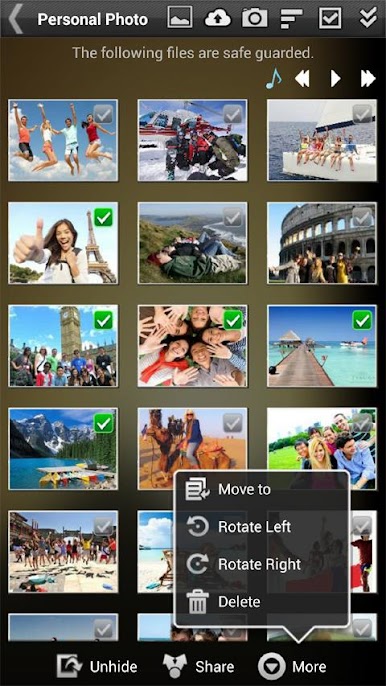
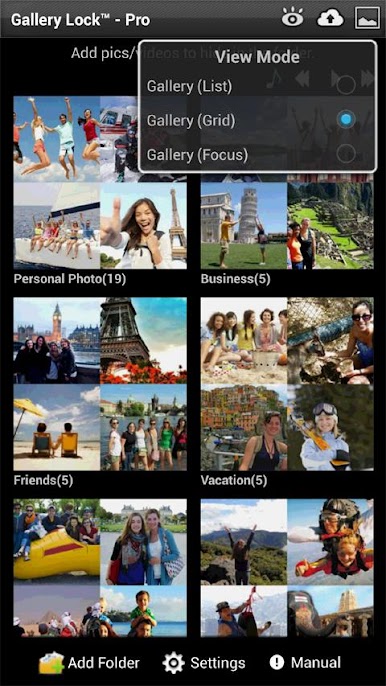
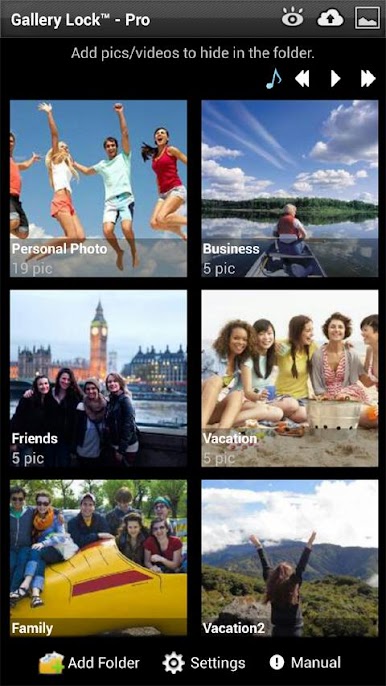
Gallery Lock Pro is basically a private gallery that tucks photos and videos behind a PIN or pattern so they stop showing up in the regular gallery. It feels straightforward to use, with folders to keep stuff organized and quick multi select so a whole batch can be hidden or unhidden in one go. Everything can still be viewed inside the app, with rotate, zoom, and a simple slide show that can even play background music if that is your thing. Sharing goes both ways too, so hidden items can be sent back out to other apps without a hassle.
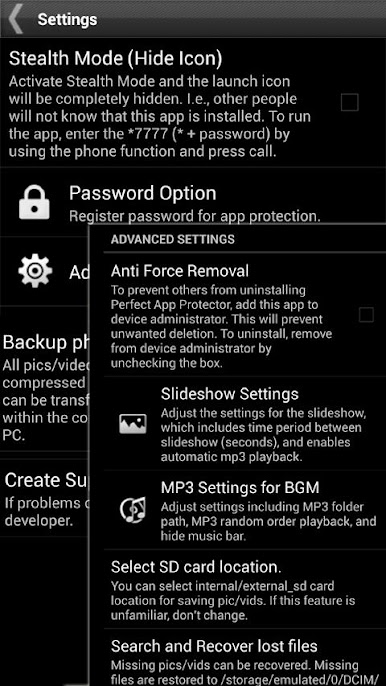
The security extras are what make it stand out. Stealth Mode can hide the launch icon so nosy people will not even see it, and there is a watchdog that snaps a photo with the front camera after several wrong passwords, which is oddly satisfying when someone tries to snoop. Cloud backup hooks into Google Drive, Dropbox, and Box, which adds a bit of peace of mind. There is a recovery tool if files ever seem to go missing, so it is not a total panic moment. On PC with BlueStacks it works fine, and the bigger screen plus a mouse makes sorting large folders way easier. Just remember this bit, unhide everything before uninstalling or doing a factory reset, otherwise those files may be gone for good. Permissions like camera and call access are tied to the stealth and intruder features, so they are not random asks. It suits anyone who wants a tidy, private space without turning their phone into a puzzle box.
Ready to experience Gallery Lock Pro(Hide picture) on a bigger screen, in all its glory? Download BlueStacks now.
Play Gallery Lock Pro(Hide picture) on PC. It’s easy to get started.
-
Download and install BlueStacks on your PC
-
Complete Google sign-in to access the Play Store, or do it later
-
Look for Gallery Lock Pro(Hide picture) in the search bar at the top right corner
-
Click to install Gallery Lock Pro(Hide picture) from the search results
-
Complete Google sign-in (if you skipped step 2) to install Gallery Lock Pro(Hide picture)
-
Click the Gallery Lock Pro(Hide picture) icon on the home screen to start playing

