


Mosaic Jigsaw Puzzle
Play on PC with BlueStacks – the Android Gaming Platform, trusted by 500M+ gamers.

Page Modified on: May 17, 2026
Play Mosaic Jigsaw Puzzle on PC or Mac
Play Mosaic Jigsaw Puzzle by Evrika Games LLC on PC or Mac with BlueStacks. Use a bigger screen, mouse and keyboard controls, and smoother performance while you play.
About the Game
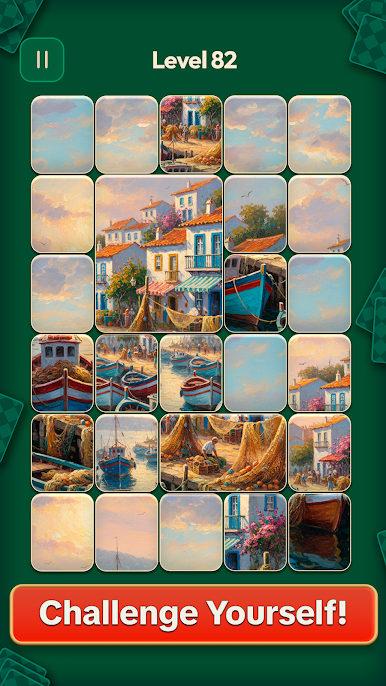
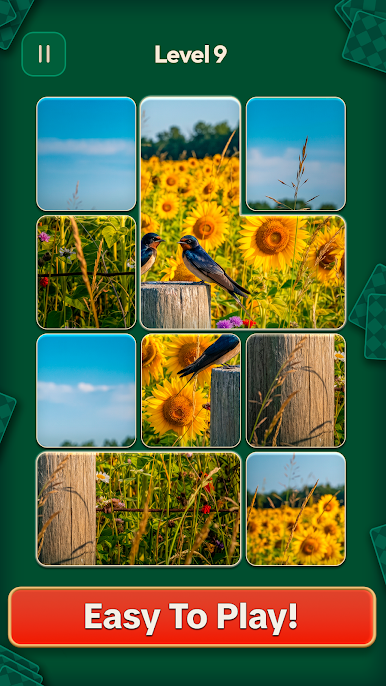
Mosaic Jigsaw Puzzle is a calming, card-based puzzler where you slide, flip, and snap pieces into place to rebuild gorgeous images. It’s relaxed, tactile, and quietly satisfying—perfect for a quick break or a slow, cozy session as you grow your own gallery. Prefer a bigger canvas? It plays smoothly on BlueStacks, too.
Game Features
-
Genre: Card
Uses card-like tiles you move around the board, giving classic jigsaw vibes with a clean, snappy feel. -
No pressure, just you and the puzzle
There are no timers or move limits. Take your time, think a little, or zone out and let muscle memory do the work. -
Slide, flip, and group moves
Drag single tiles, flip them when needed, or nudge whole clusters to lock in big sections faster. -
Snap that feels great
Pieces click together with a crisp snap and chain reactions that make each connection extra satisfying. -
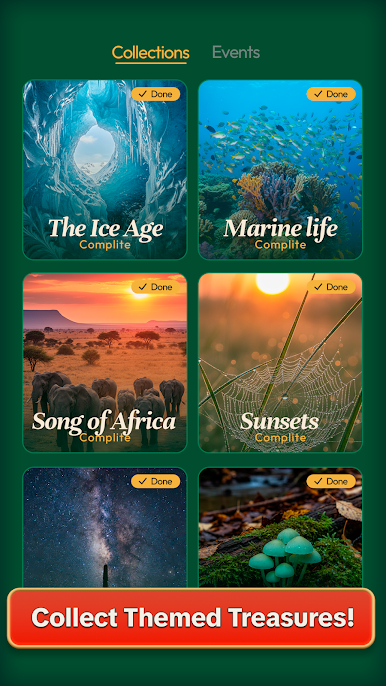
A gallery worth collecting
Explore hundreds of high-quality images—nature scenes, animals, sweeping landscapes, and classic masterpieces—then keep your favorites in a personal collection. -
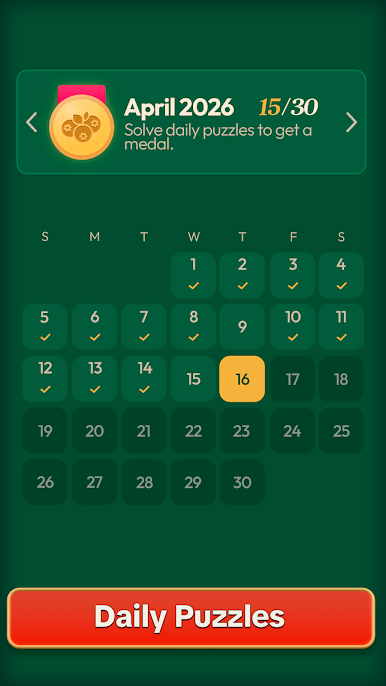
New puzzles every day
There’s always something fresh to solve, so you’ll never run out of soothing brain food. -
Works offline
Great for flights, commutes, or anywhere you want a quiet moment without using data. -
Easy to learn, comfy for everyone
Whether you’re new to puzzles or a seasoned pro, the intuitive controls and gentle pacing make it welcoming and replayable.
Get ready for a buttery smooth, high-performance gaming action only on BlueStacks.

Play Mosaic Jigsaw Puzzle on PC. It’s easy to get started.
-
Download and install BlueStacks on your PC
-
Complete Google sign-in to access the Play Store, or do it later
-
Look for Mosaic Jigsaw Puzzle in the search bar at the top right corner
-
Click to install Mosaic Jigsaw Puzzle from the search results
-
Complete Google sign-in (if you skipped step 2) to install Mosaic Jigsaw Puzzle
-
Click the Mosaic Jigsaw Puzzle icon on the home screen to start playing

