

Morels
Play on PC with BlueStacks – the Android Gaming Platform, trusted by 500M+ gamers.

Page Modified on: Oct 4, 2025
Play Morels on PC or Mac
From the innovators and creators at Mossbark Games LLC, Morels is another fun addition to the World of Card games. Go beyond your mobile screen and play it bigger and better on your PC or Mac. An immersive experience awaits you.
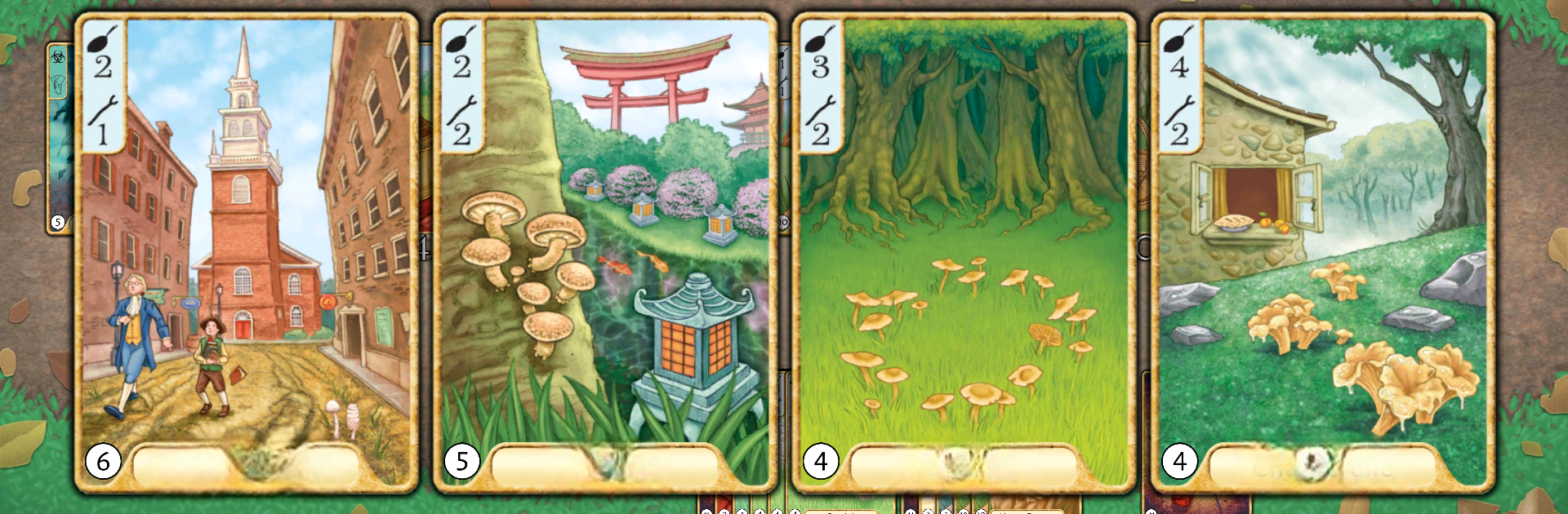
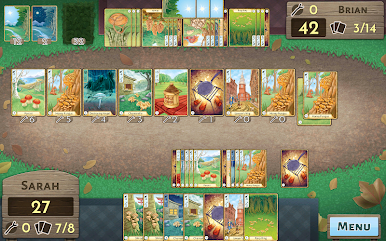
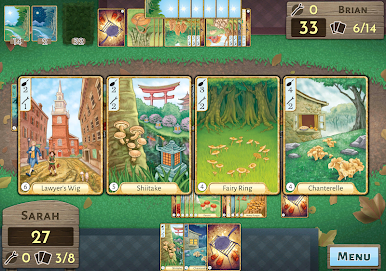
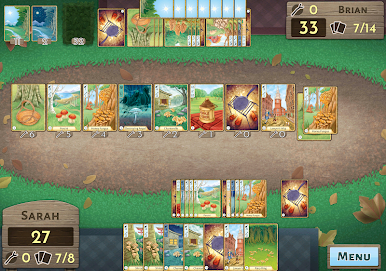
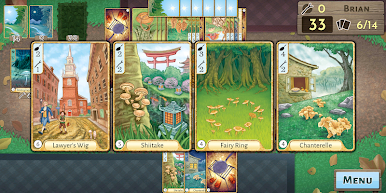
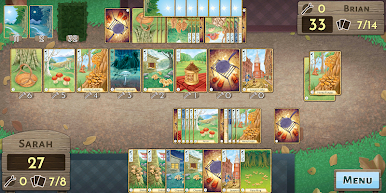
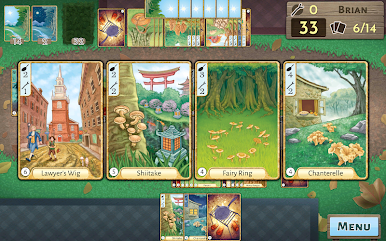
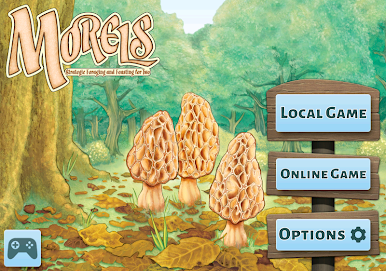
Morels is a digital card game all about wandering through the woods, picking mushrooms, and making the most of each find. The PC version through BlueStacks handles everything smoothly — cards look great and the soundtrack has this chill, forest vibe going on. Gameplay is a mix of planning ahead and adapting to whatever mushrooms and tools show up. Players collect different types, decide what to keep or cook up right away, and try to outsmart each other with special actions or cards. There’s an option to play solo against AI, which can actually give a decent challenge, or set up local games with someone nearby for that classic board game feel.
What feels nice about Morels is how paced it is—no timers rushing decisions, just steady turns with good strategy moments. The new Foray expansion adds more to think about, like new items and weather cards that can change up a match fast. There’s also support for playing online, asynchronously or in real time, so it’s easy to fit a game in around other stuff. The interactive tutorial explains the rules in a straightforward way, so learning doesn’t get in the way of actually playing. Everything’s contained in the purchase, so no ads or in-app money grabs pop up to break that calm atmosphere. For anyone who likes card games that feel laid-back but still strategic, Morels on PC is honestly a relaxing, thoughtful way to spend time.
Make your gaming sessions memorable with precise controls that give you an edge in close combats and visuals that pop up, bringing every character to life.

Play Morels on PC. It’s easy to get started.
-
Download and install BlueStacks on your PC
-
Complete Google sign-in to access the Play Store, or do it later
-
Look for Morels in the search bar at the top right corner
-
Click to install Morels from the search results
-
Complete Google sign-in (if you skipped step 2) to install Morels
-
Click the Morels icon on the home screen to start playing

