


Dust Riders: Moto Run
Play on PC with BlueStacks – the Android Gaming Platform, trusted by 500M+ gamers.

Page Modified on: Sep 4, 2026
Play Dust Riders: Moto Run on PC
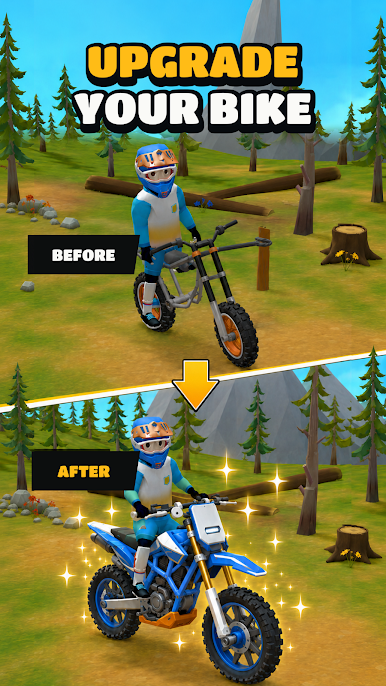
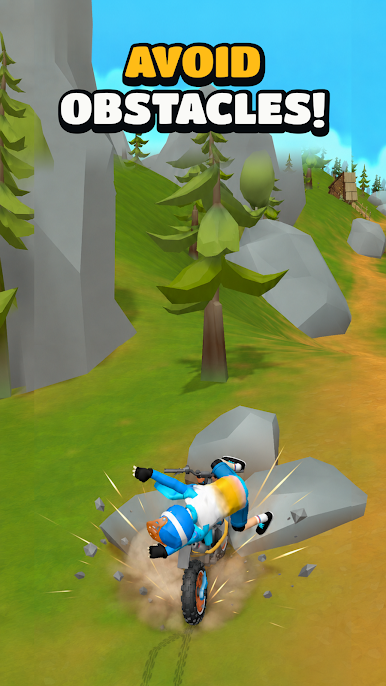
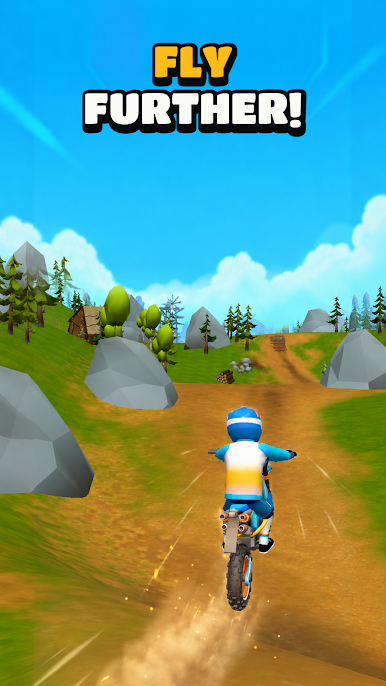
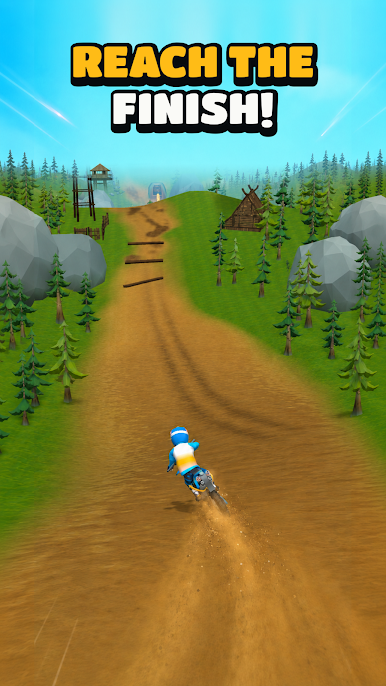
Charge across dusty trails, climb steep slopes, fly over gaps, and keep your bike under control when the terrain turns rough. Every jump is a chance to go farther — and every landing can end your run. The controls are easy to learn, but mastering the trail takes real skill.
FEATURES
• Fast physics-based motorcycle gameplay
• Steep climbs, sharp drops, jumps, and obstacles
• Simple controls with skill-based balance
• Smooth, satisfying rides built for quick sessions
• Challenging terrain that tests your timing
• Replayable runs — push farther every time
Stay on two wheels, keep your momentum, and conquer the trail.
How far can you ride?

Play Dust Riders: Moto Run on PC. It’s easy to get started.
-
Download and install BlueStacks on your PC
-
Complete Google sign-in to access the Play Store, or do it later
-
Look for Dust Riders: Moto Run in the search bar at the top right corner
-
Click to install Dust Riders: Moto Run from the search results
-
Complete Google sign-in (if you skipped step 2) to install Dust Riders: Moto Run
-
Click the Dust Riders: Moto Run icon on the home screen to start playing

